



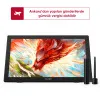

Getting started with your
XP-PEN Artist 24 Pen Display.
1/9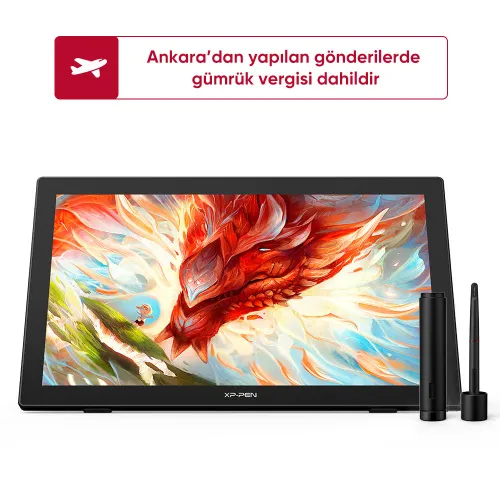
![https://resource.xp-pen.com/Uploads/tr/goods/20220311/9dc38f62cd3bbc45fea44440c043ecff_500_500.webp]()
![https://resource.xp-pen.com/Uploads/tr/goods/20220311/e38761b914eb16e6d2a3b499a81f3abf_500_500.webp]()
![https://resource.xp-pen.com/Uploads/tr/goods/20220311/72fee5723e471ab0c3515535ad2d3368_500_500.webp]()
![https://resource.xp-pen.com/Uploads/tr/goods/20220311/12c73f29d9a232196eef57d5edc80595_500_500.webp]()
![https://resource.xp-pen.com/Uploads/tr/goods/20220311/6771fd3330700f2547f237b280642e8a_500_500.webp]()
![https://resource.xp-pen.com/Uploads/tr/goods/20220311/f8c1536de49add85bb8a2c8d0632f350_500_500.webp]()
![https://resource.xp-pen.com/Uploads/tr/goods/20220311/d97dd7a193871209c65eb542b85bbb17_500_500.webp]()
![https://resource.xp-pen.com/Uploads/tr/goods/20220311/6a0e5a96fff3273dbcc3394009a2debd_500_500.webp]()
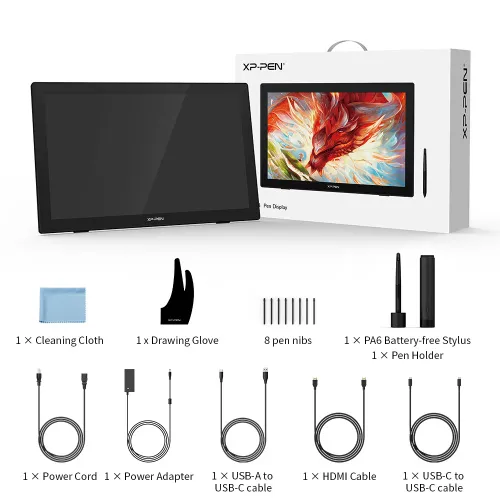
Artist 24 QHD Drawing Display
23.8-inch 2.5K QHD graphics display (2560 x 1440), 94% Adobe RGB, 90% NTSC, 127% sRGB 60° Tilt Function, Full Lamination, Support a USB-C to USB-C connection
39099,00 TL45999,00 TL
FREE DELIVERY
We offer free shipping
SECURE PAYMENT
Your payment information is processed securely
TECH SUPPORT
service@xp-pen.com
2-YEAR WARRANTY
2-year warranty only for official TR store
İsteğe bağlı Aksesuarlar
Miktar:
Toplam
0.00 TL



Tahmin etmek:
Artist 24
Embrace Big Screen Create Brilliant Art
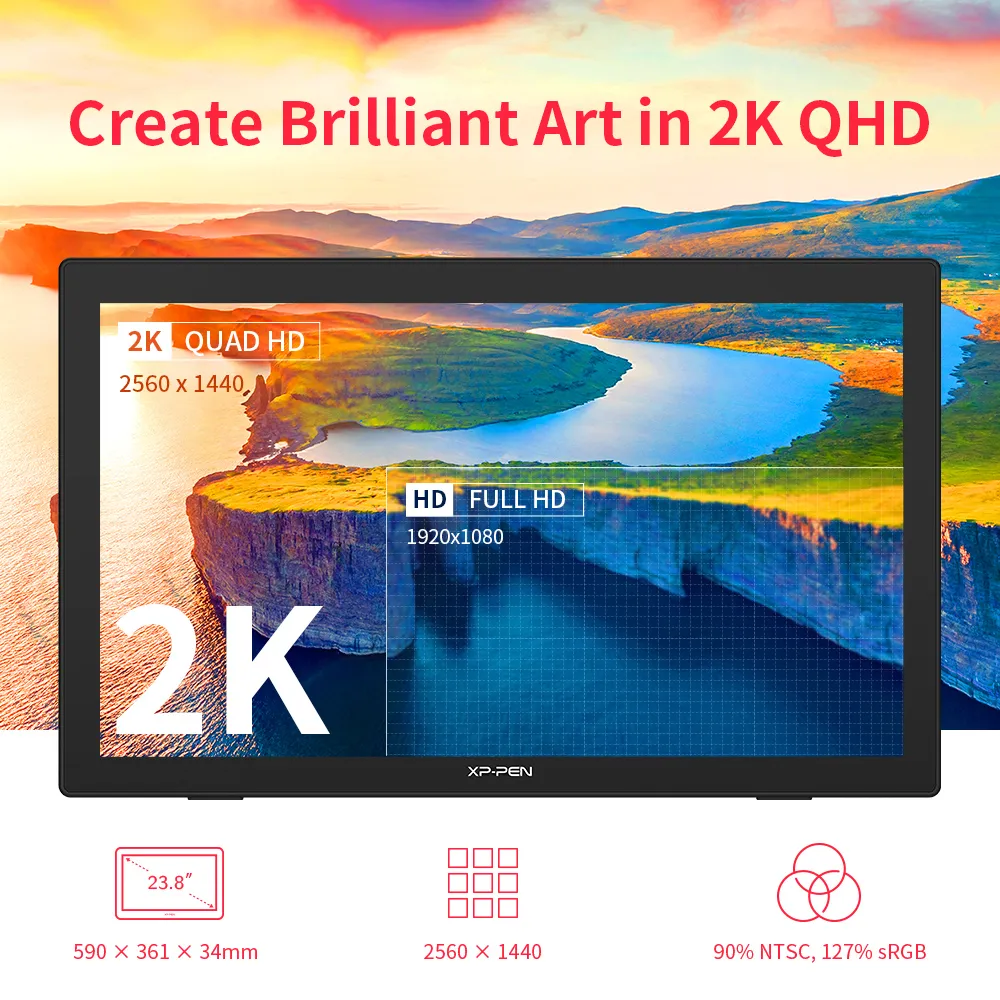
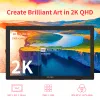
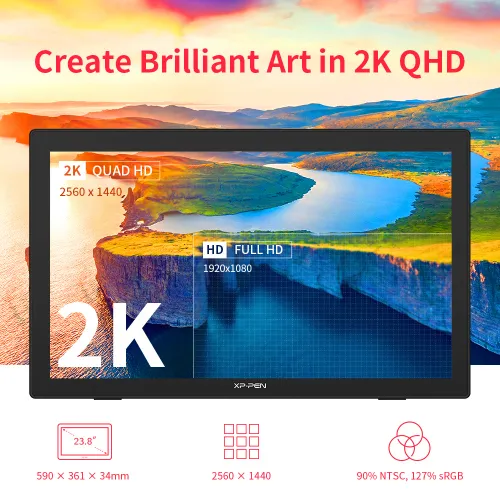
Create Brilliant Art in 2K QHD
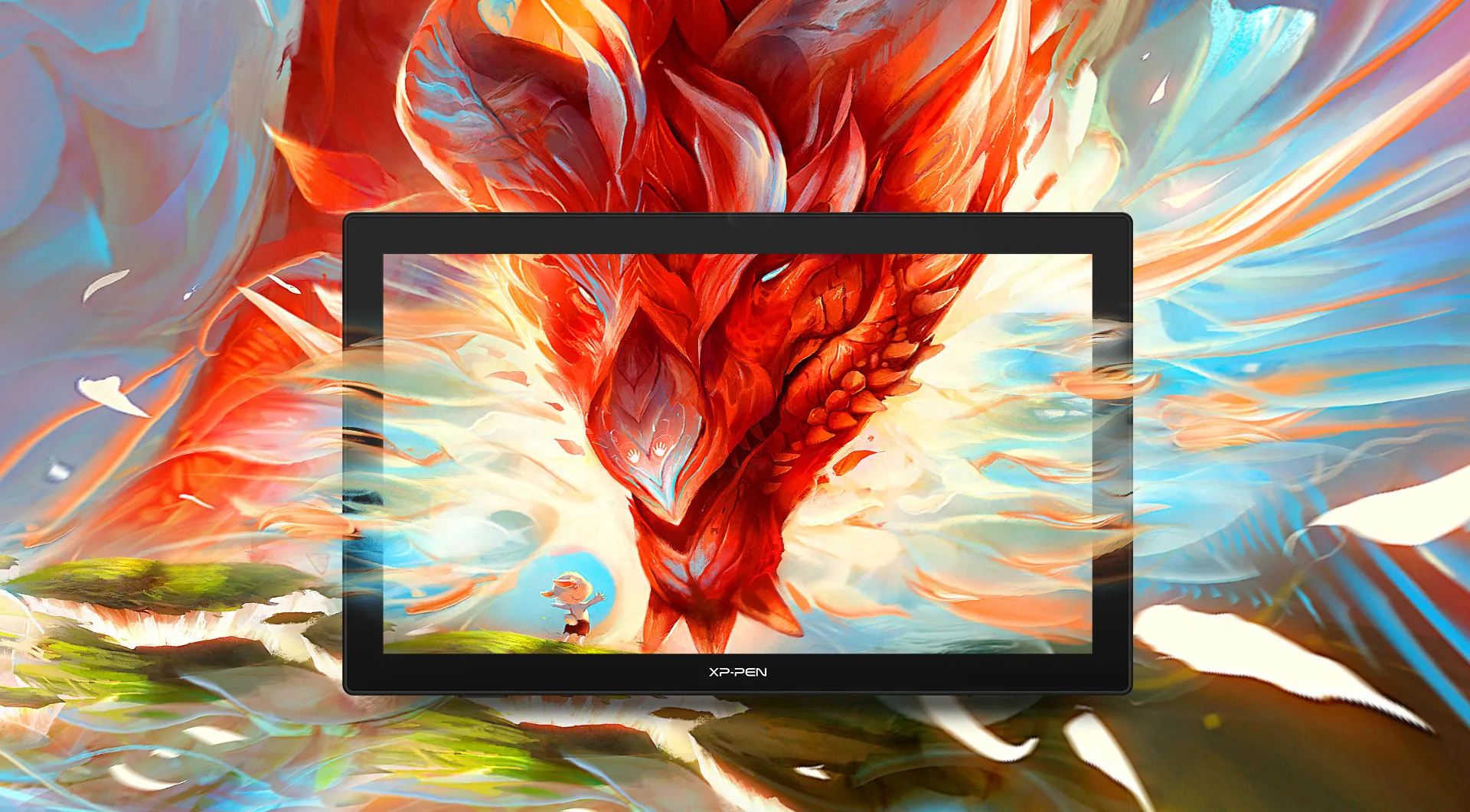
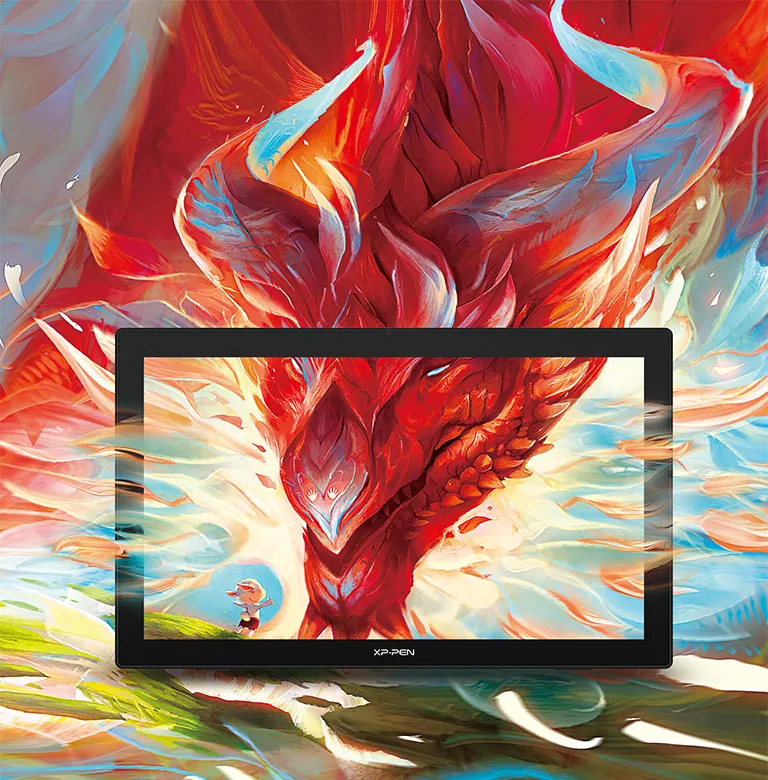
Make your artistic vision a reality with the Artist 24. Featuring stunning 2K resolution (2560 x 1440) and a large 23.8-inch display, the Artist 24 delivers remarkably realistic and vivid colors and allows you to craft with astonishing nuance and amazing detail.
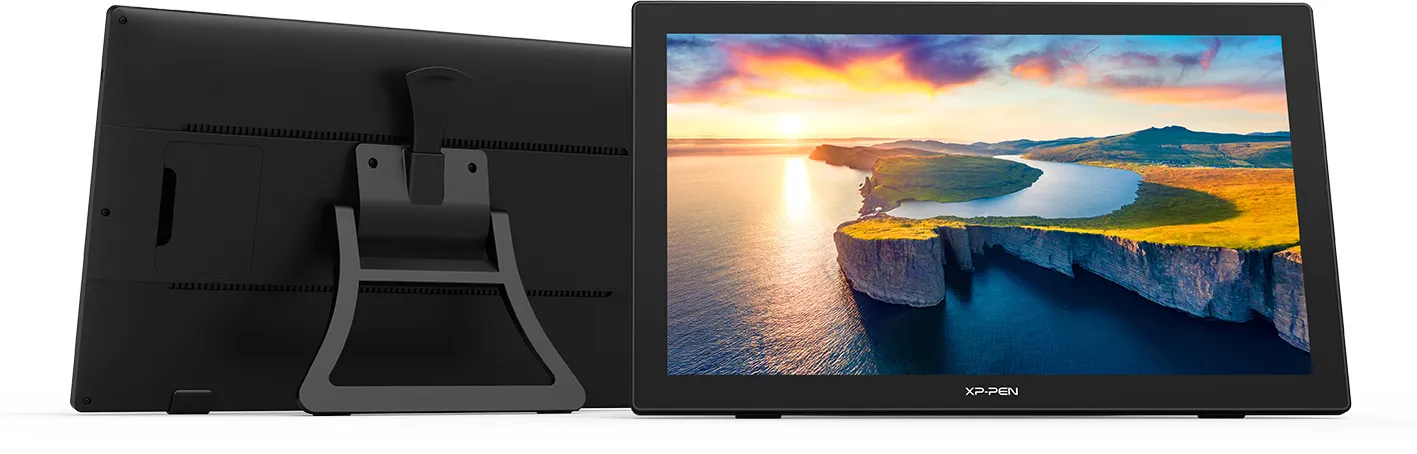
 23.8 inch
 2K QHD
Colorful and Wonderful
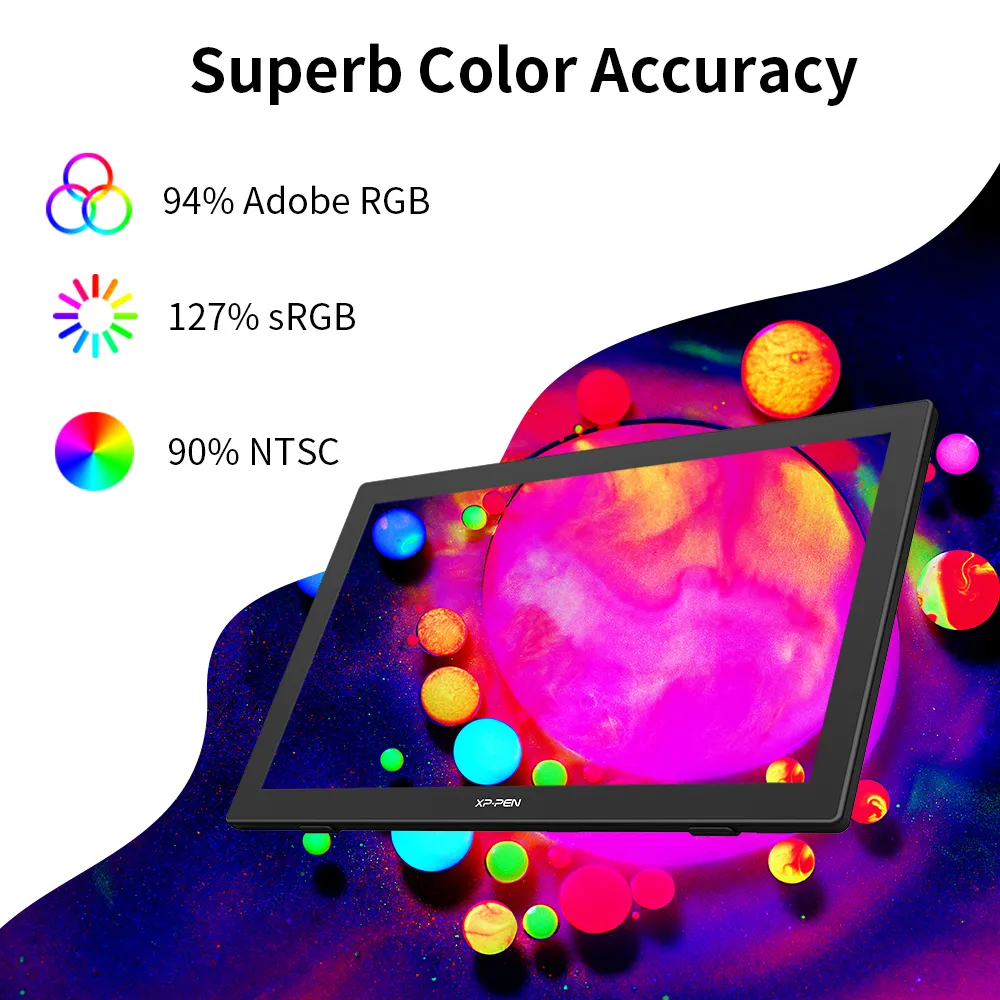
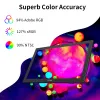
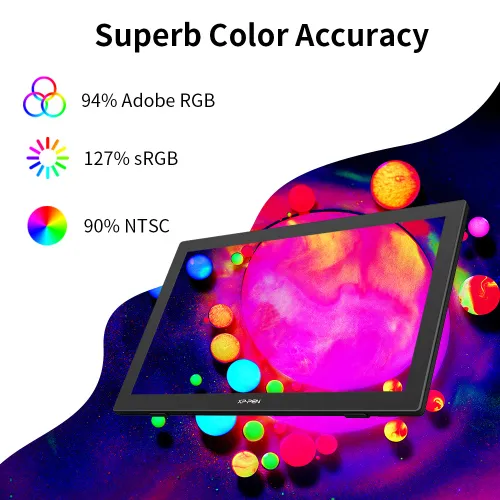
When creating your art, use the superb color accuracy (90% NTSC, 94% Adobe RGB, 127% sRGB) to experience memorizing, diverse and delicate colors.
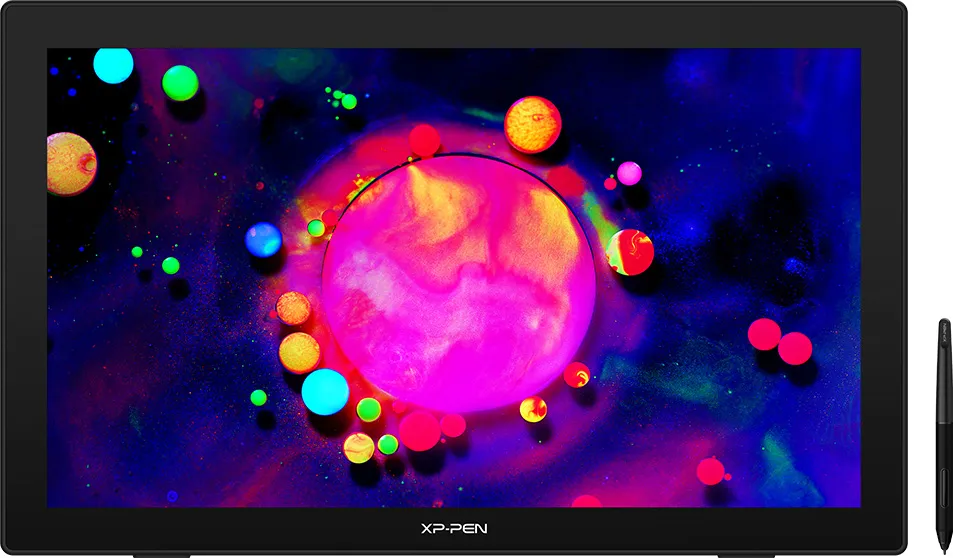
 94% Adobe RGB
 127% sRGB
The Artist 24 Adapts to You
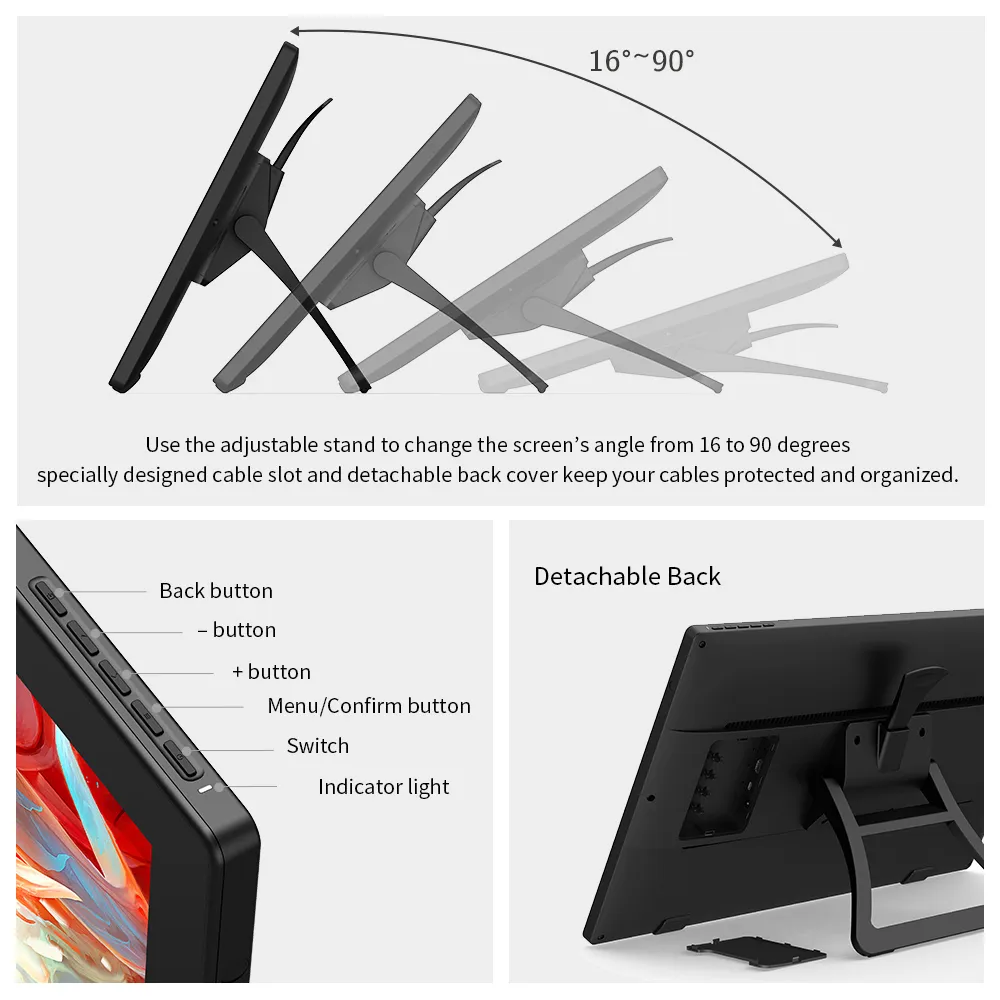
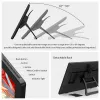
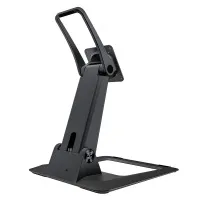
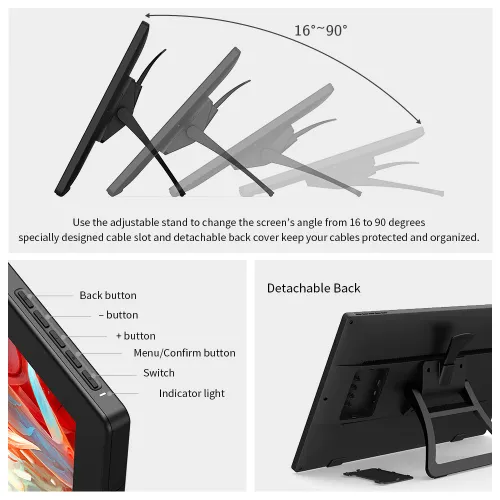
Use the adjustable stand to change the screen’s angle from 16 to 90 degrees, and create your art with comfort and ease. Also, the specially designed cable slot and detachable back cover keep your cables protected and organized.
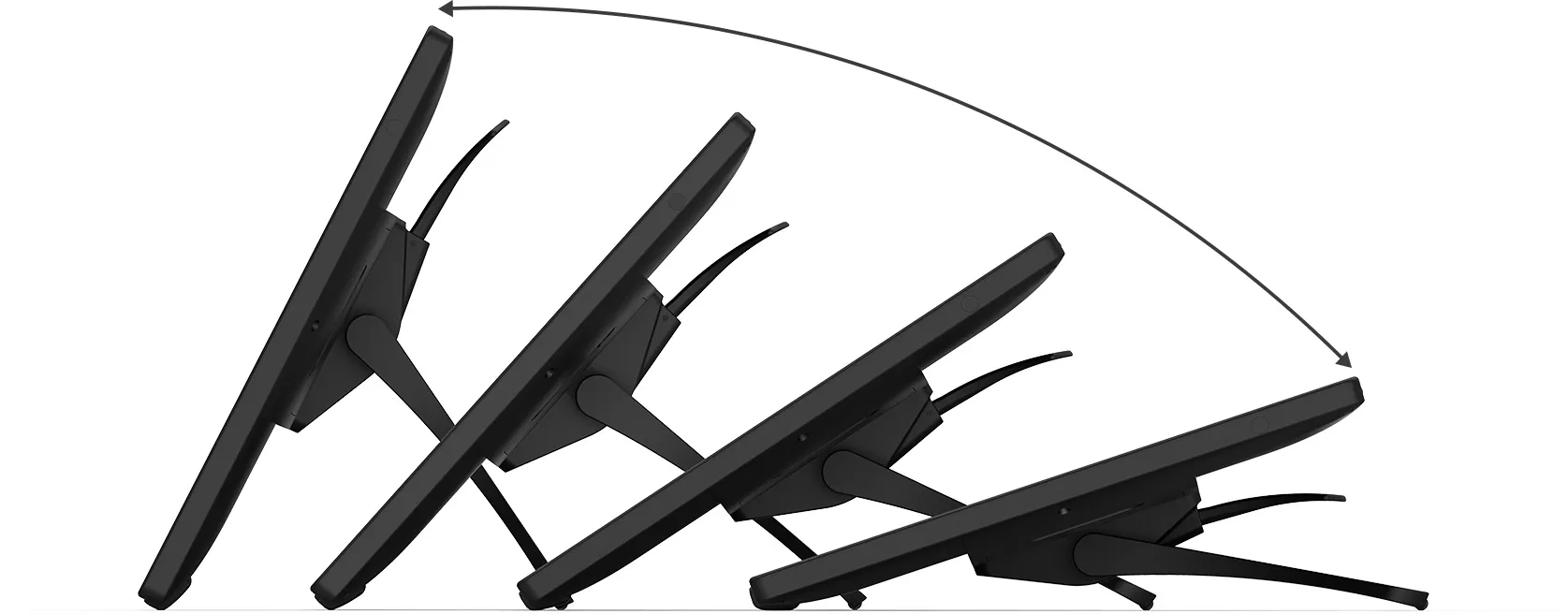 16°-90°
Easy and Fast Connection
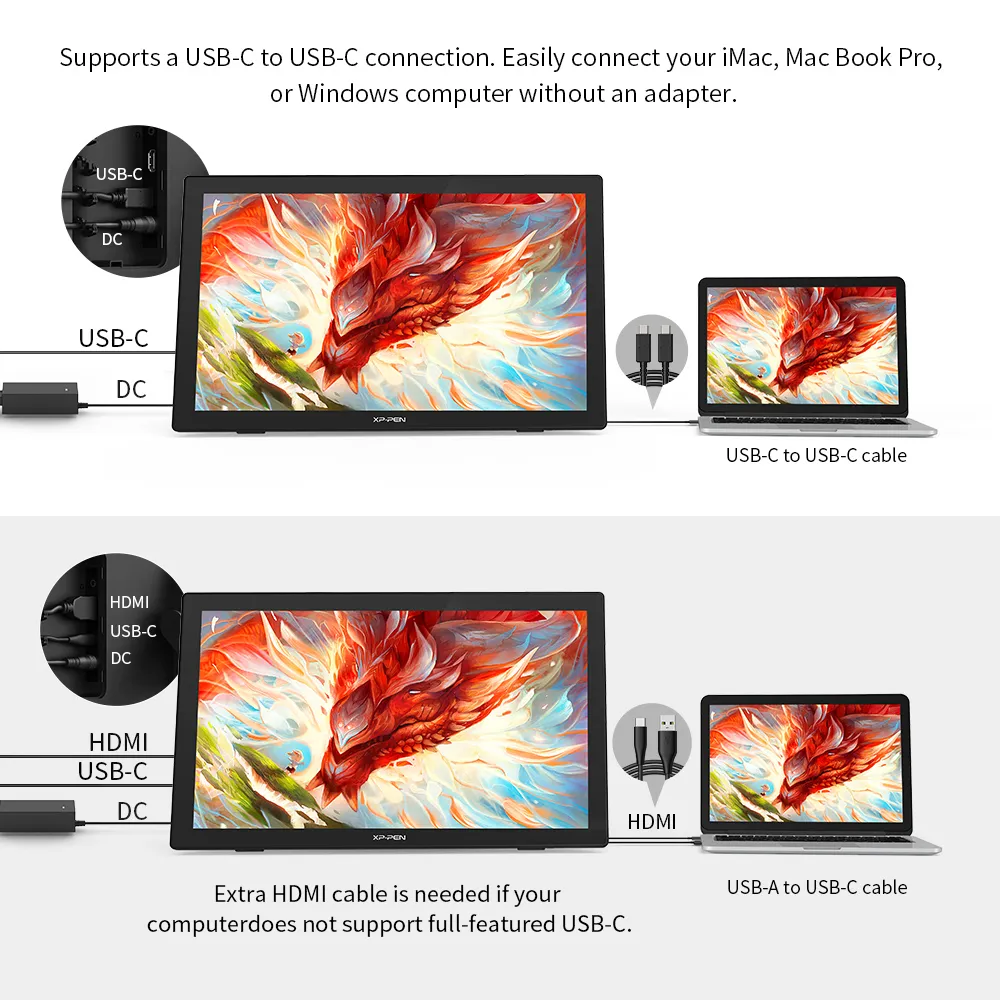
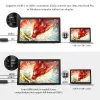
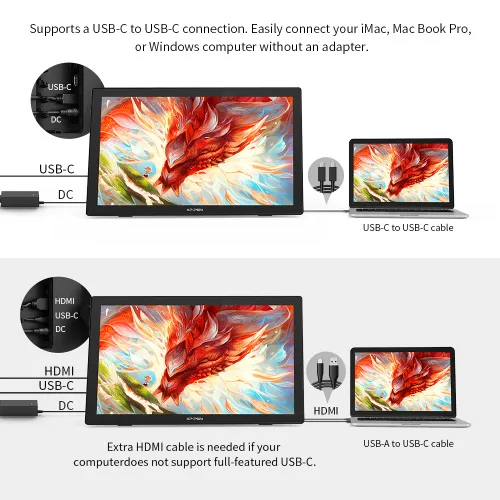
The Artist 24 supports a USB-C to USB-C connection. Easily connect your iMac, MacBook Pro, or Windows computer without an adapter.
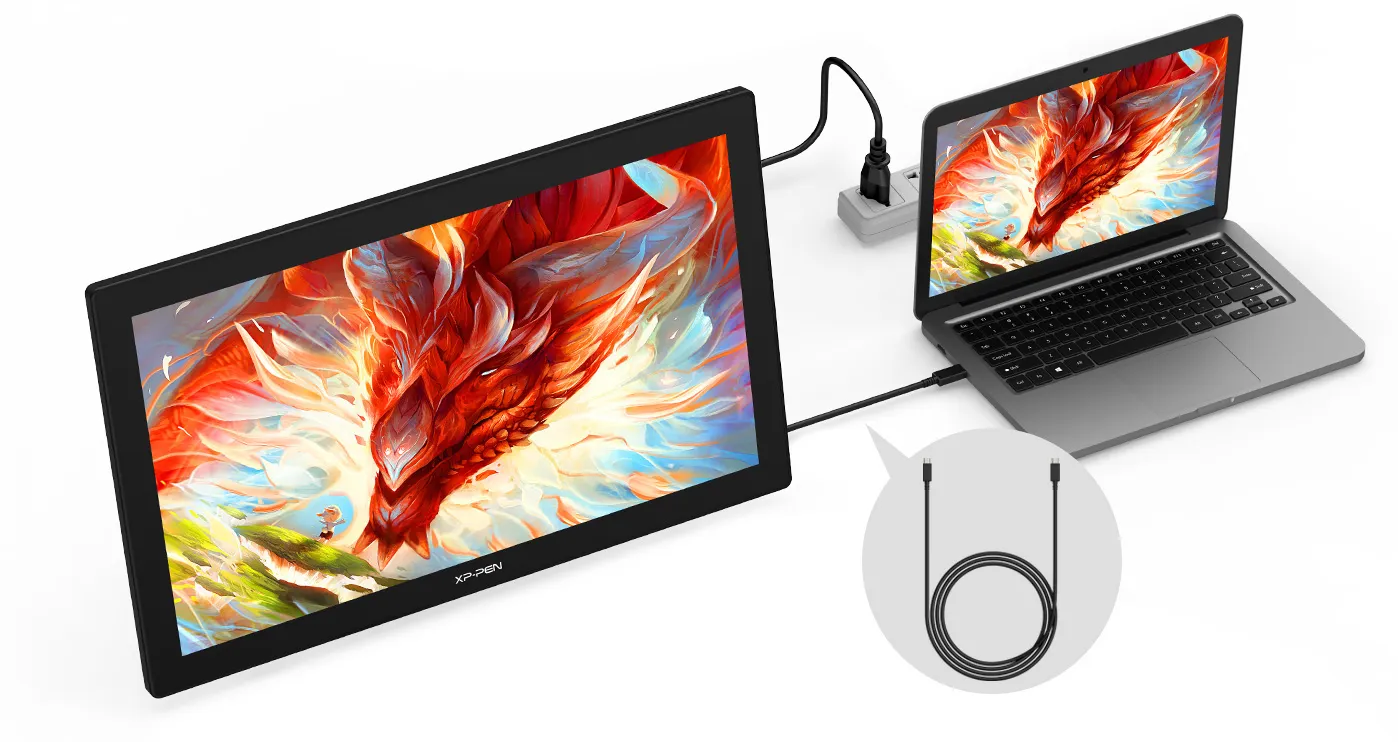 USB-C to
USB-C cable
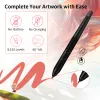
Complete Your
Artwork with Ease
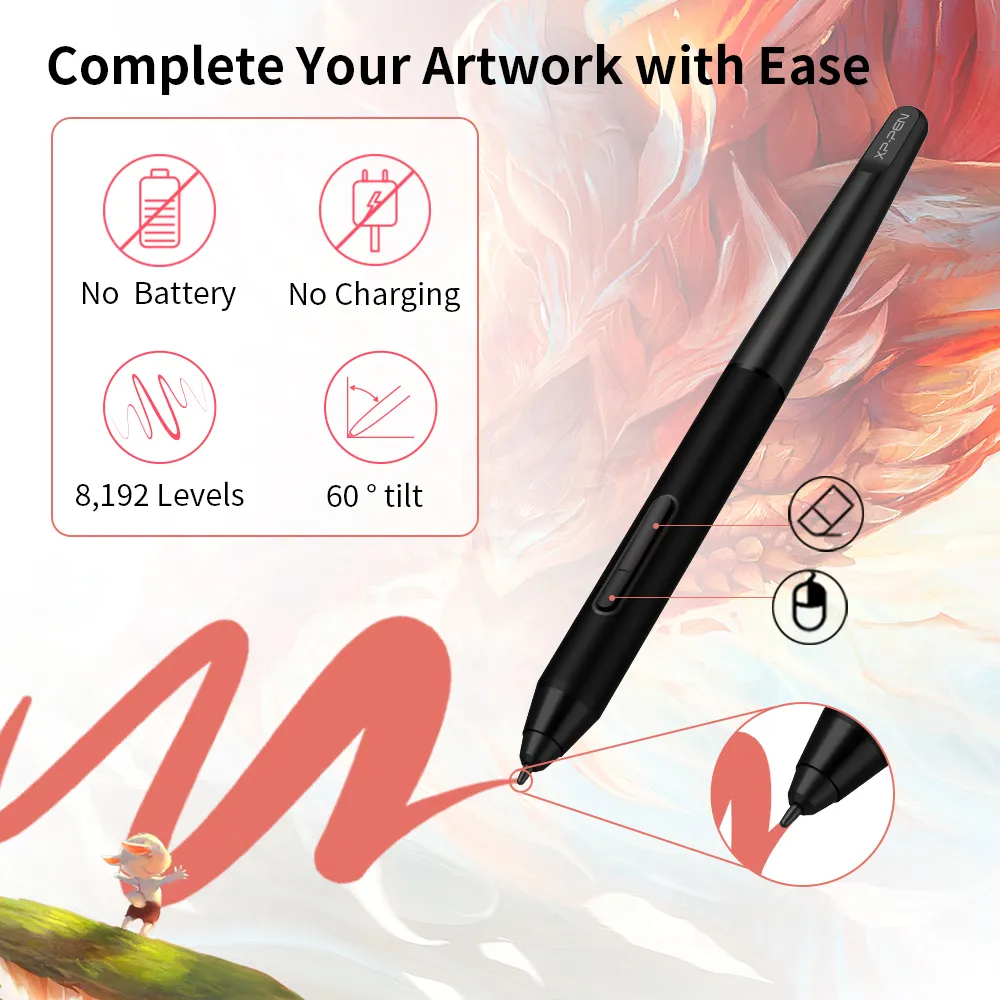
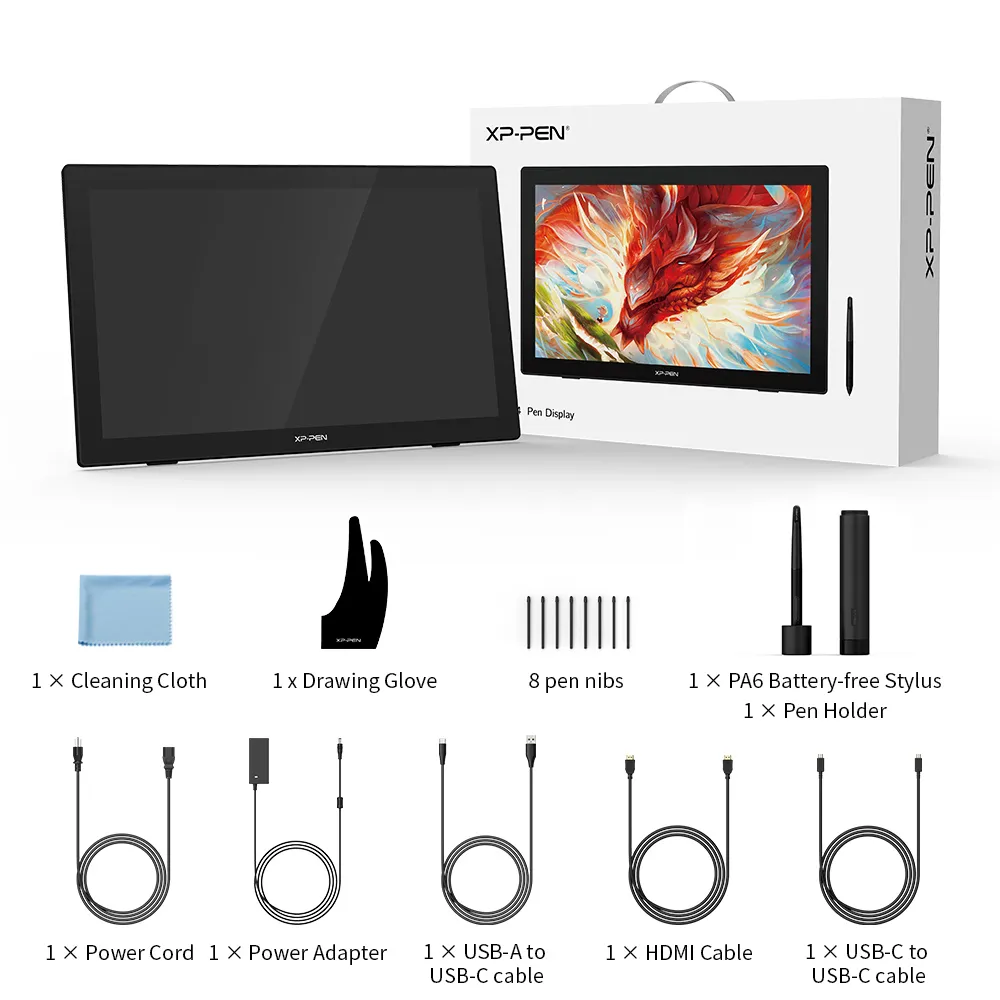
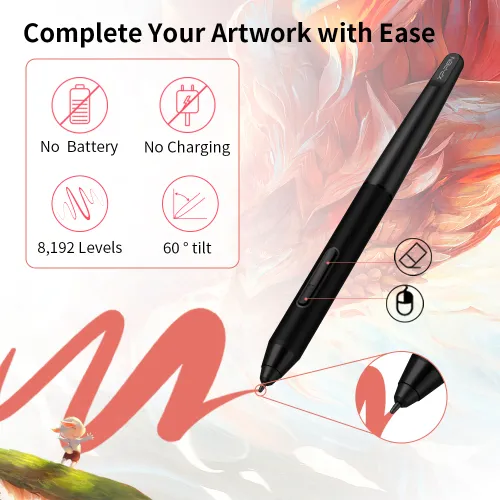
The PA6 is battery-free so no charging is required.
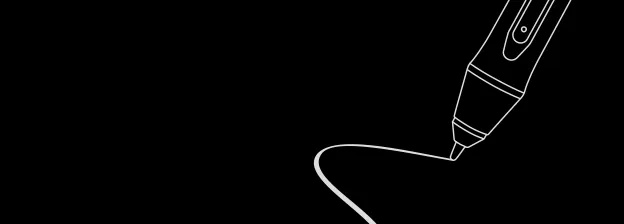
The stylus supports up to 60 degrees of tilt function and has 8192 pressure sensitivity levels. Effortlessly create exquisite strokes and seamless shading.
 No battery
 No charging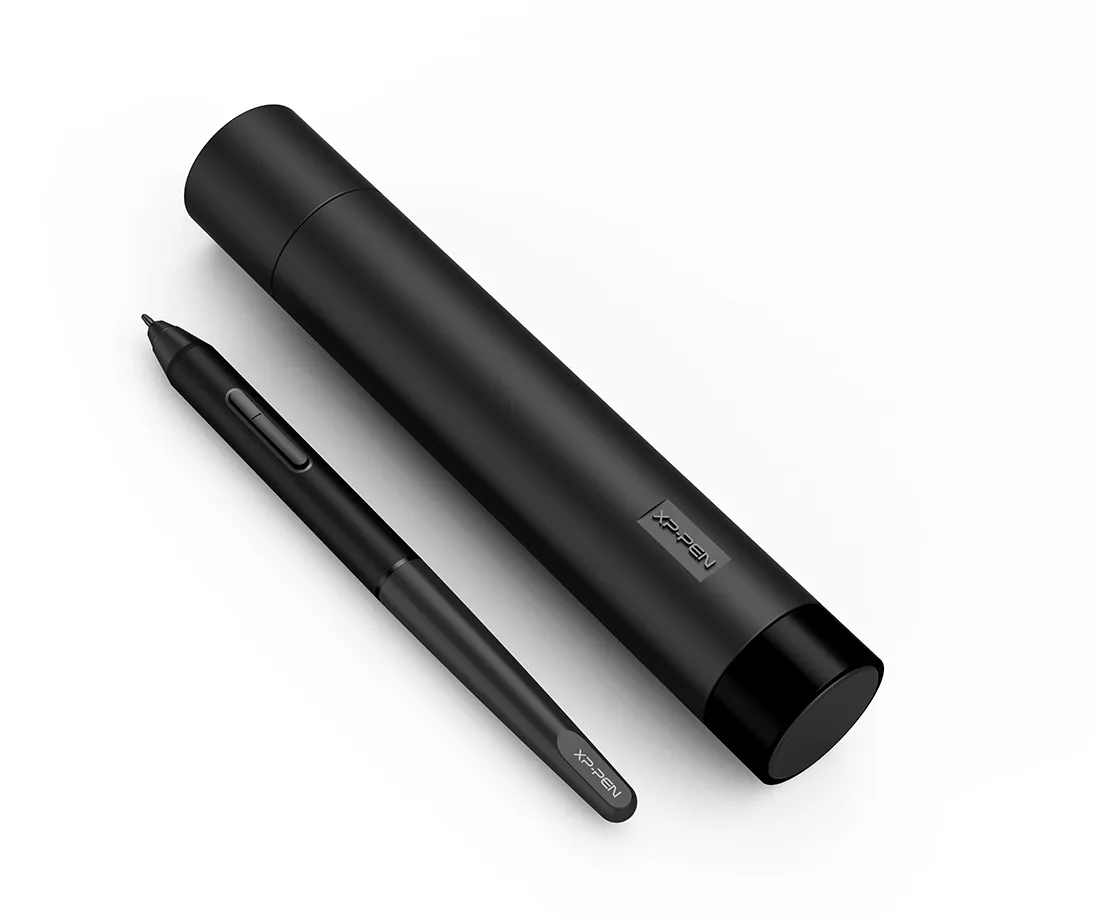
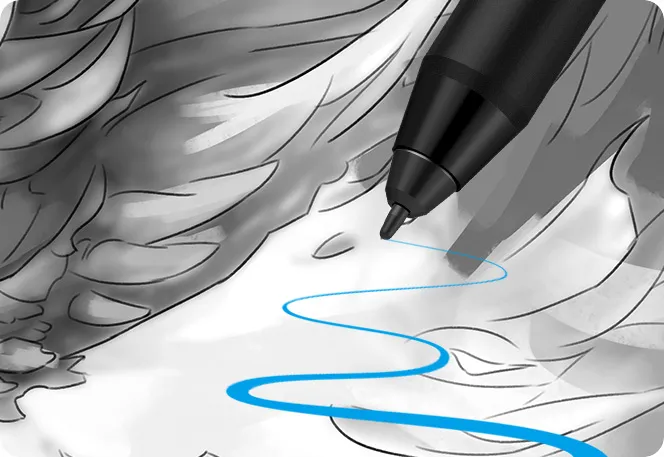
 8192 Levels
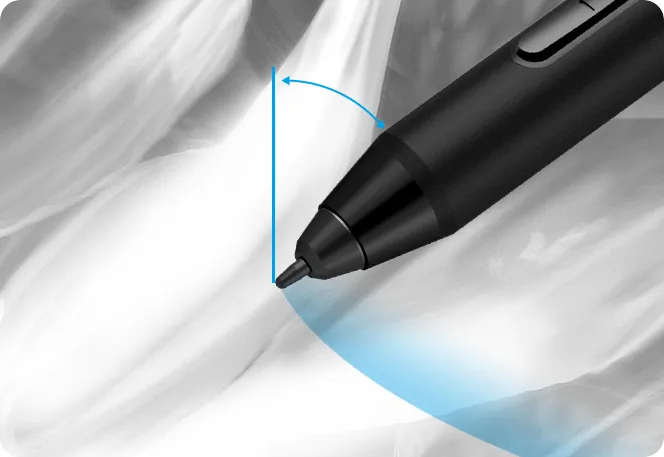 60° Tilt
 60° Tilt
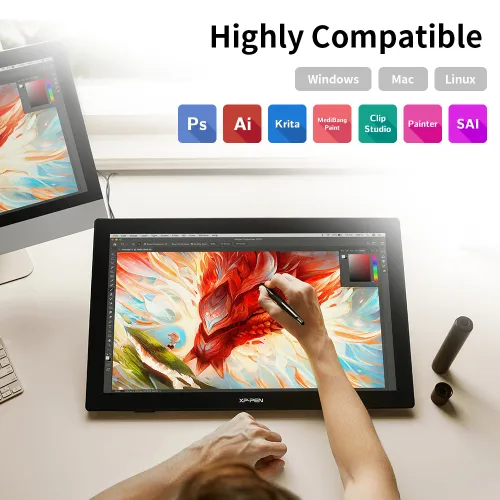
Highly Compatible
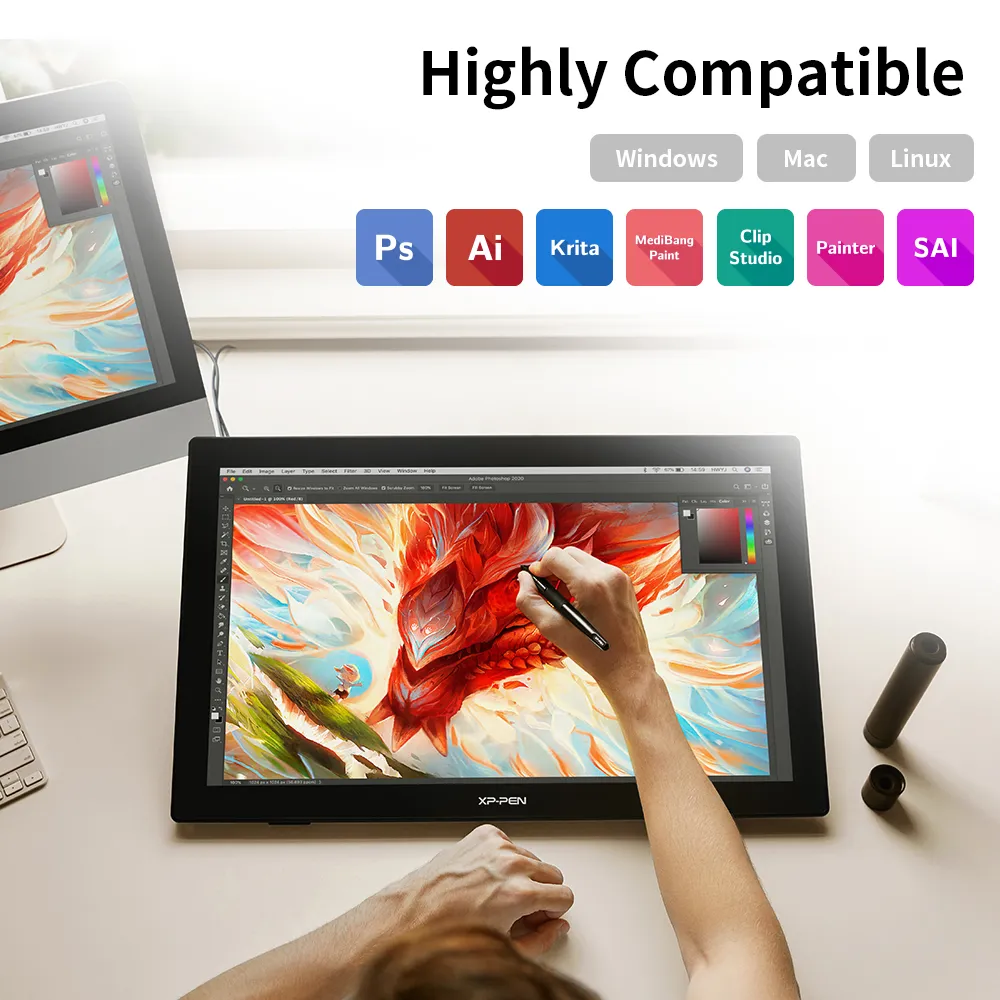
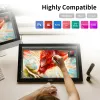
The Artist 24 supports Windows 7/8/10, Mac OS X 10.10 (or later), Chrome OS 88 (or later), and Linux (detailed versions). It is also compatible with popular digital art software, such as Adobe Photoshop, Illustrator, SAI, CDR, GIMP, Krita, MediBang, FireAlpaca, and Blender 3D.

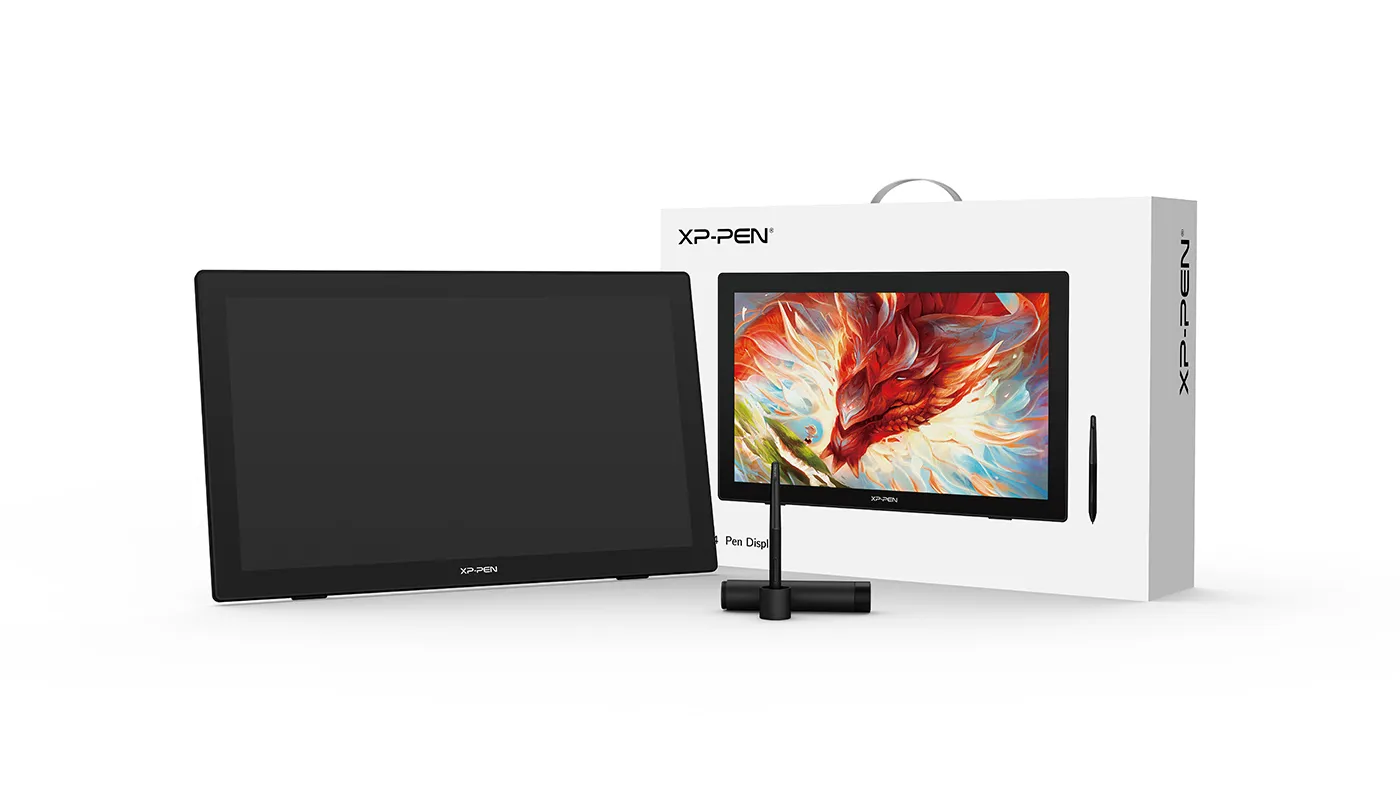
Product Gallery
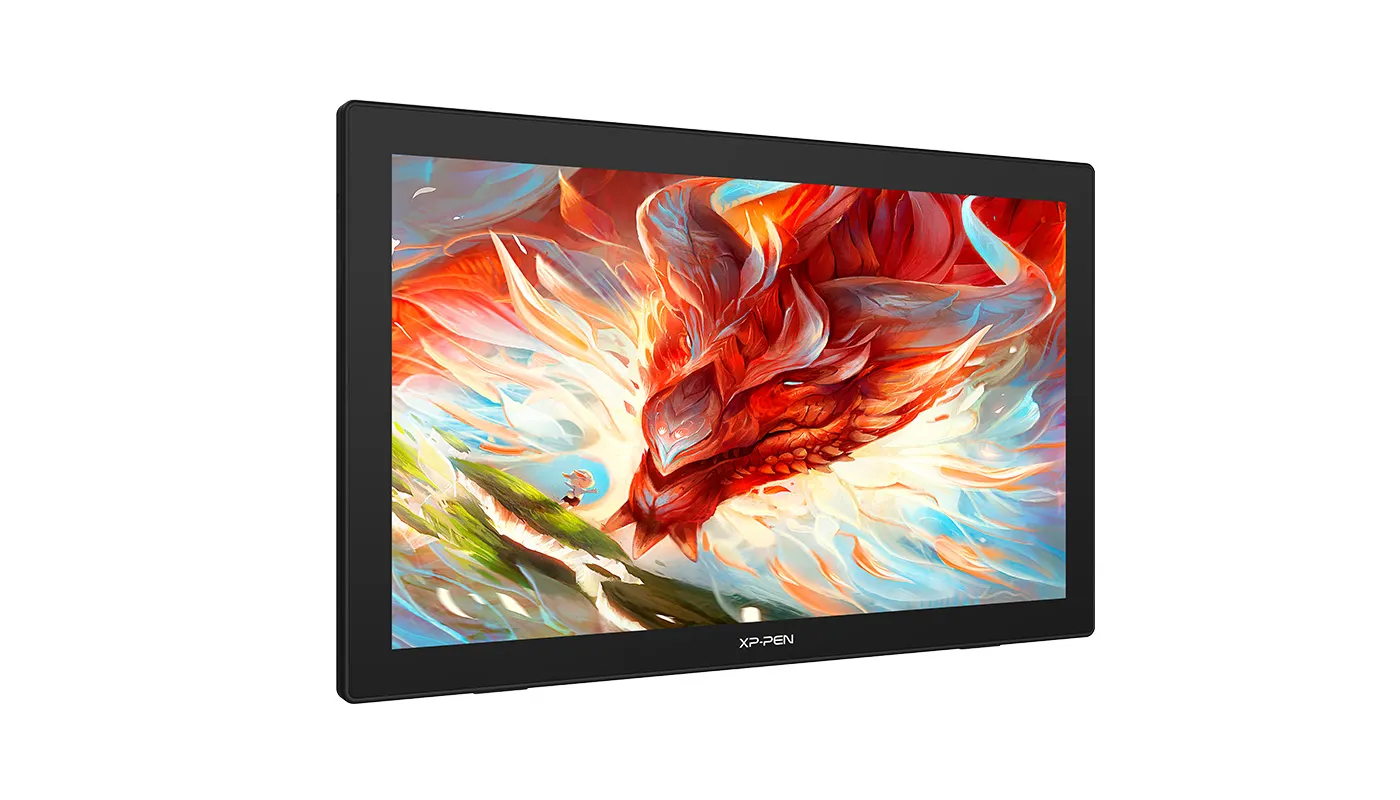
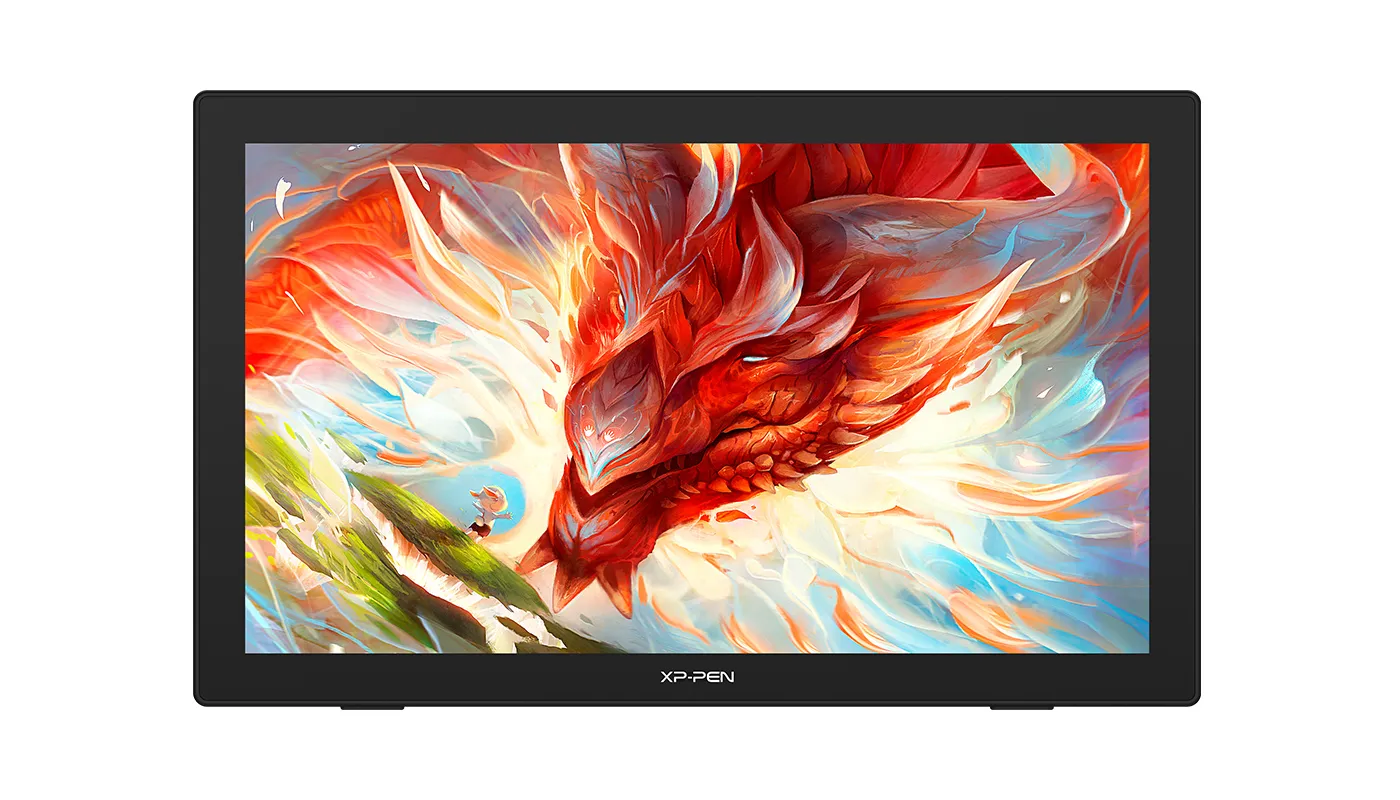
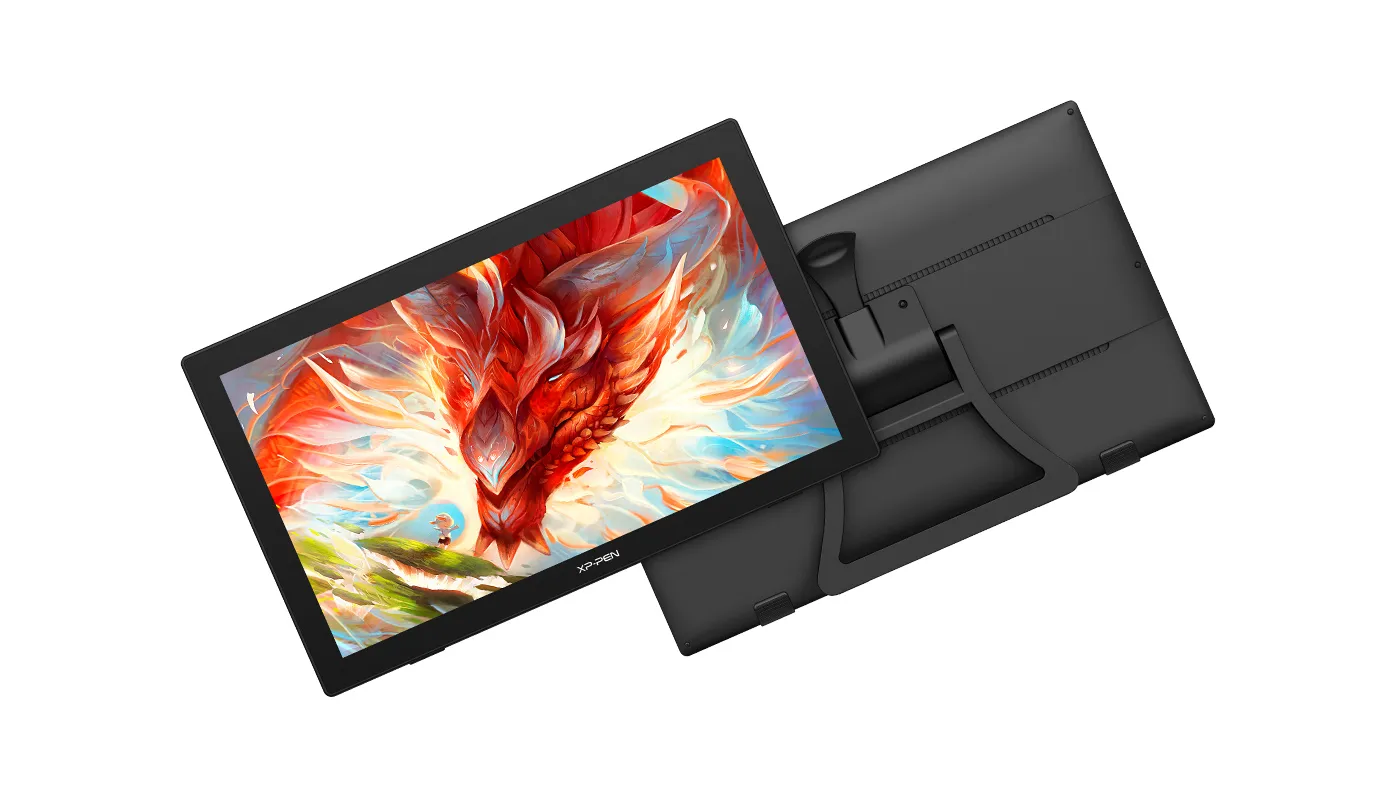
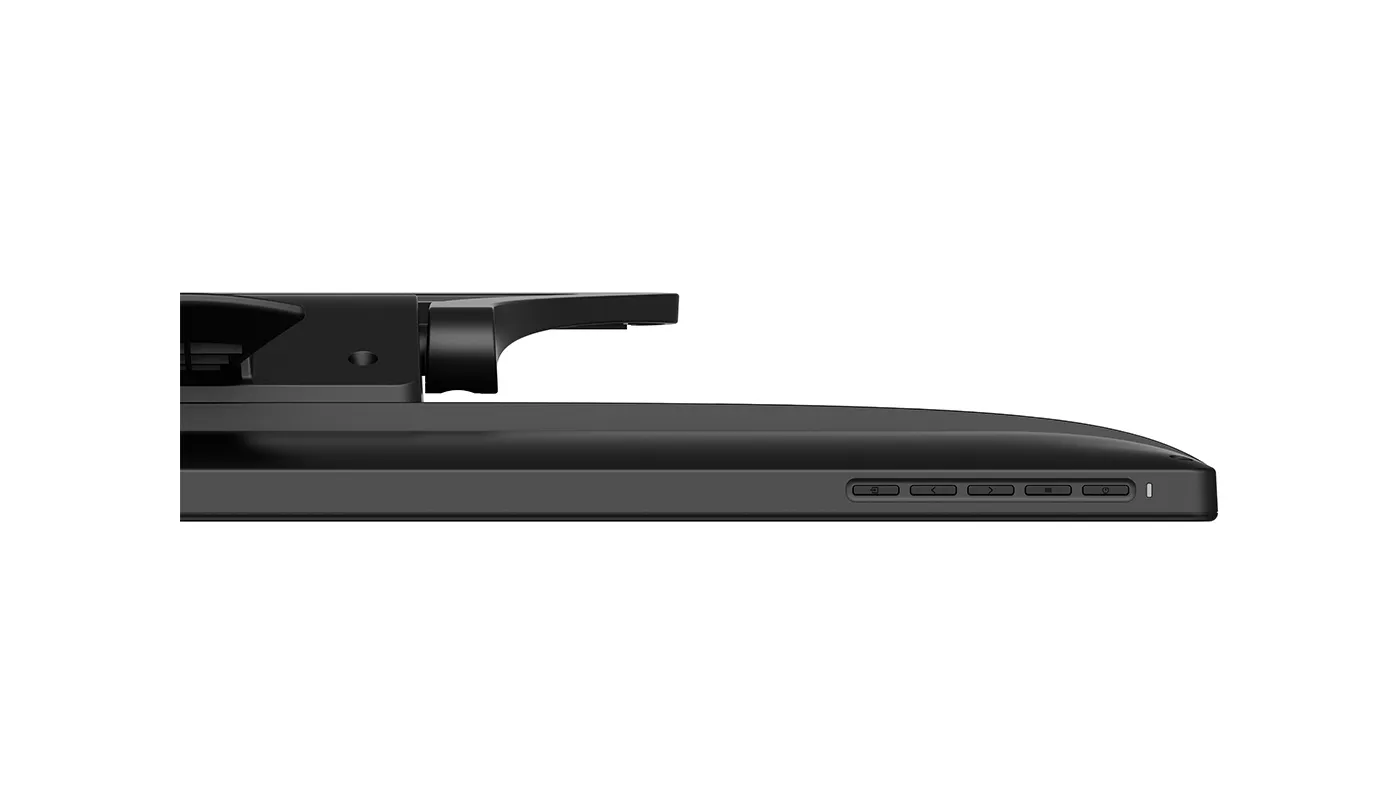


Specifications
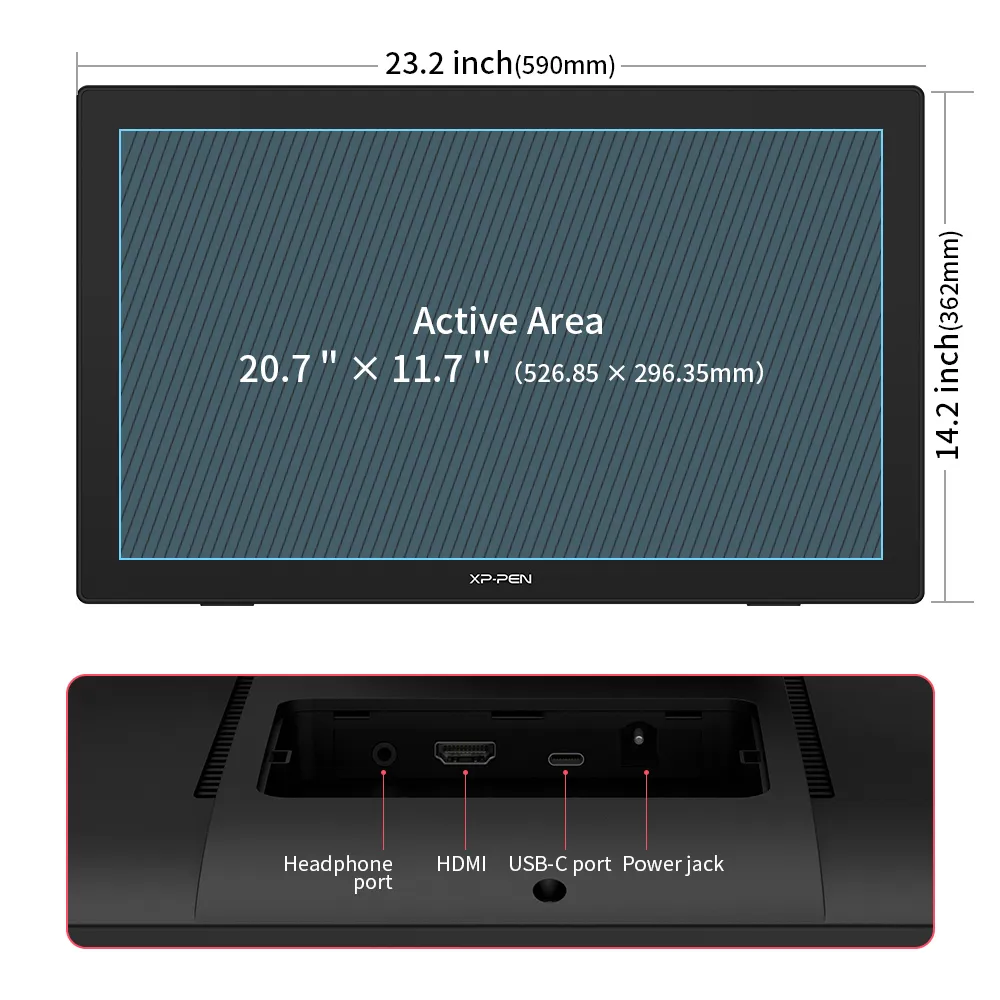
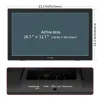
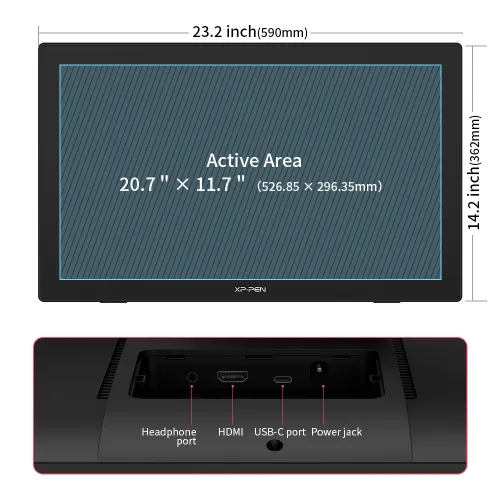
590 × 361 × 34mm
2560 × 1440
94% Adobe RGB,
90% NTSC, 127% sRGB
8192 Levels
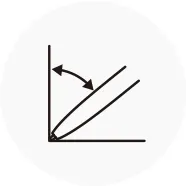
60° Tilt
Show more
| Linux OS | Version | Package Format | Supported Software |
| Arch | Arch Linux2019.12.01(64-bit) | .deb, .sh | GIMP, Krita |
| Centos | Centos7.0(64-bit) | .rpm, .sh | GIMP |
| Centos8(64-bit) | .rpm, .sh | GIMP, Krita | |
| Debian | debian-9.5.0-amd64-netinst(64-bit) | .deb, .sh | GIMP, Krita |
| elementary OS | elementary OS 5.0(64-bit) | .deb, .sh | GIMP, Krita |
| ezgo Linux | ezgo14(64-bit) | .deb, .sh | GIMP, Krita |
| Fedora | Fedora32(64-bit) | .rpm, .sh | GIMP, Krita |
| Mageia | Mageia-7.1(64-bit) | .rpm, .sh | GIMP, Krita |
| Manjaro | manjaro-xfce-20.1.2-201019(64-bit) | .deb, .sh | GIMP |
| Mint | linuxmint-18.2-cinnamon-64bit | .deb, .sh | GIMP, Krita |
| OpenSUSE | openSUSE-Tumbleweed(64-bit) | .rpm, .sh | GIMP, Krita |
| Pop!_OS | pop-os_19.10(64-bit) | .deb, .sh | GIMP, Krita |
| Red Hat | Red Hat7(64-bit) | .rpm, .sh | GIMP |
| Ubuntu | Ubuntu14.04(64-bit) | .deb, .sh | GIMP, Krita |
| Ubuntu16.04(64-bit) | .deb, .sh | GIMP, Krita | |
| Ubuntu17.04(64-bit) | .deb, .sh | GIMP, Krita | |
| Ubuntu18.04(64-bit) | .deb, .sh | GIMP, Krita | |
| Ubuntu19.04(64-bit) | .deb, .sh | GIMP, Krita | |
| Ubuntu20.04(64-bit) | .deb, .sh | GIMP, Krita |
| Function | Krita 4.3.0 | Gimp 2.10.20 | Inkscape 0.92 |
| Pen Pressure Sensitivity | |||
| Tilt | |||
| Mouse Function | |||
| Eraser Button (Stylus:PH01, P06) | |||
| Switch between Pen and Eraser Modes | |||
| *If you have any further queries, please do not hesitate to contact us at service@xp-pen.com. | |||
Linux OS
Arch
Version
Arch Linux2019.12.01(64-bit)
Package Format
.deb, .sh
Supported Software
GIMP, Krita
Centos
Version
Centos7.0(64-bit)
Centos8(64-bit)
Centos8(64-bit)
Package Format
.rpm, .sh
.rpm, .sh
.rpm, .sh
Supported Software
GIMP
GIMP, Krita
GIMP, Krita
Debian
Version
debian-9.5.0-amd64-netinst(64-bit)
Package Format
.deb, .sh
Supported Software
GIMP, Krita
elementary OS
Version
elementary OS 5.0(64-bit)
Package Format
.deb, .sh
Supported Software
GIMP, Krita
ezgo Linux
Version
ezgo14(64-bit)
Package Format
.deb, .sh
Supported Software
GIMP, Krita
Fedora
Version
Fedora32(64-bit)
Package Format
.rpm, .sh
Supported Software
GIMP, Krita
Mageia
Version
Mageia-7.1(64-bit)
Package Format
.rpm, .sh
Supported Software
GIMP, Krita
Manjaro
Version
manjaro-xfce-20.1.2-201019(64-bit)
Package Format
.deb, .sh
Supported Software
GIMP
Mint
Version
linuxmint-18.2-cinnamon-64bit
Package Format
.deb, .sh
Supported Software
GIMP, Krita
OpenSUSE
Version
openSUSE-Tumbleweed(64-bit)
Package Format
.rpm, .sh
Supported Software
GIMP, Krita
Pop!_OS
Version
pop-os_19.10(64-bit)
Package Format
.deb, .sh
Supported Software
GIMP, Krita
Red Hat
Version
Red Hat7(64-bit)
Package Format
.rpm, .sh
Supported Software
GIMP
Ubuntu
Version
Ubuntu14.04(64-bit)
Ubuntu16.04(64-bit)
Ubuntu17.04(64-bit)
Ubuntu18.04(64-bit)
Ubuntu19.04(64-bit)
Ubuntu20.04(64-bit)
Ubuntu16.04(64-bit)
Ubuntu17.04(64-bit)
Ubuntu18.04(64-bit)
Ubuntu19.04(64-bit)
Ubuntu20.04(64-bit)
Package Format
.deb, .sh
.deb, .sh
.deb, .sh
.deb, .sh
.deb, .sh
.deb, .sh
.deb, .sh
.deb, .sh
.deb, .sh
.deb, .sh
.deb, .sh
Supported Software
GIMP, Krita
GIMP, Krita
GIMP, Krita
GIMP, Krita
GIMP, Krita
GIMP, Krita
GIMP, Krita
GIMP, Krita
GIMP, Krita
GIMP, Krita
GIMP, Krita
Function
Pen Pressure Sensitivity
Krita 4.3.0
Gimp 2.10.20
Inkscape 0.92
Tilt
Krita 4.3.0
Gimp 2.10.20
Inkscape 0.92
Mouse Function
Krita 4.3.0
Gimp 2.10.20
Inkscape 0.92
Eraser Button(Stylus:PH01, P06)
Krita 4.3.0
Gimp 2.10.20
Inkscape 0.92
Switch between Penand Eraser Modes
Krita 4.3.0
Gimp 2.10.20
Inkscape 0.92
*If you have any further queries, please do not hesitate to contact us at service@xp-pen.com.
5.0

2 temel alınarak
100%(2)

0(0)
0(0)
0(0)
0(0)
XFANSdo0tlm7p
Jul 07 ,2023 PM 14:50 Artist 24 QHD Drawing Display
Harika Fiyat Harika Ürün
Siparişi verdikten sonra tablet 3 iş günü içinde elime ulaştı. Vergi ödemedim direk türkiye deposundan yollandı. Tablet çok iyi duruyor acemi olduğum için karşılaştıramıyacağım, ve full lamine ekrana sahip.
İşe yarar(0)+1
Snk
May 31 ,2024 AM 07:14 Artist 24 QHD Drawing Display
Süper bir cihaz
İlk deneyimim çok iyiydi, ofiste wacom cintiq 22 kullanıyorum. Oradan yola çıkarak bu ürünün aradaki fiyat farkı kadar özellik olarak önde olup daha uygun fiyatlı oluşuna şaşırıyorum. Süper bir cihaz ve sonunda aldığım için çok mutluyum
İşe yarar(0)+1
XFANSebnv5f5c
Jun 28 ,2024 AM 01:20 Artist 24 QHD Drawing Display
windows 11 destekliyor mu? yazılmamış
Cevap vermek0
XFANSbffz2k06
Oct 11 ,2023 PM 13:53 Artist 24 QHD Drawing Display
Artist 24 Pro da tuşlar var 24 te ise yok. 2. fark ise ekran grafik özellikleri 24 te daha iyi. Kalem eğimi her ikisinde de mevcut.
Cevap vermek0
XFANSud9nogiz
Aug 31 ,2023 AM 02:11 Artist 24 QHD Drawing Display
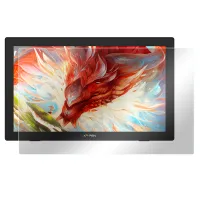
Ekran koruyucu takılmış şekilde kutudan çıkmaktadır değil mi?
Cevap vermek0
XFANSmz3eo4fk
Aug 13 ,2022 AM 02:51 Artist 24 QHD Drawing Display
Don't we wear a protective screen from this screen, if we buy it separately, will it come separately?
Cevap vermek0
XFANSwo3zor2b
Aug 12 ,2022 AM 04:42 Artist 24 QHD Drawing Display
can I know how much exactly is the taxes I'll pay after ordering??
Cevap vermek0
XFANSmz3eo4fk
Aug 09 ,2022 AM 03:52 Artist 24 QHD Drawing Display
Can it be used with windows 11?
Cevap vermek0
XFANSmz3eo4fk
Aug 07 ,2022 PM 18:28 Artist 24 QHD Drawing Display
windows 11 ile kullanmak sorun yaratır mı
Cevap vermek0
XFANSmz3eo4fk
Aug 06 ,2022 AM 01:47 Artist 24 QHD Drawing Display
artist 24 ile artist 24 pro arasındaki farkı tam anlayamadım aradaki fiyat farkına rağmen artist 24 daha iyi gibi gözüküyor özellik açısından yardımcı olabilir misiniz anlamamda
Cevap vermek1
XFANSyaifmnyh
Apr 07 ,2023 AM 01:58
biri profesyonel işeler için ve kalemi eğimli kullanabiliyorsun diğerinde kullanamıyorsun
Bu incelemeyi yanıtla