


Getting started with your
Artist 13.3 Pro V2.
1/10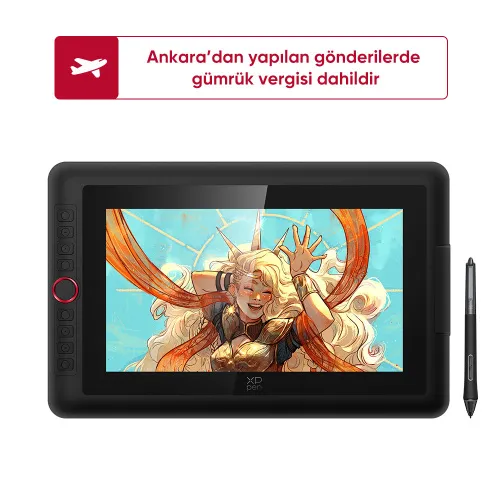
![https://resource.xp-pen.com/Uploads/goods/20250520/kSHF2k8bfs7sO9zdADyP_500_500.webp]()
![https://resource.xp-pen.com/Uploads/goods/20250520/5BYtYahqlG19dvyWVUPf_500_500.webp]()
![https://resource.xp-pen.com/Uploads/goods/20250520/nyH4co8HkOlwzeBPktBR_500_500.webp]()
![https://resource.xp-pen.com/Uploads/goods/20250520/zIM5LEv1Q2l0Us1H8NOf_500_500.webp]()
![https://resource.xp-pen.com/Uploads/goods/20250520/9NLFyBhUbvbpQ1HwjAGl_500_500.webp]()
![https://resource.xp-pen.com/Uploads/goods/20250520/YCXvlWsm1ibDaU4ZZr2J_500_500.webp]()
![https://resource.xp-pen.com/Uploads/goods/20250520/fbI0aZaC5hc0ye8R7qn_500_500.webp]()
![https://resource.xp-pen.com/Uploads/goods/20250520/OGk8iO6asB6exiOCtU0Q_500_500.webp]()
![https://resource.xp-pen.com/Uploads/goods/20250520/O7eFhytjIIKj0DaqAUoS_500_500.webp]()
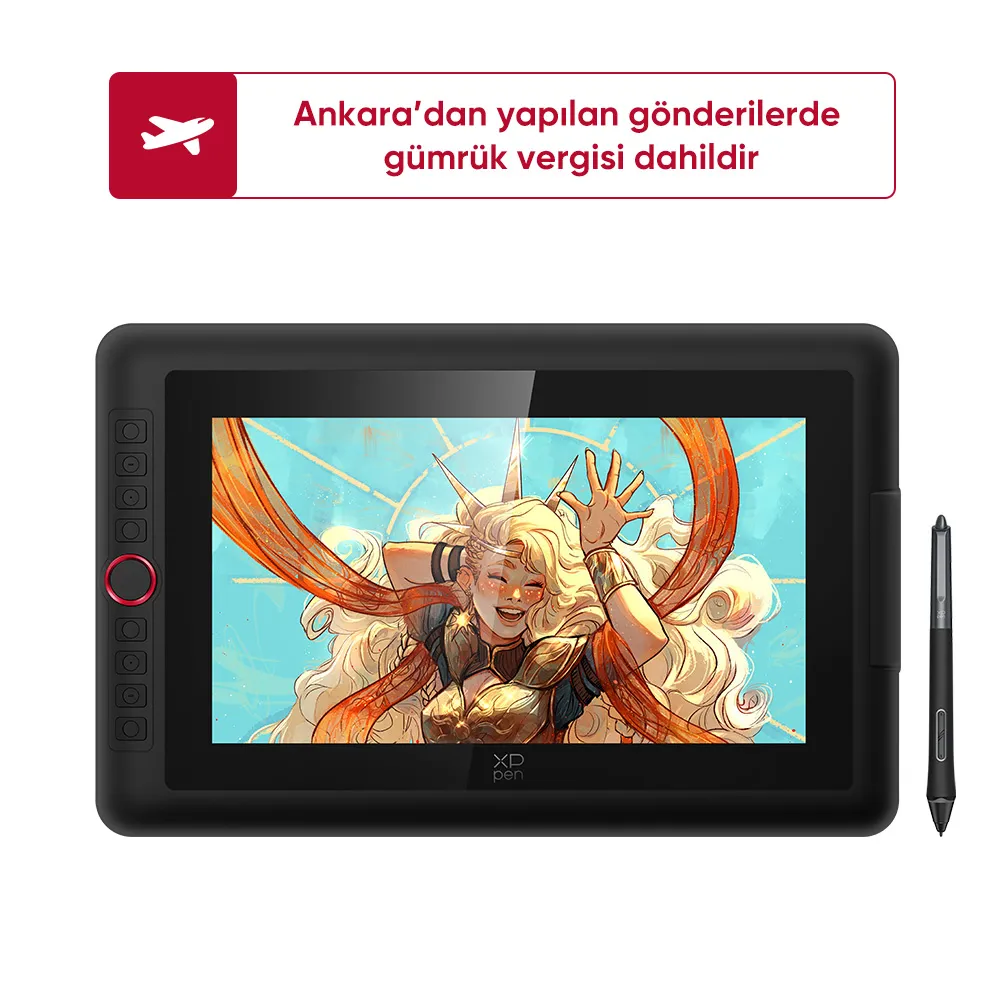
Artist 13.3 Pro V2
13.3-Inch Display | X3 Pro Smart Chip Stylus | 16K Pressure Levels | Red Dial Quick Keys
16799,00 TL19999,00 TL
FREE DELIVERY
We offer free shipping
SECURE PAYMENT
Your payment information is processed securely
TECH SUPPORT
service@xp-pen.com
2-YEAR WARRANTY
2-year warranty only for official TR store
İsteğe bağlı Aksesuarlar
Miktar:
Toplam
0.00 TL



Tahmin etmek:
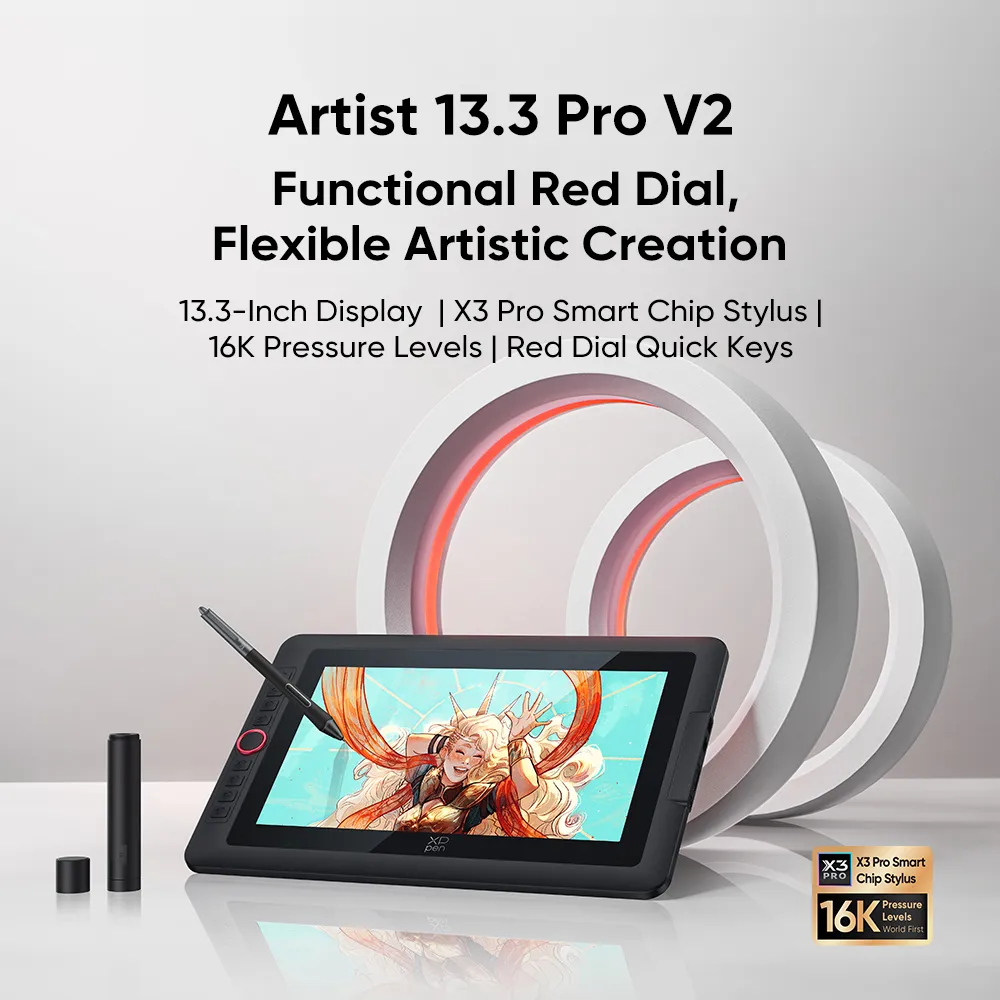
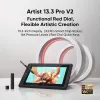
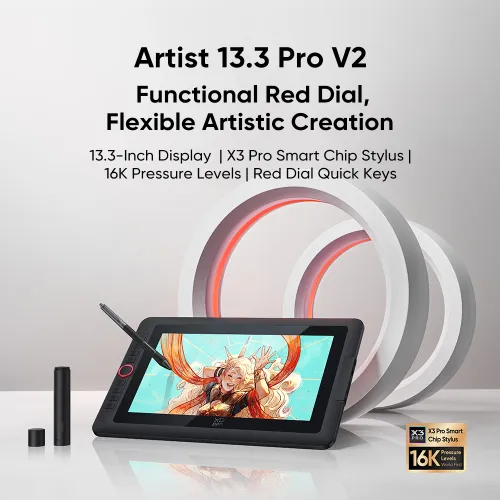
Artist 13.3 Pro V2
Functional Red Dial,
Flexible Artistic Creation
13.3-Inch Display | X3 Pro Smart Chip Stylus | 16K Pressure Levels | Red Dial Quick Keys
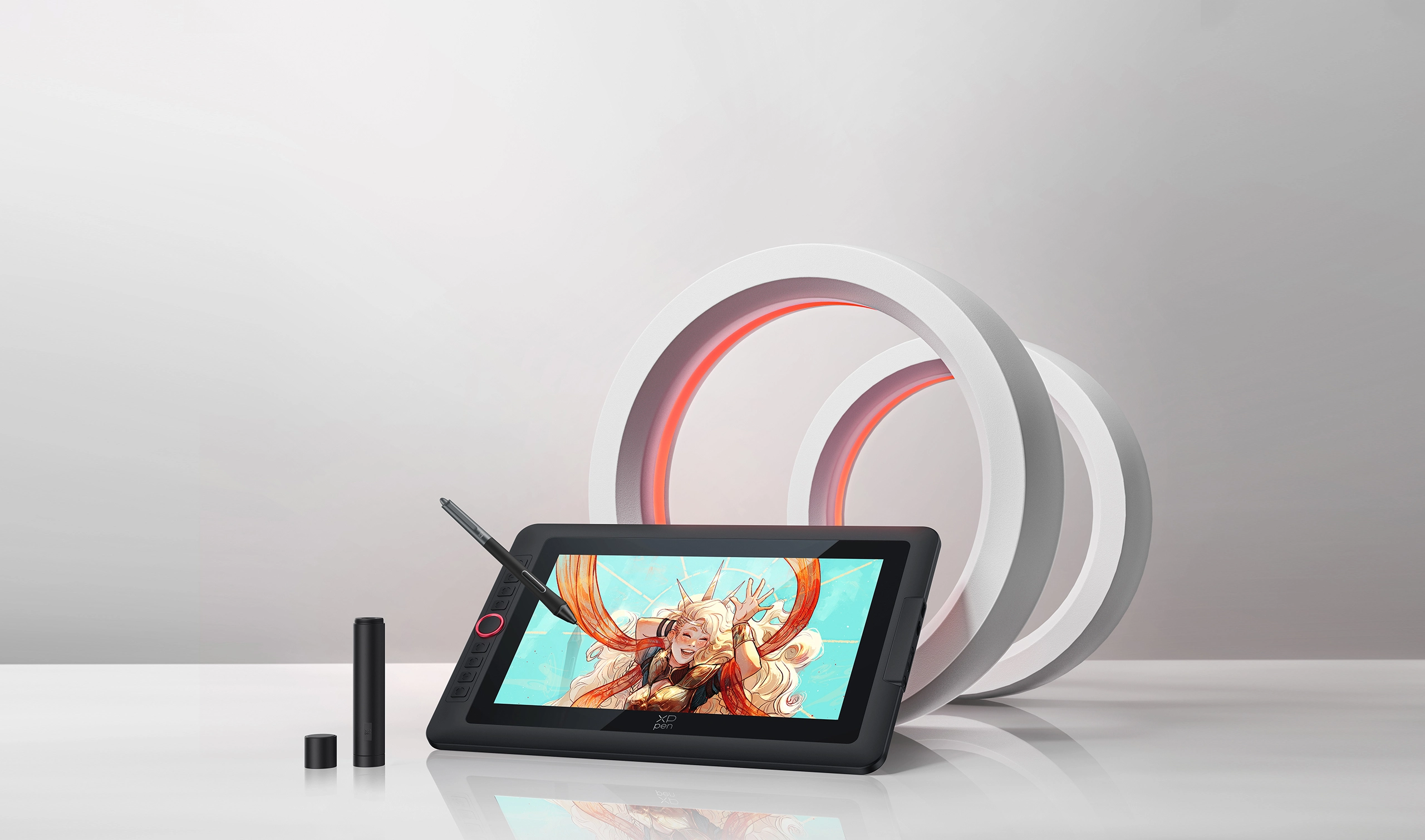
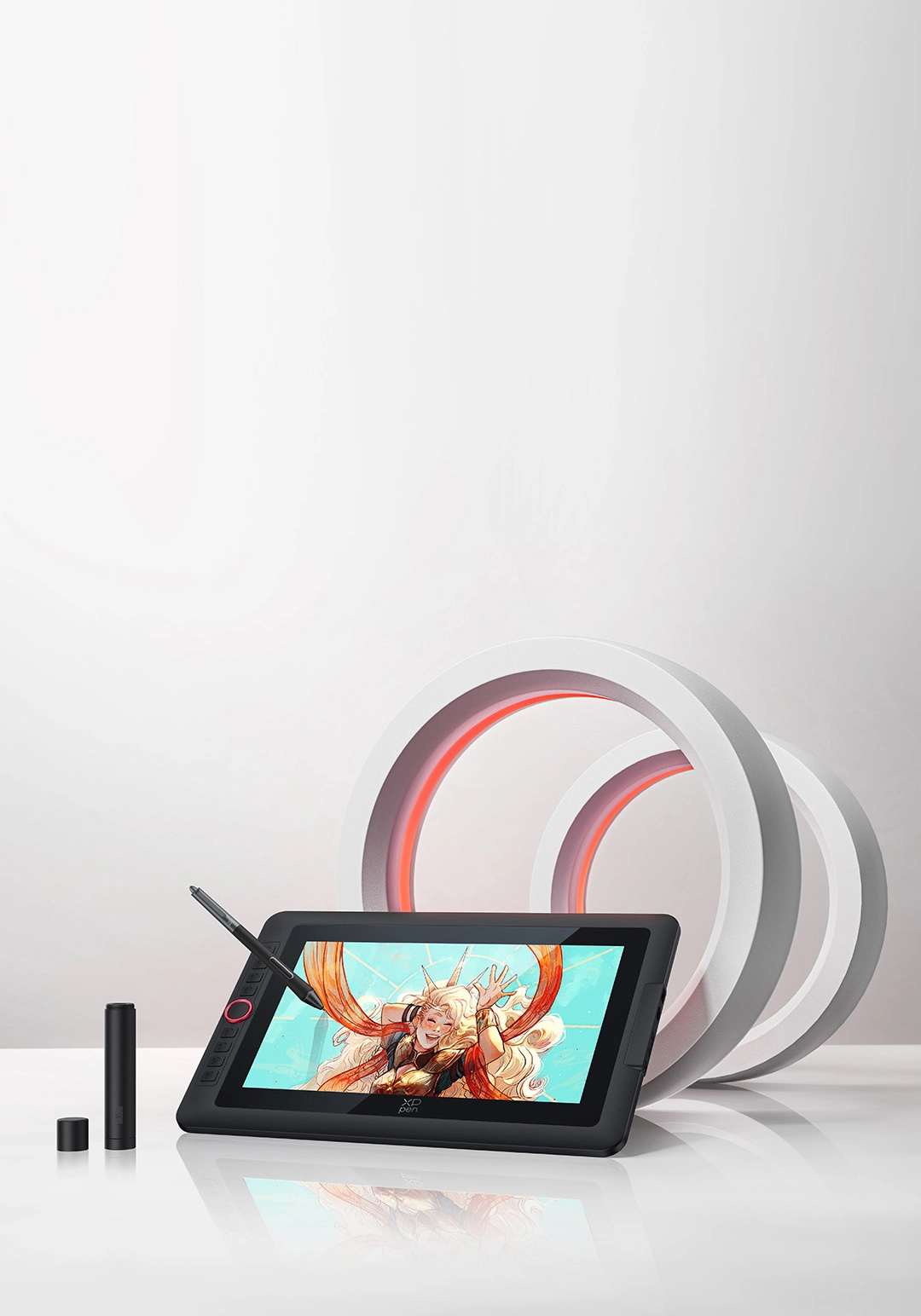
It's time to upgrade your Artist 13.3 Pro
Inheriting the classic design of the Red Dial quick keys, Artist 13.3 Pro V2 is upgraded to work with X3 Pro Smart
Chip Stylus, aiming to empower artists worldwide. As the world-first 16K pressure level stylus,
it perfectly mimics the feeling of drawing on real paper, so you can transform your ideas into real masterpieces.
With its portable size, you can carry it anywhere and unleash your limitless creativity!
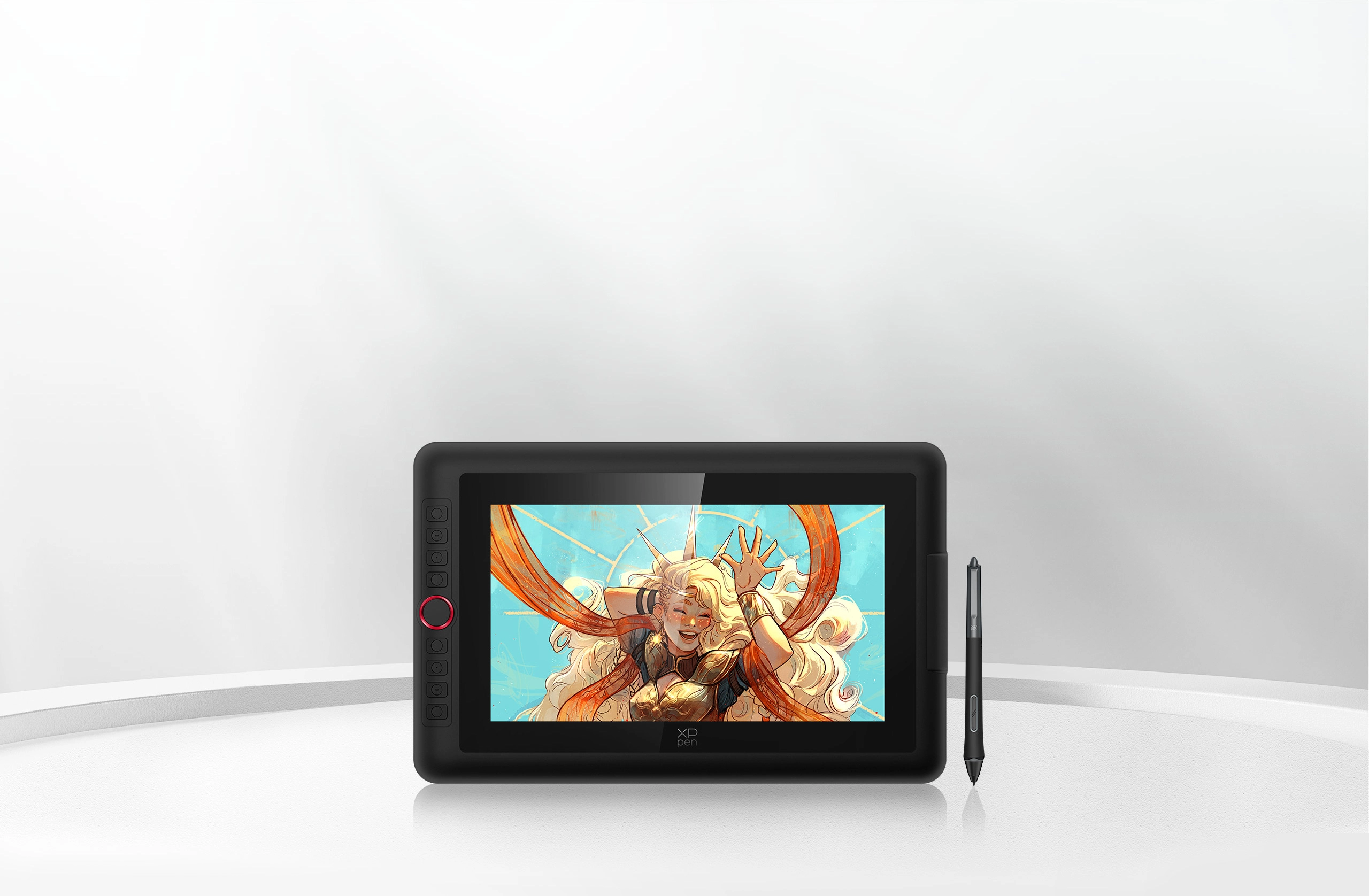
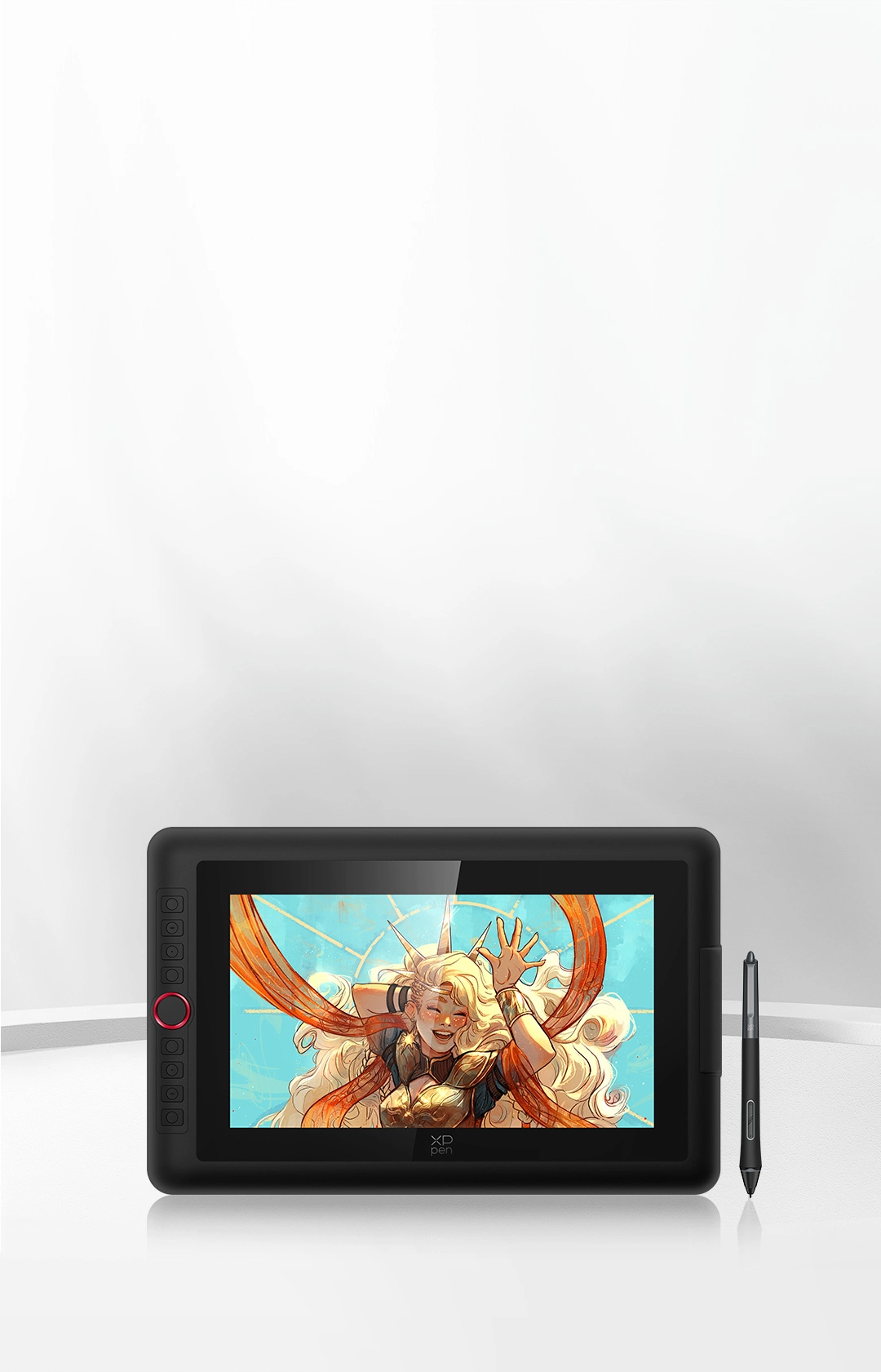
13.3-Inch Display
Travel with Your Inspiration
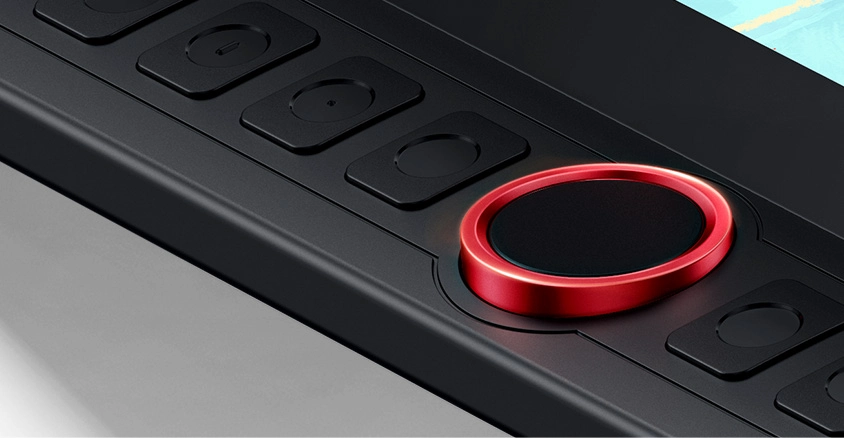
Red Dial Quick Keys
Smooth Creative Workflow
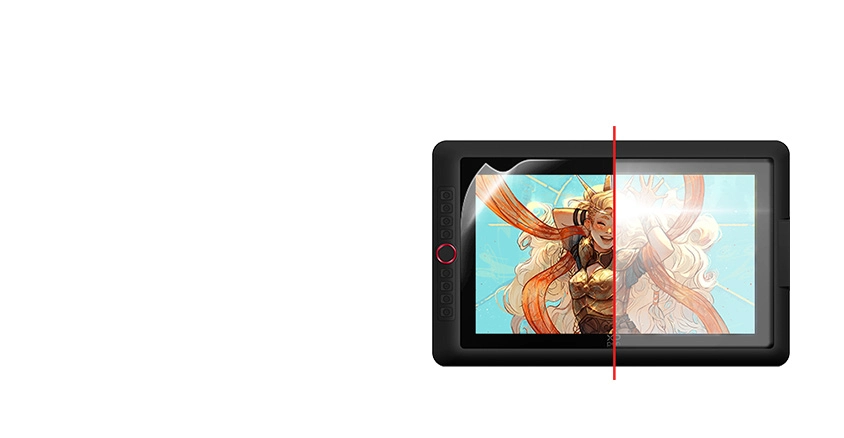
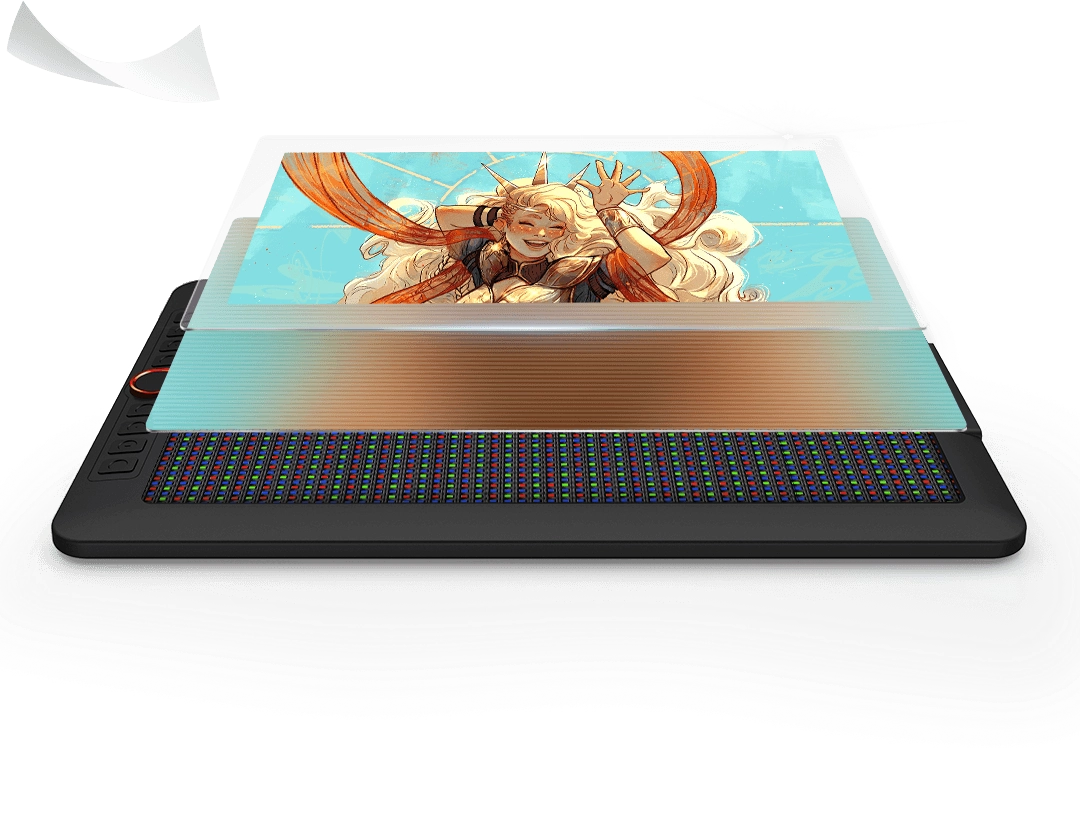
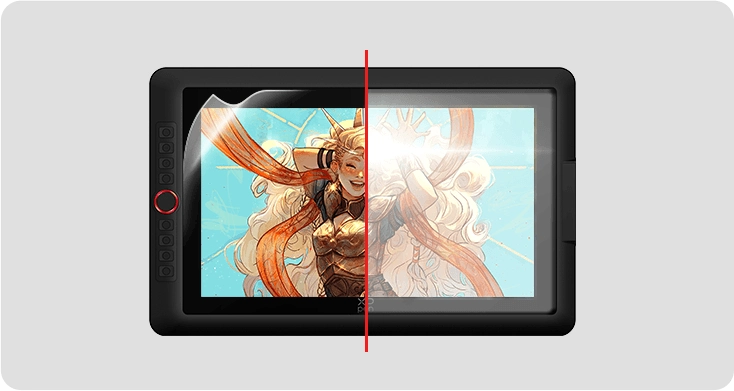
Full-laminated Display +
Anti-glare Film
No Visual Gap,
No Glare Interference
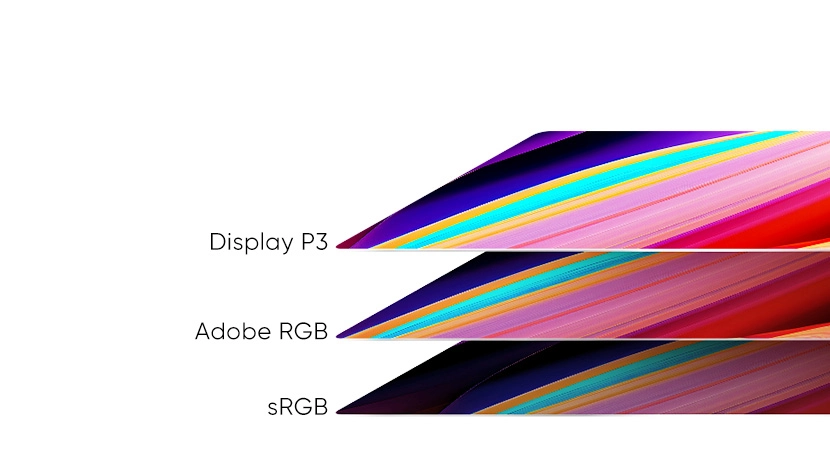
99% sRGB
Excellent Color Performance
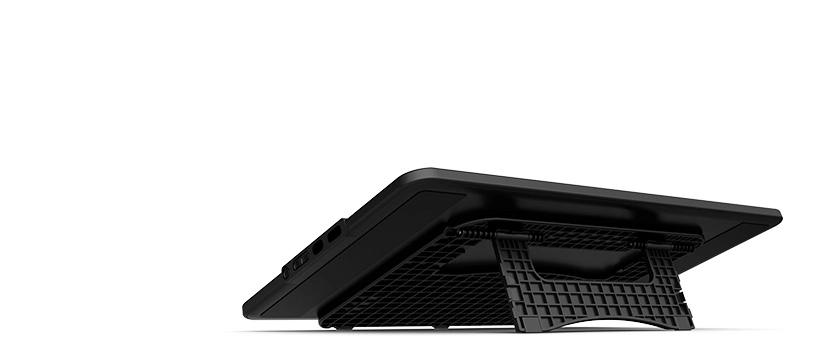
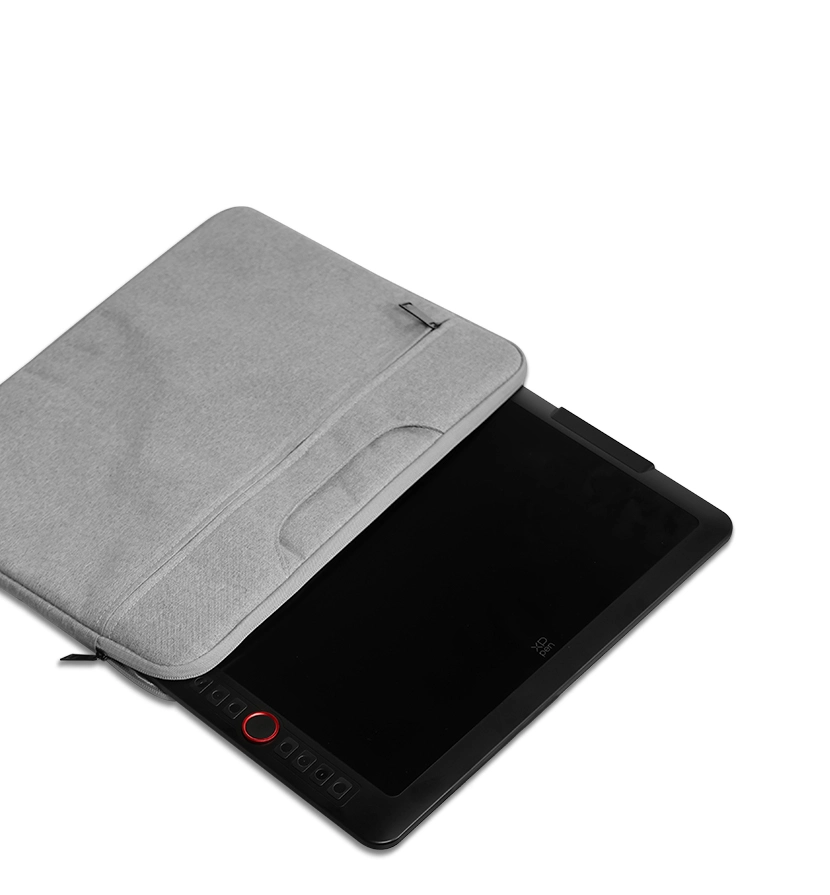
Portable & Foldable Stand
Keep the Drawing Display Safe and Stable
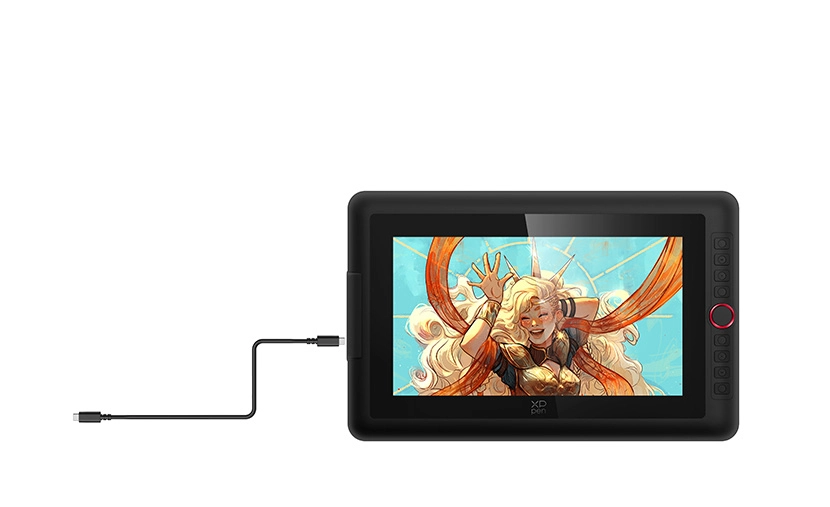
Full-featured USB-C Cable
Easy Connection, Effortless Efficiency
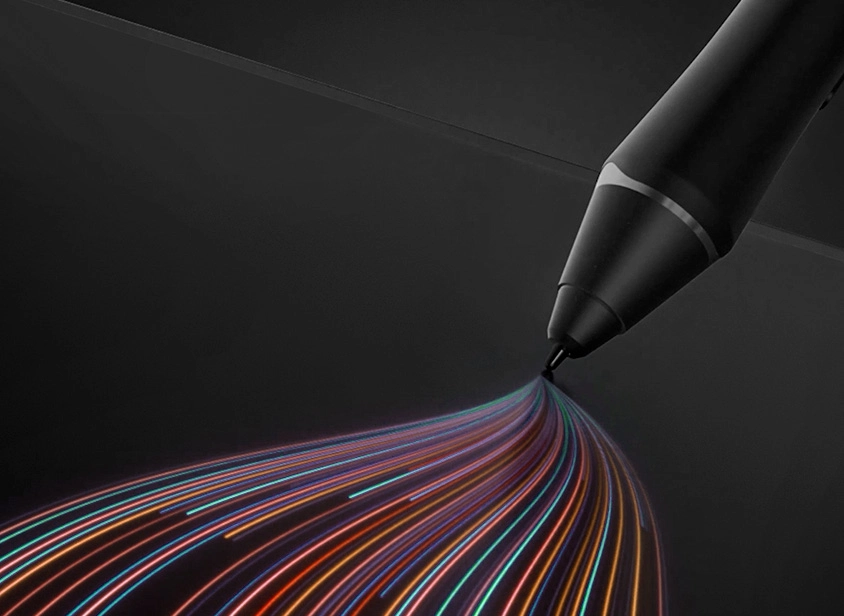
X3 Pro Smart Chip Stylus
World-first 16K Pressure Levels
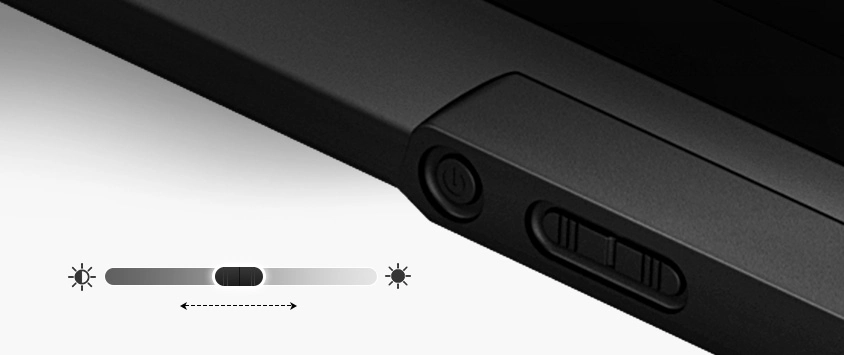
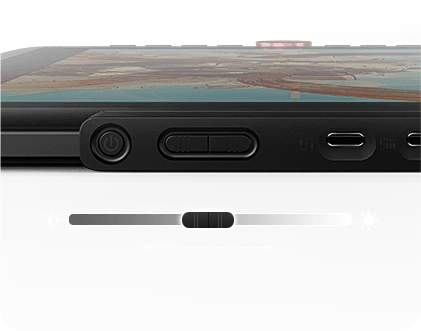
Adjustable Brightness Button
Draw Freely in Any Environment
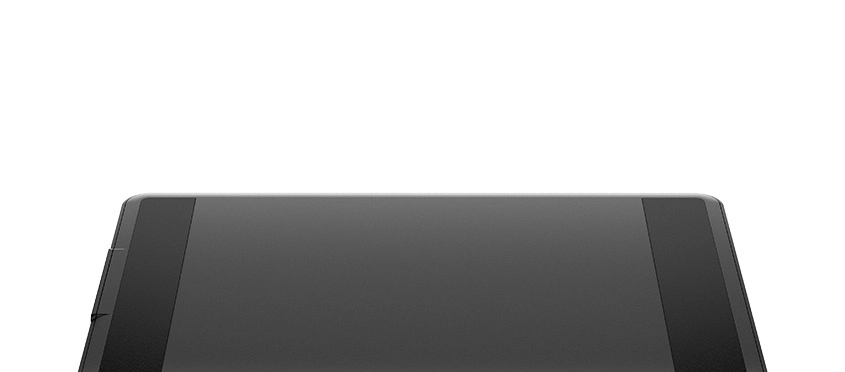
Metal Backplate
Better Heat Dissipation and Superior Texture
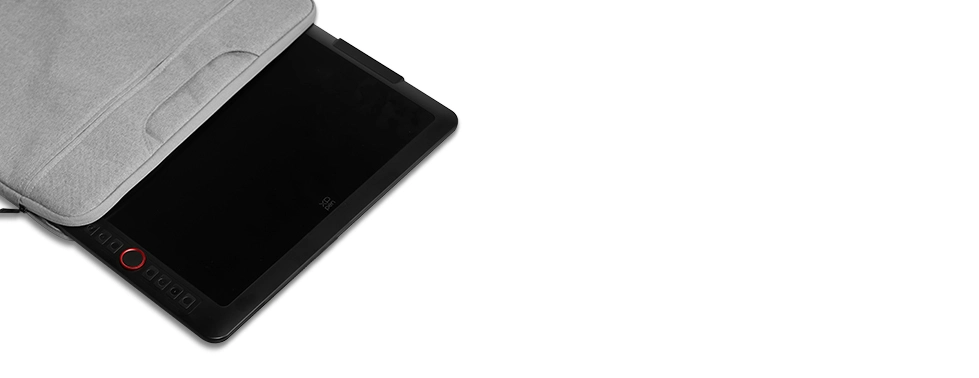
13.3-Inch Display
Travel with Your Inspiration
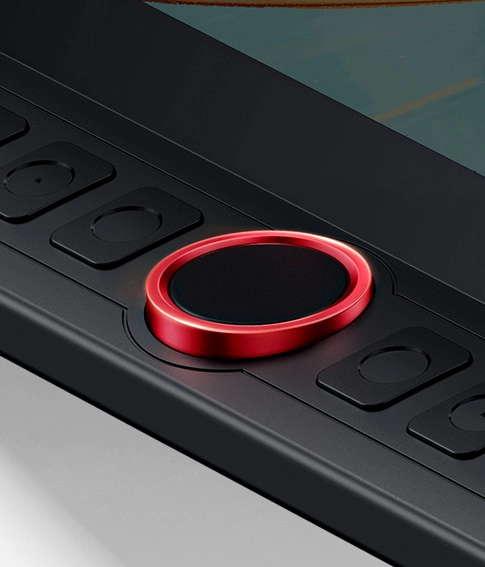
Red Dial Quick Keys
Smooth Creative Workflow
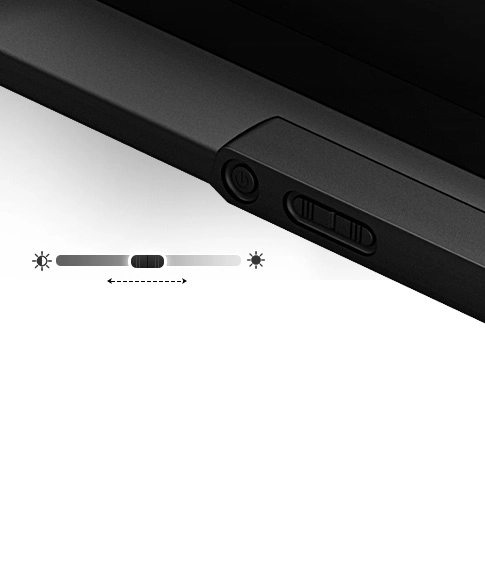
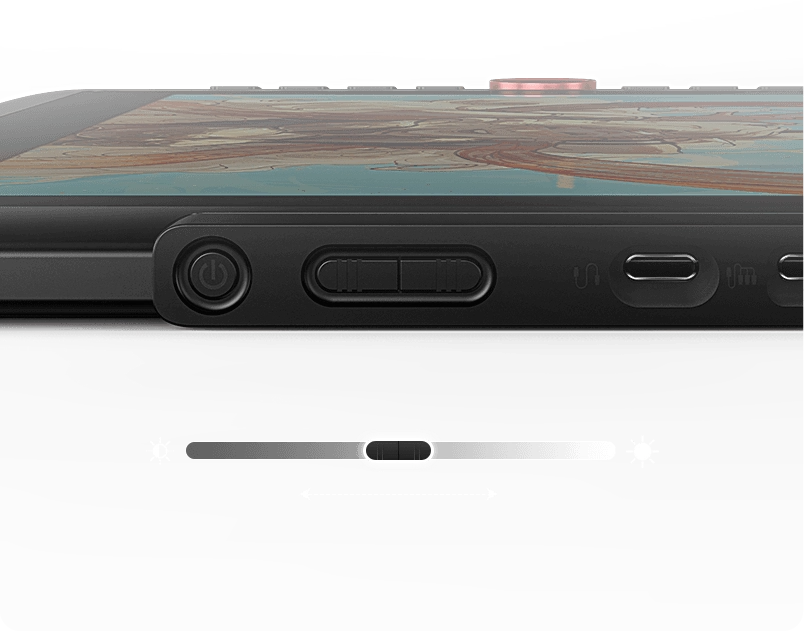
Adjustable Brightness Button
Draw Freely in Any Environment
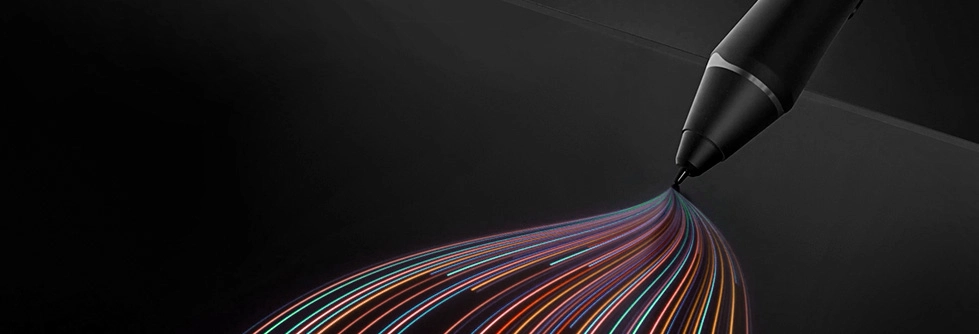
X3 Pro Smart Chip Stylus
World-first 16K Pressure Levels
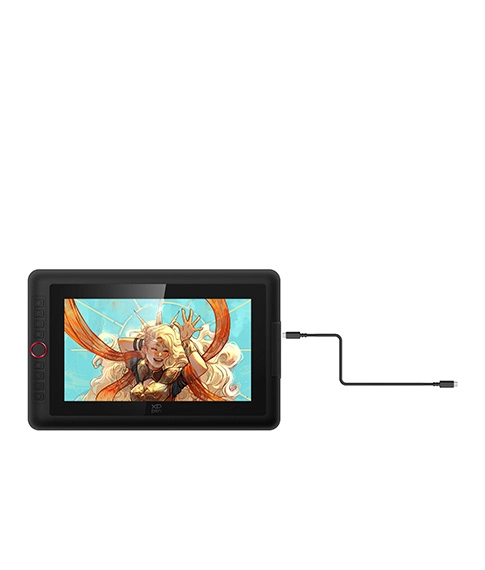
Full-featured USB-C Cable
Easy Connection, Effortless Efficiency
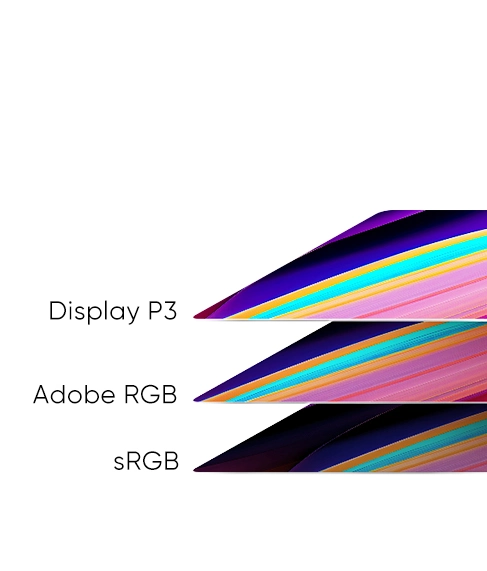
99% sRGB
Excellent Color Performance
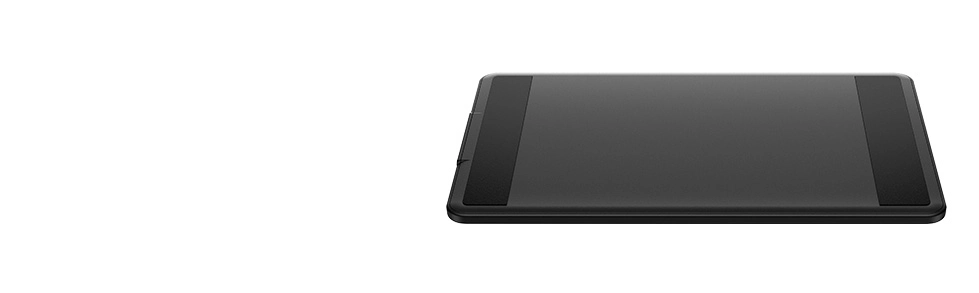
Metal Backplate
Better Heat Dissipation and Superior Texture
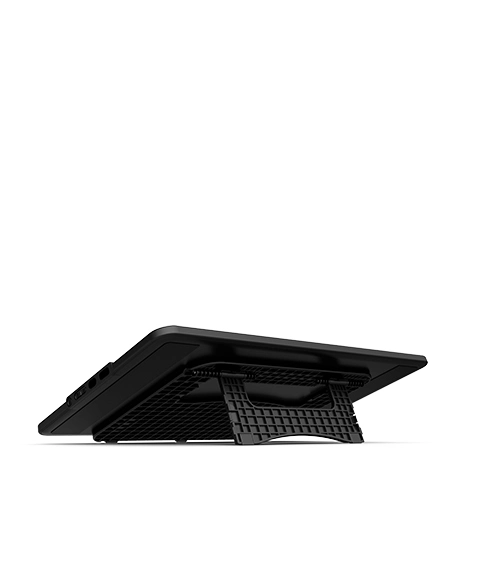
Portable & Foldable Stand
Keep the Drawing Display Safe and Stable
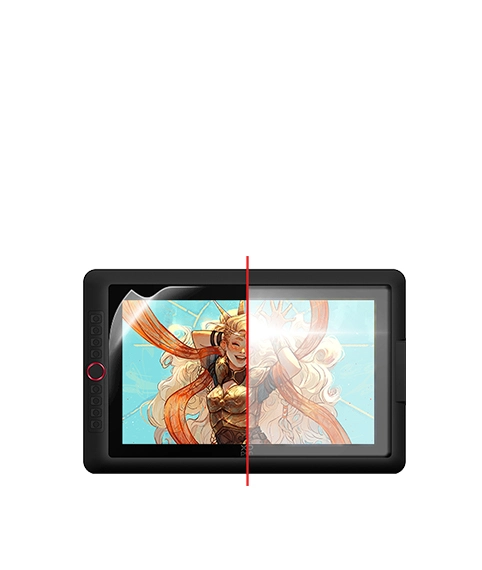
Full-laminated Display + Anti-glare Film
No Visual Gap,
No Glare Interference
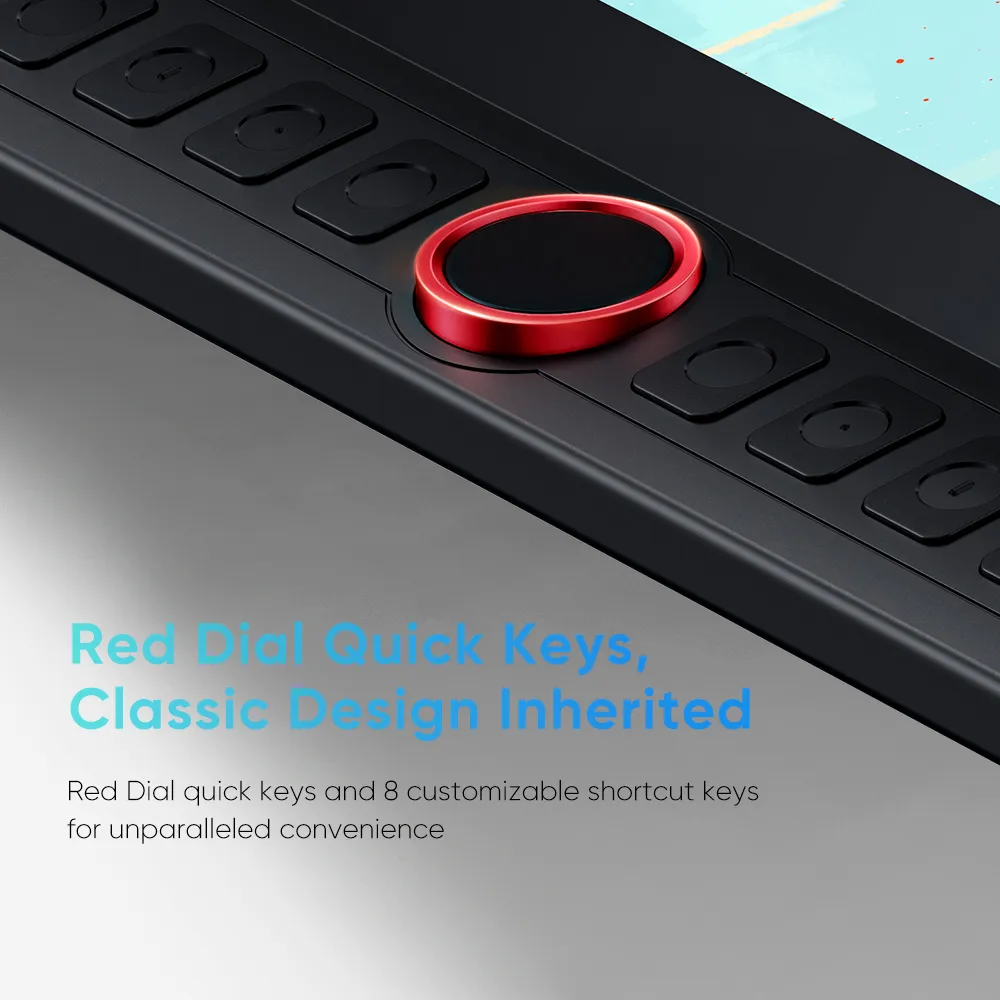
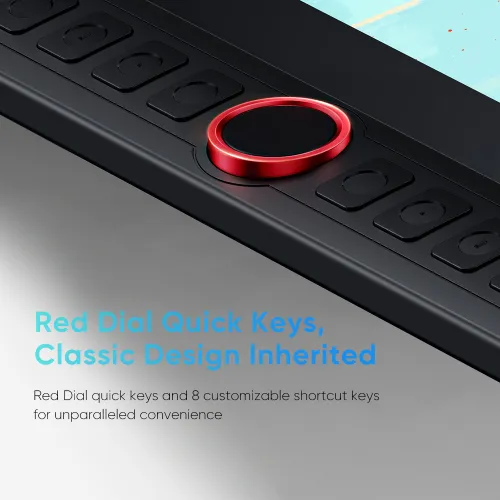
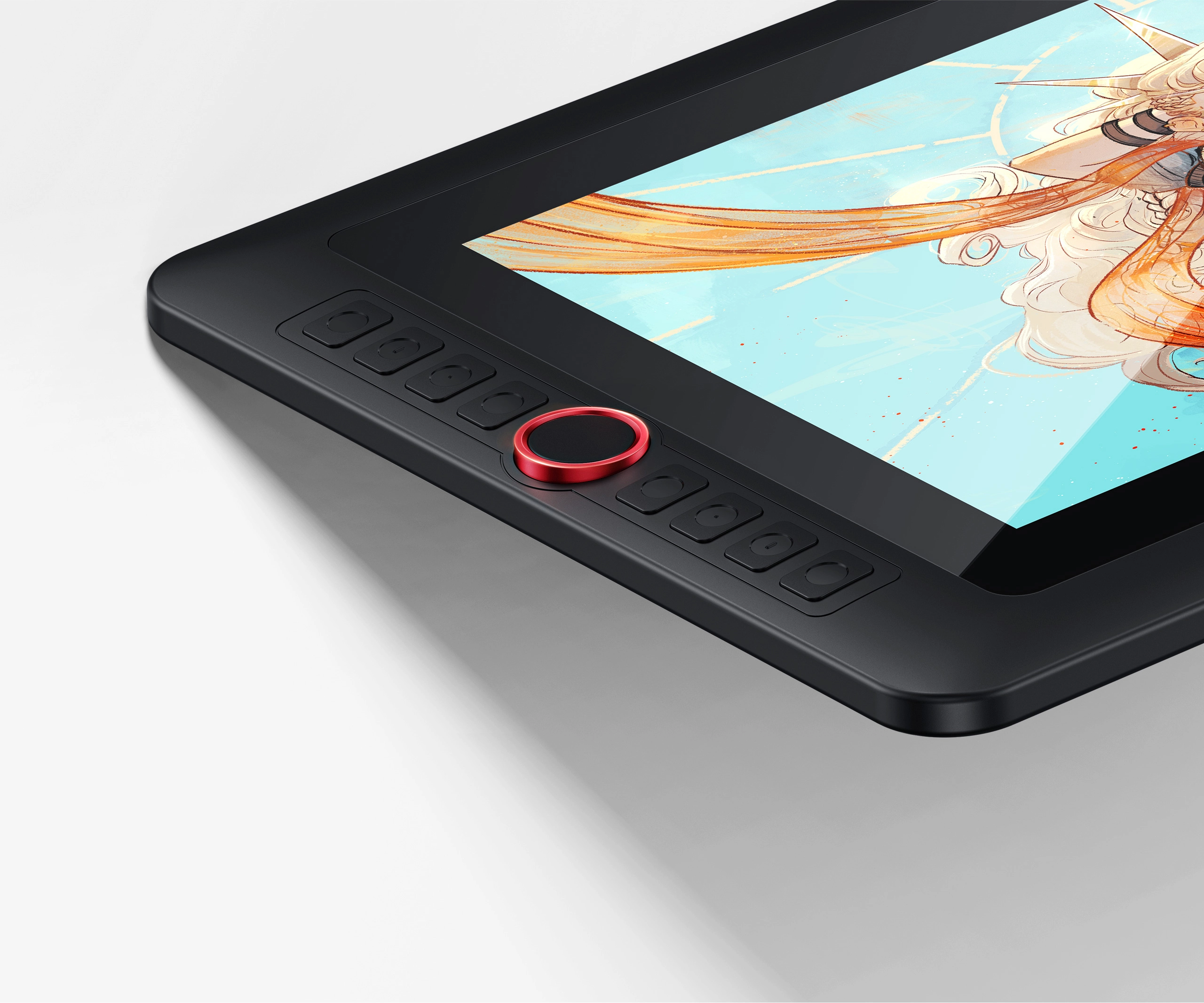
Red Dial Quick Keys,
Classic Design Inherited
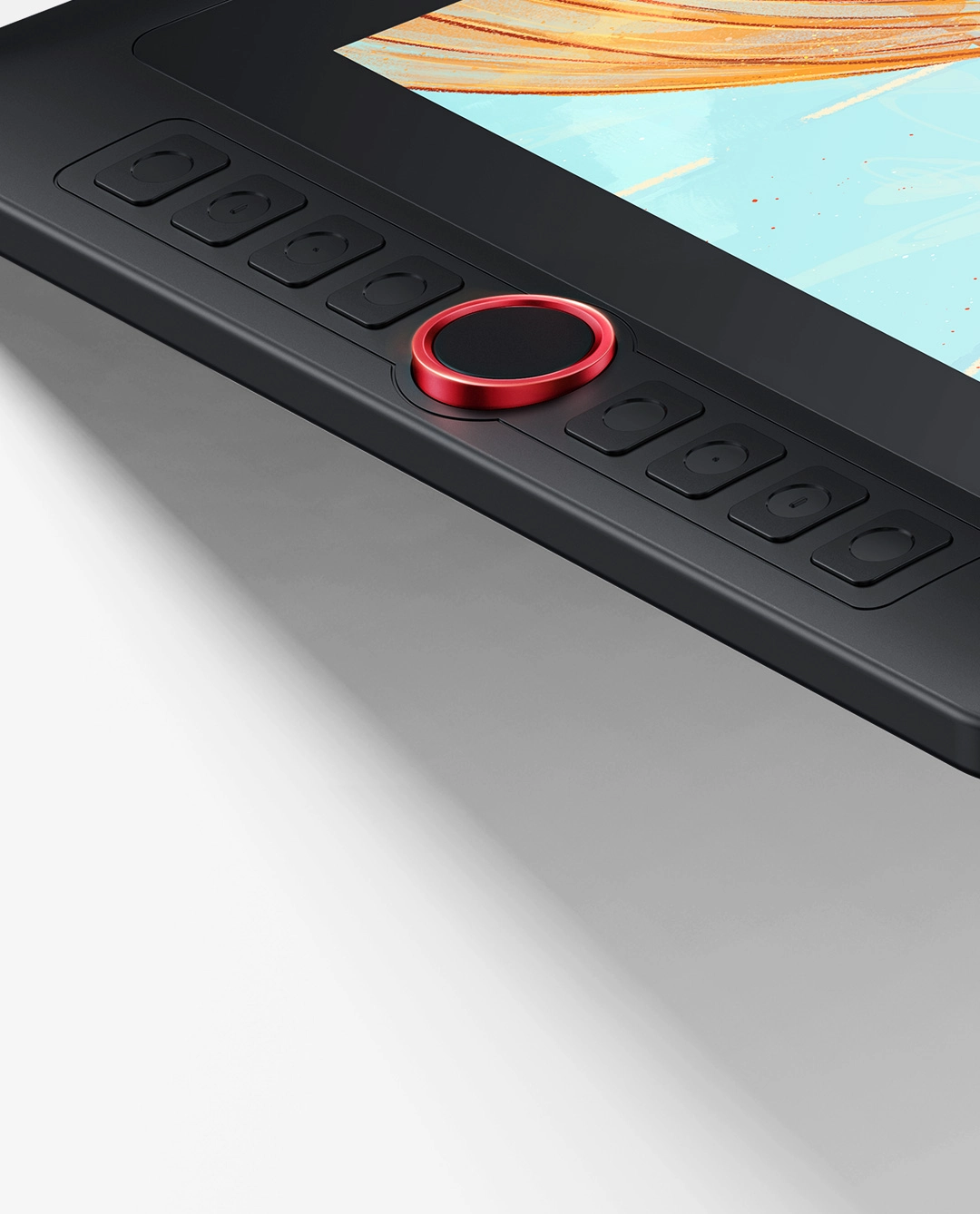
This drawing display boasts the sleek Red Dial quick keys and 8 customizable shortcut keys for unparalleled convenience, allowing for fast and easy creation whether on your tabletop or in other locations.
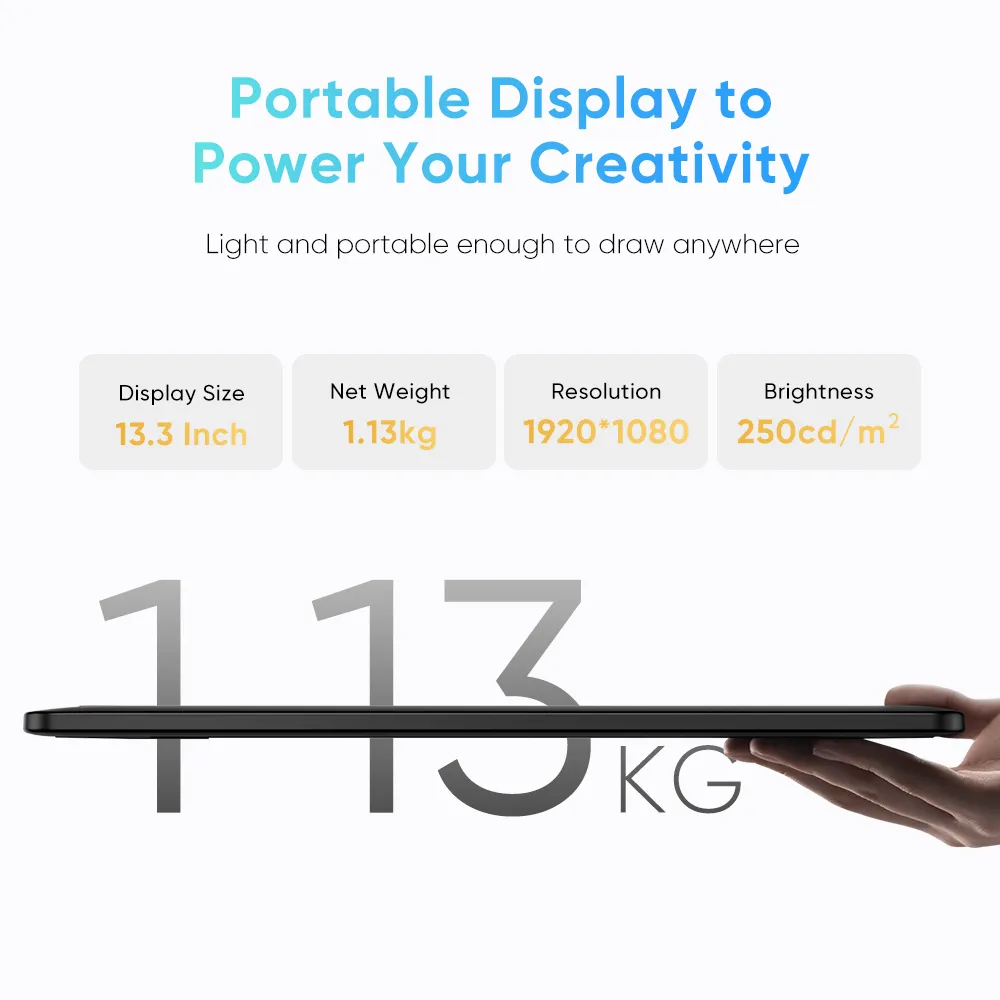
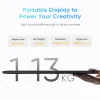
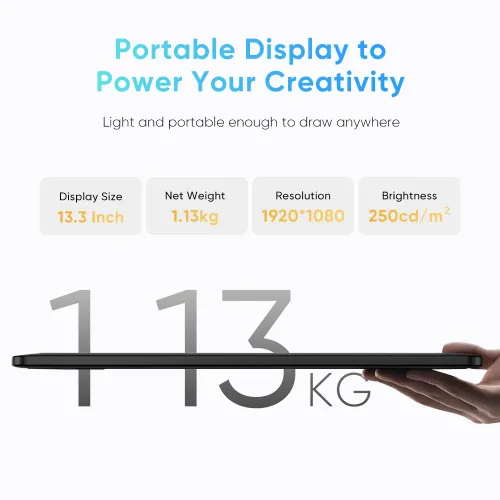
Portable Display to Power Your Creativity
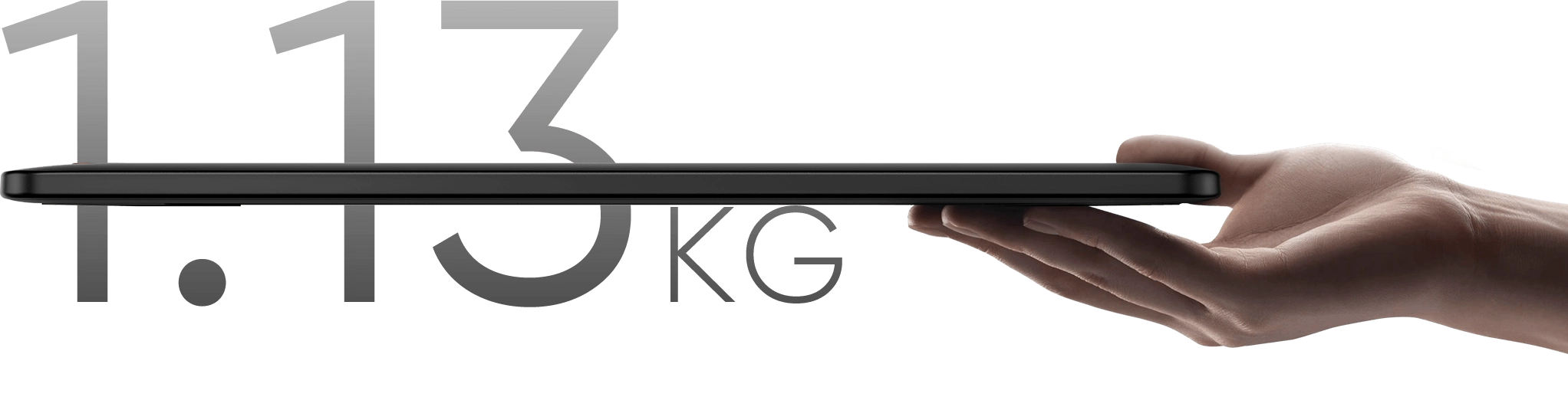
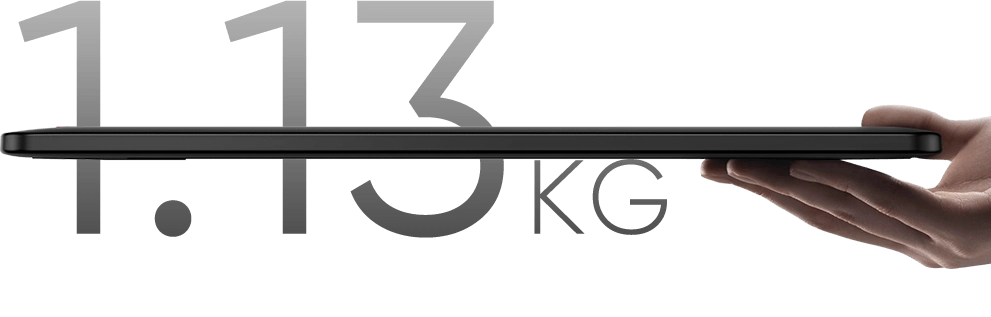
Weighing only 1.13 kg, this 13.3-inch device is highly portable. Its resolution is specifically crafted
to deliver an engaging drawing experience tailored to your needs!
Display Size
13.3 Inch
Net Weight:
1.139kg
Resolution
1920*1080
Aspect Ratio
16:9


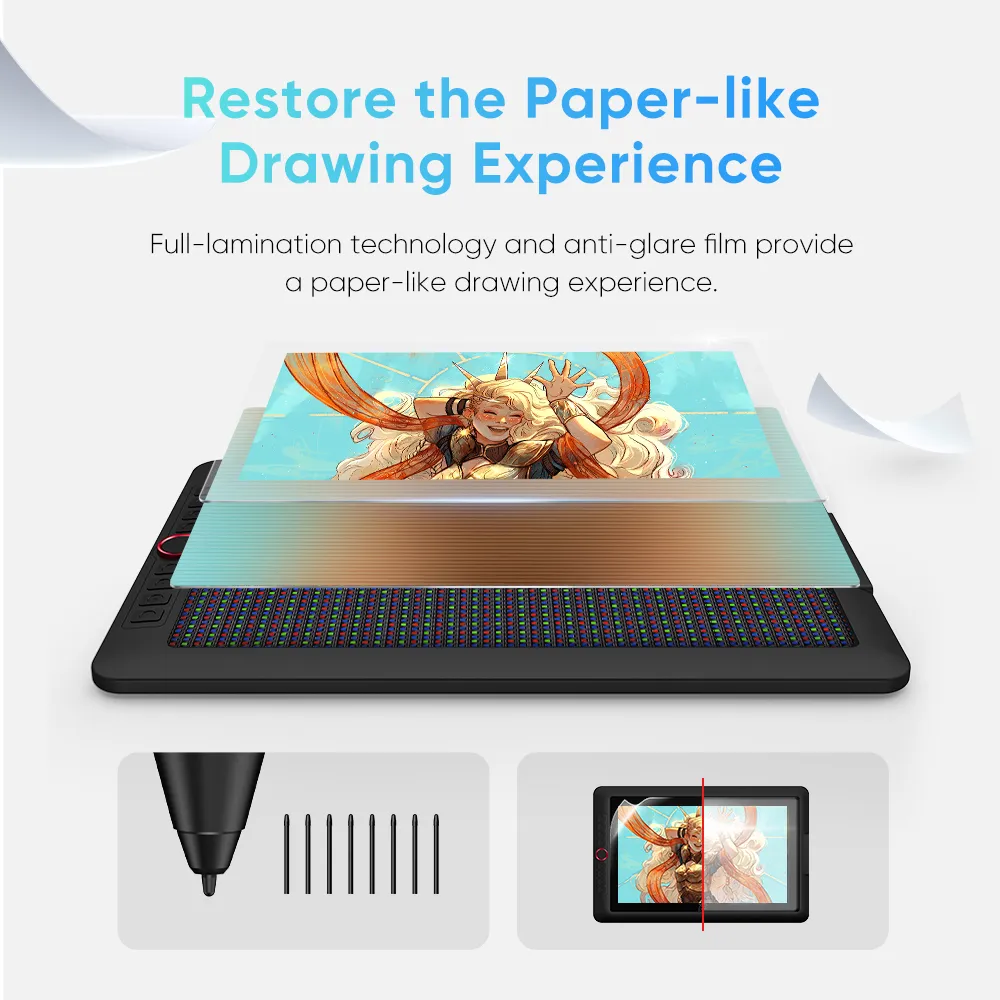
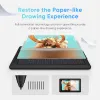
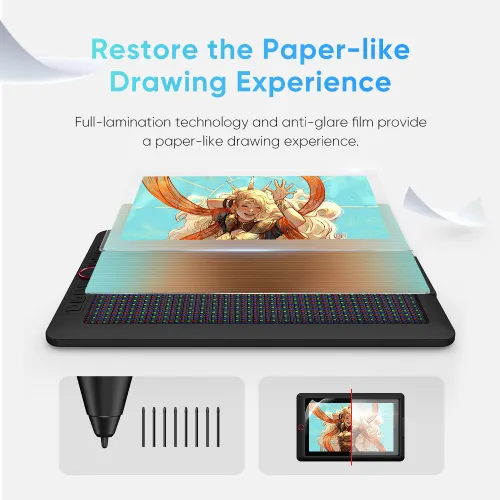
Restore the Paper-like Drawing Experience
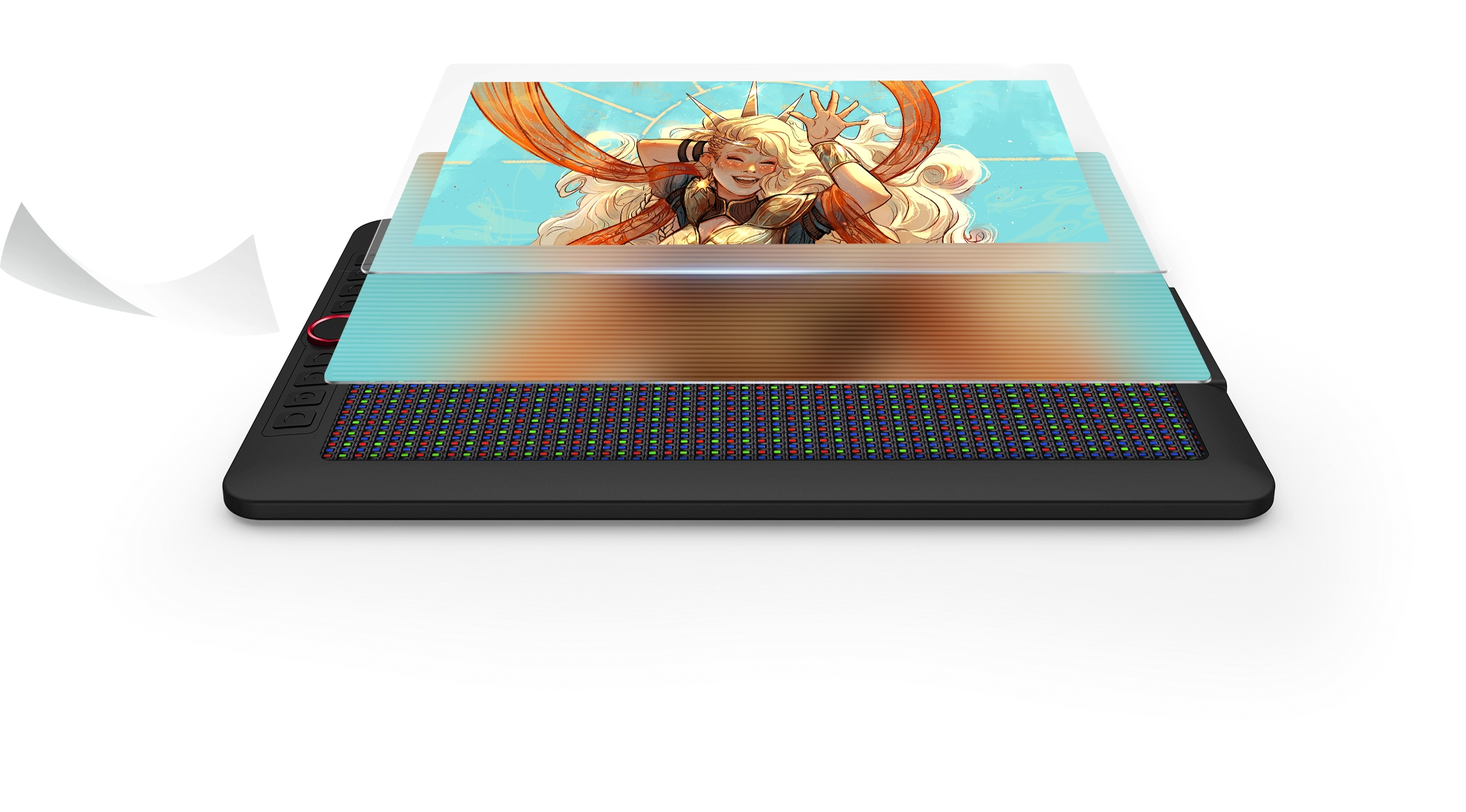
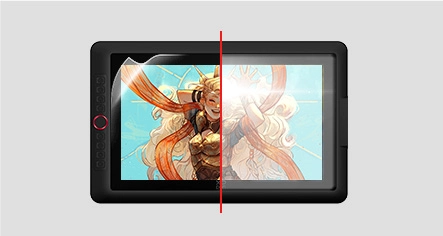
Full-lamination and anti-glare flim reduce the space between the pen nib and the display,
minimizing reflections for uninterrupted creative expression.
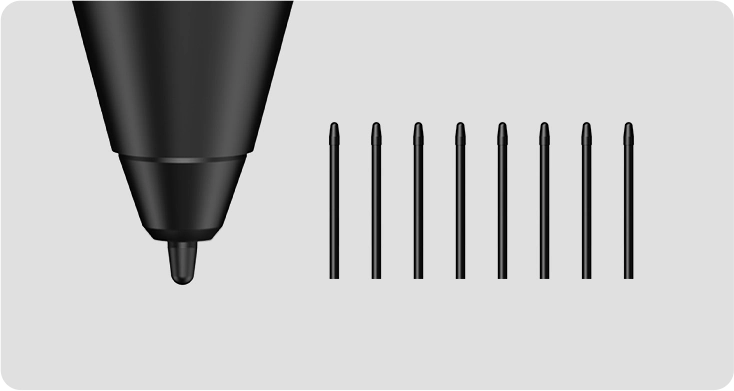
*Felt nib is an optional accessory.

As Powerful As It Is Colorful
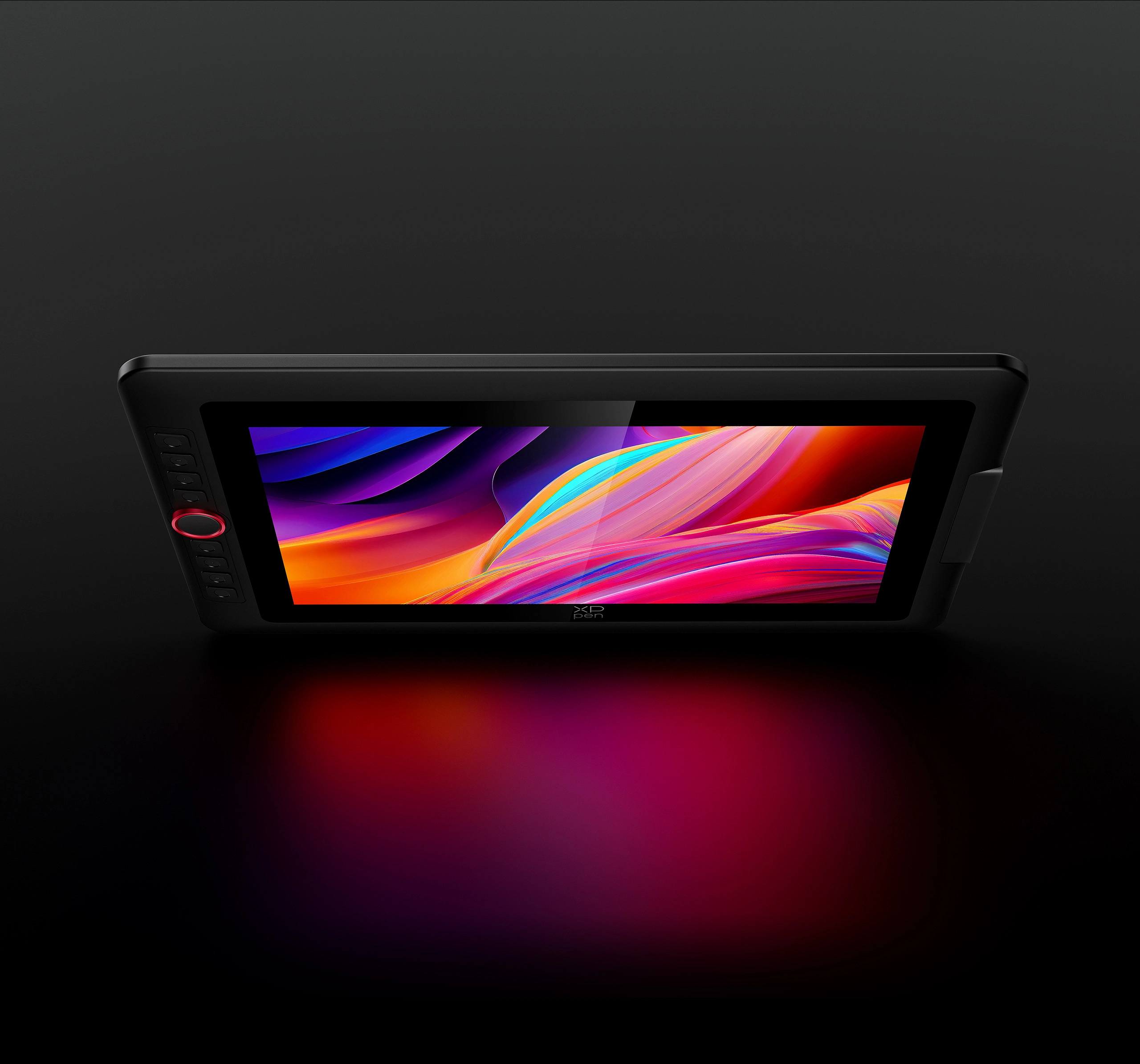
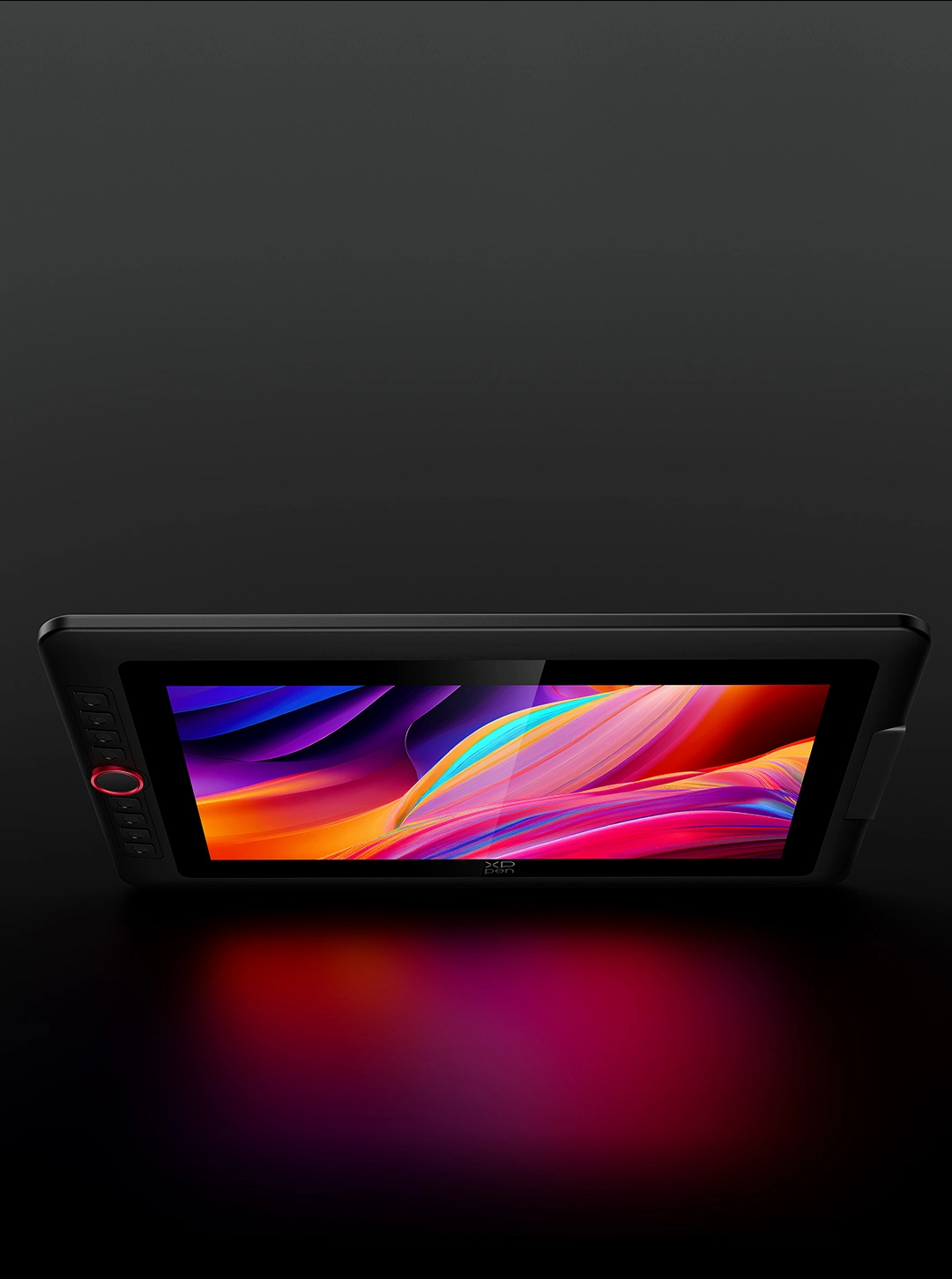
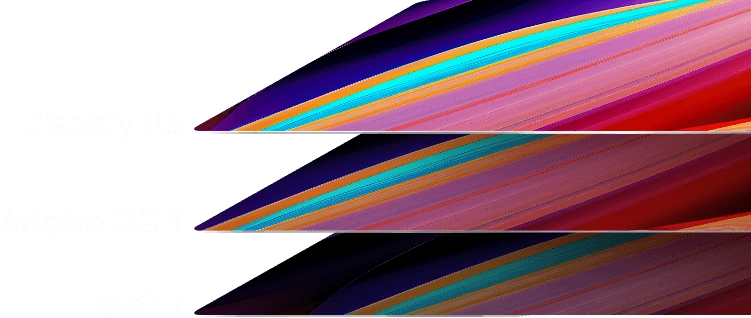
The display accurately reproduces the charm of natural colors with a 99% sRGB color gamut coverage ratio and 250 cd/m² brightness. A brightness adjustment button facilitates drawing in various settings, making your creations visually alluring and perfectly aligned with your inspirations.
Brightness
250 cd/m²
Color Gamut Coverage Ratio (typical)
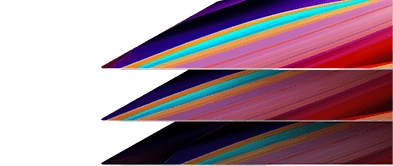
99% sRGB, 89% Adobe RGB, 95% Display P3
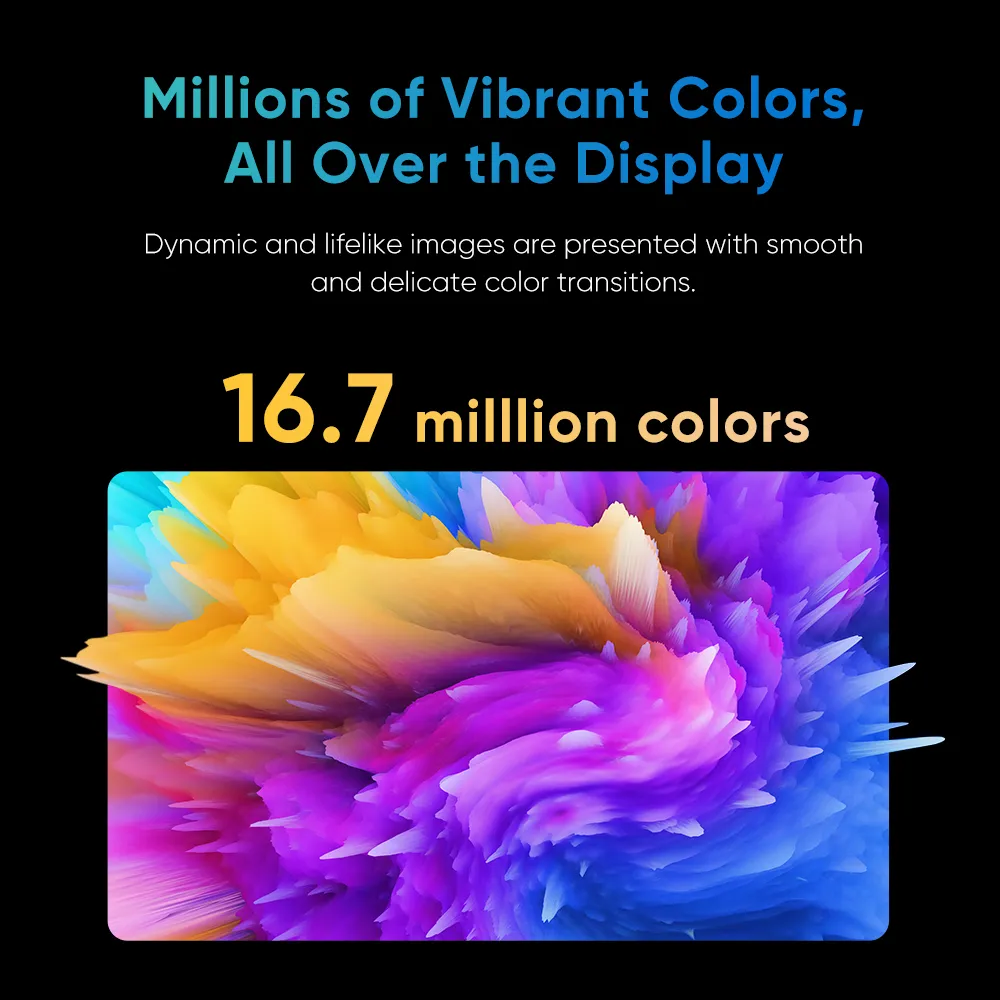
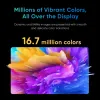
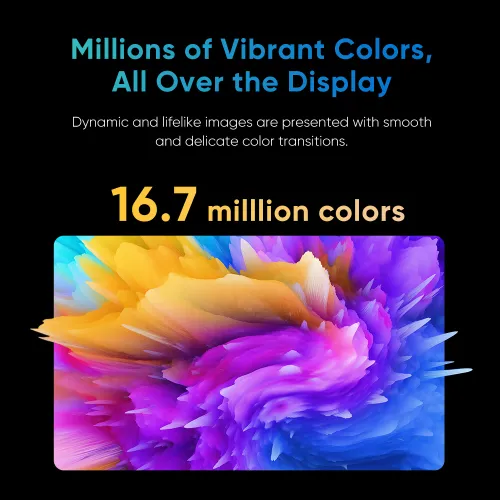
Millions of Vibrant Colors,
All Over the Display
This display supports 16.7 million colors, resulting in vibrant and true-to-life images with smooth and seamless color transitions.
16.7 milllion colors
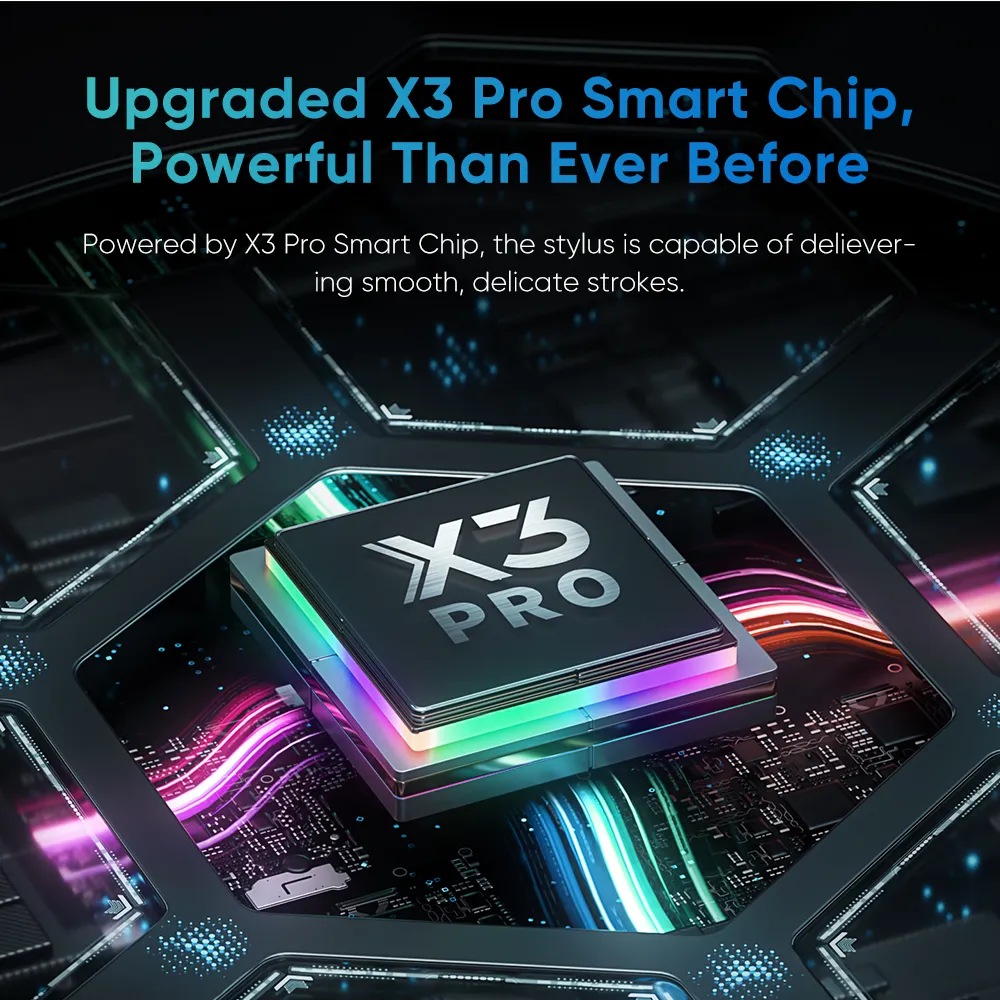
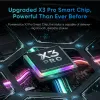
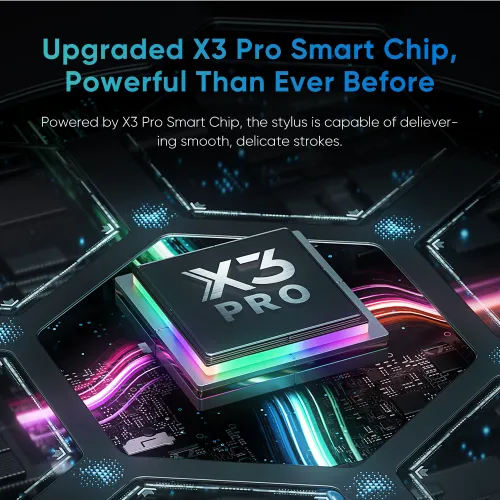
Upgraded X3 Pro Smart Chip,
Powerful Than Ever Before
Your stylus is fully upgraded. Powered by X3 Pro Smart Chip, the X3 Pro Smart Chip Stylus delivers smooth, precise, and delicate strokes than ever before. The felt nibs replicate the feel of a pen on paper. The stylus also has two shortcut keys and a digital eraser, making it more effective for drawing and more comfortable with its silicone grip.
Pressure Level 100% Increase
16384
X3 Pro Smart Chip Stylus
8192
PA2 Battery-free Stylus
* This data was taken from a laboratory simulation test and
may vary depending on the environment where the device is used.
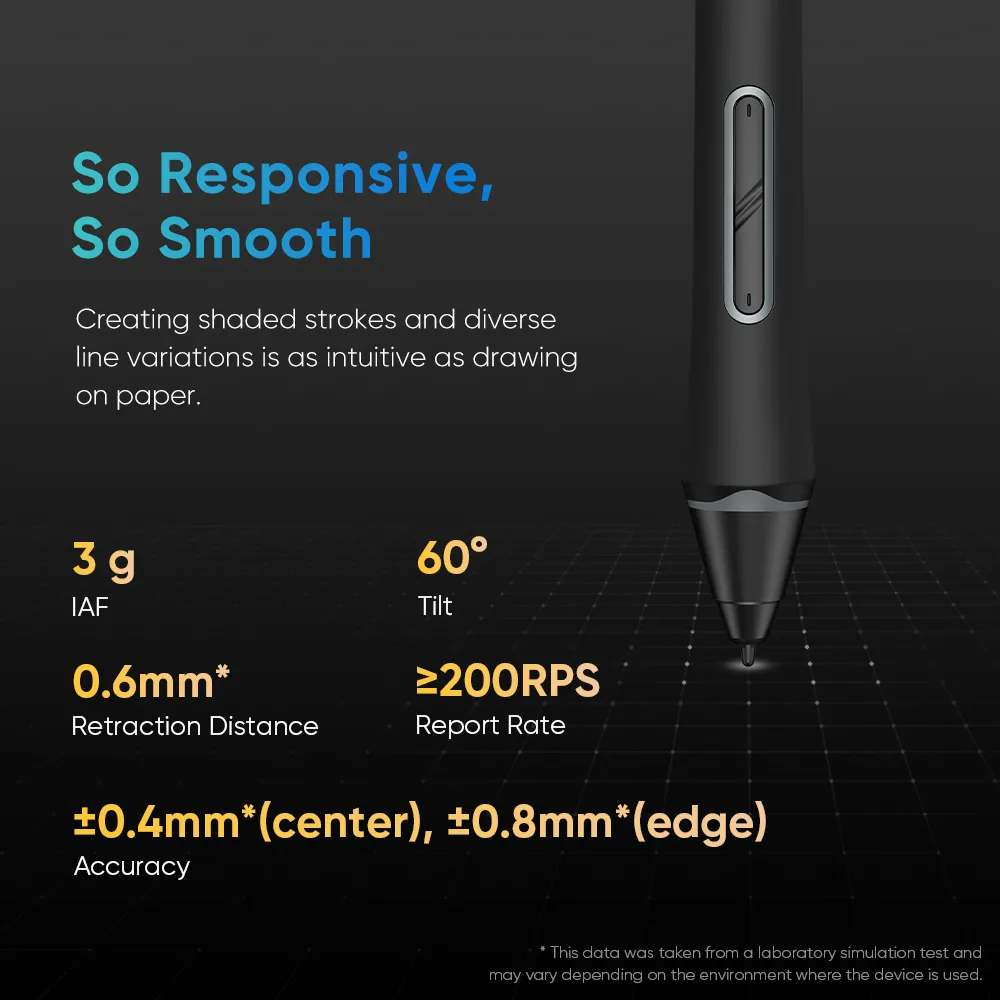
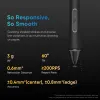
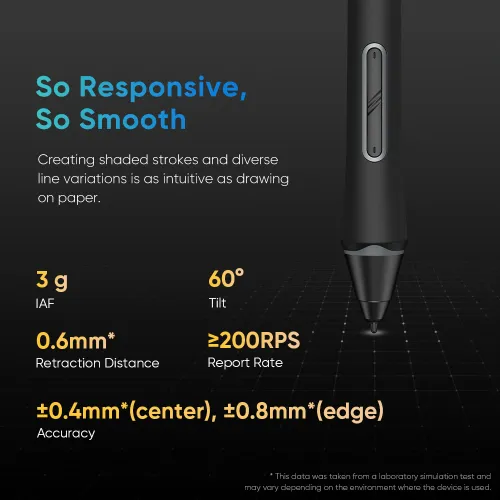
So Responsive, So Smooth
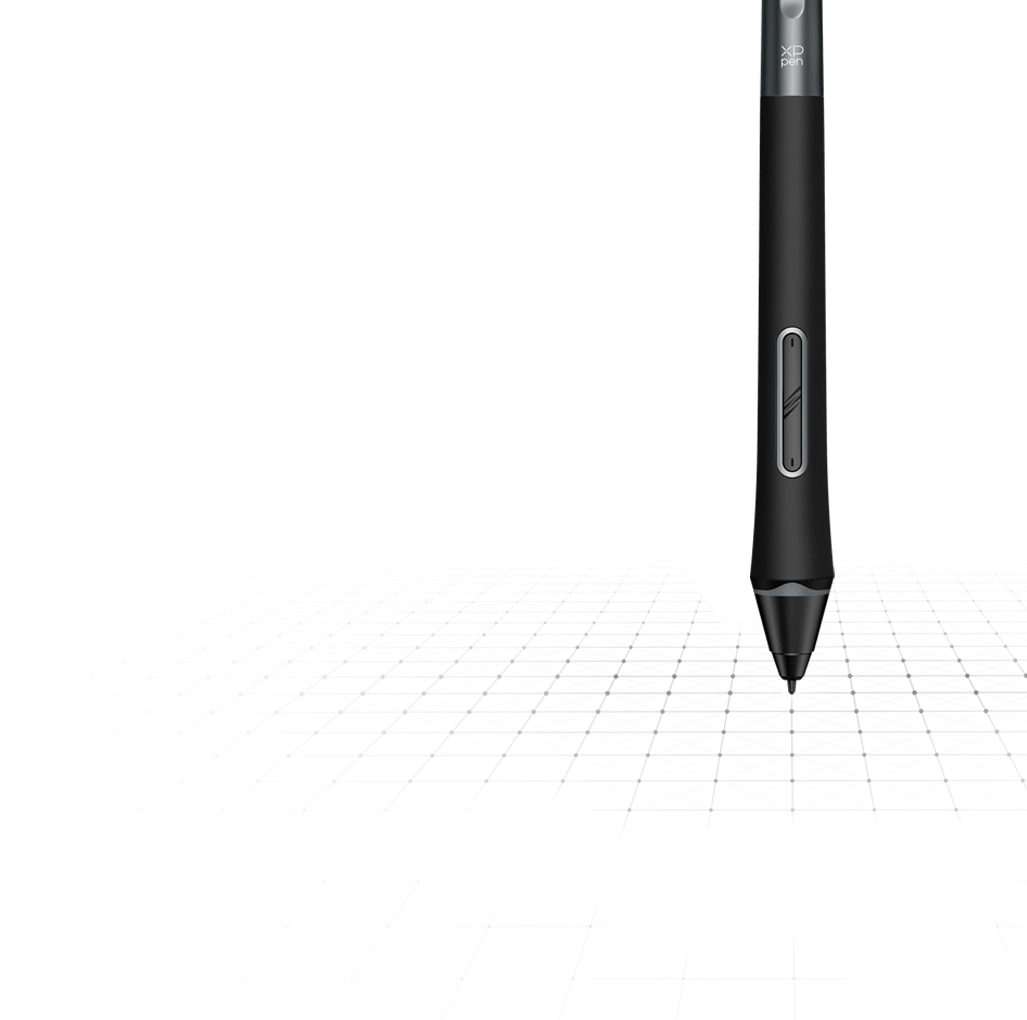
X3 Pro Smart Chip supports 60° tilt and has a high report rate. Creating shaded strokes and diverse line variations is as intuitive as drawing on paper.
3 g
IAF
60°
Tilt
0.6mm*
Retraction Distance
≥200 RPS
Report Rate
±0.4mm*(center), ±0.8mm*(edge)
Accuracy
* This data was taken from a laboratory simulation test and
may vary depending on the environment where the device is used.
X3 Pro Smart Chip
Automatic ID Recognition
The X3 Pro Smart Chip Stylus supports pen ID recognition. You can set up various shortcut keys to meet your personal needs. Just let the creativity flow with the stylus!
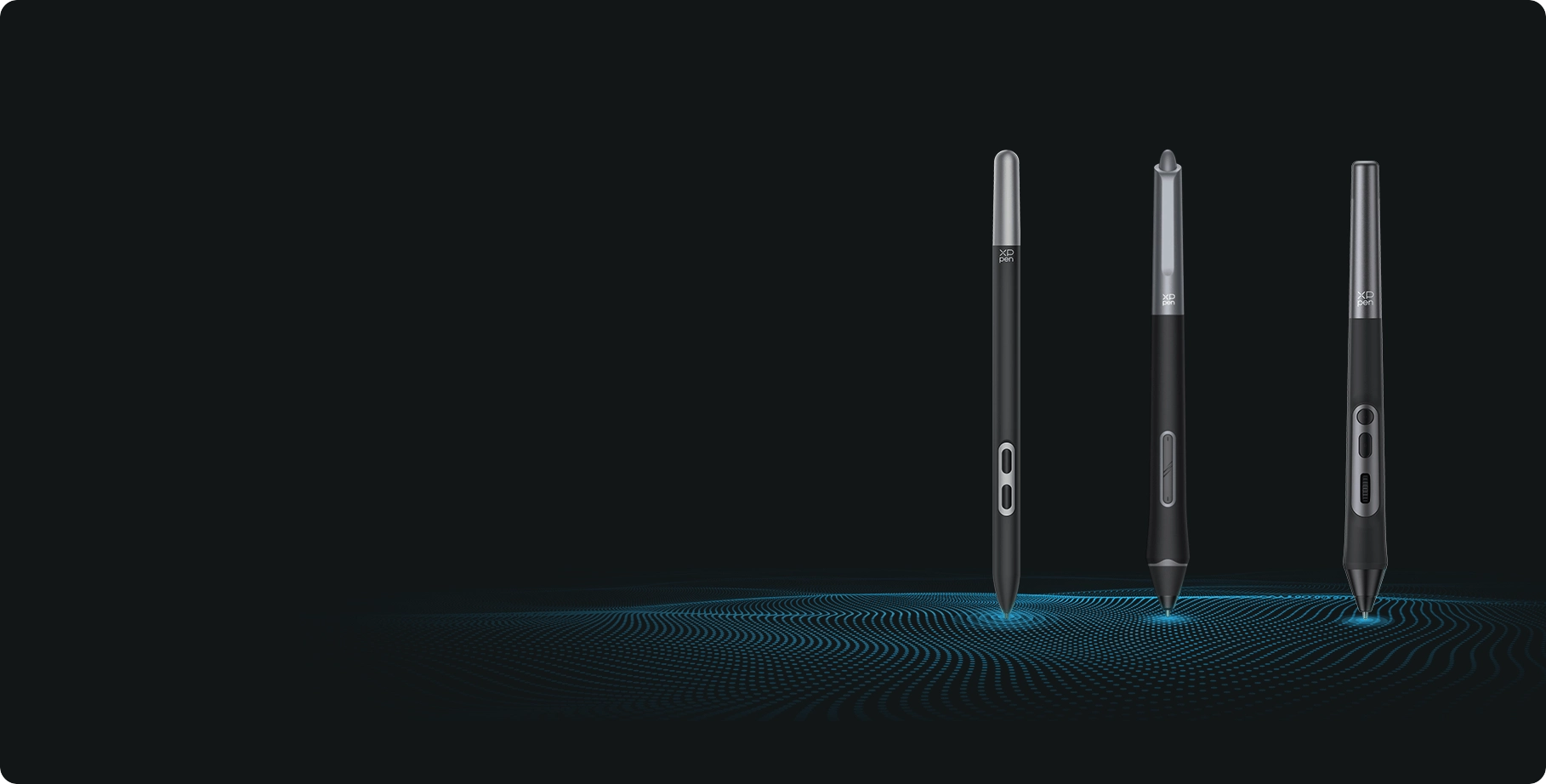
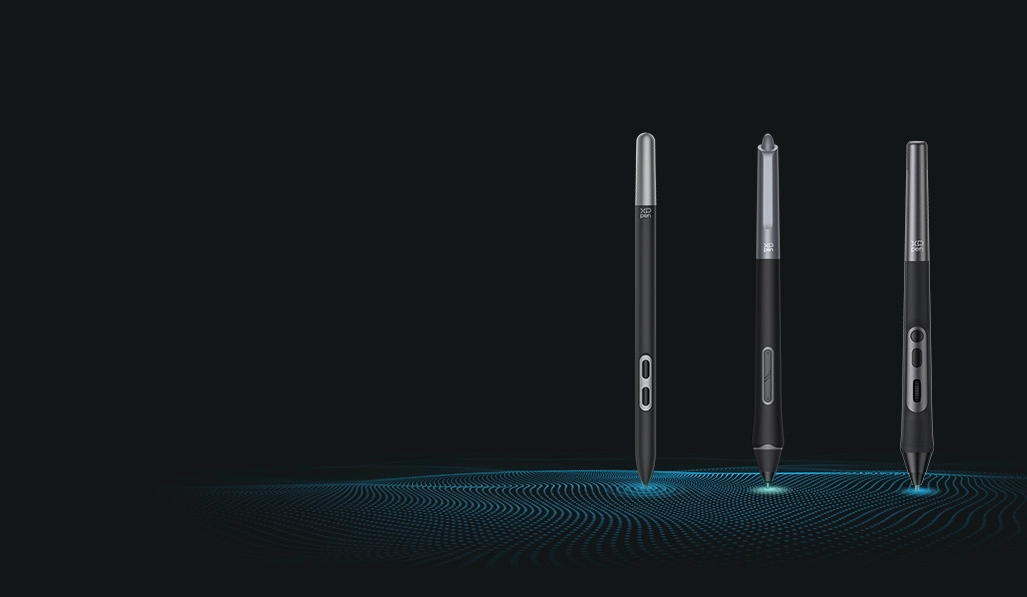
* Artist 13.3 Pro V2 is compatiable with X3 Pro Smart Chip Stylus series.
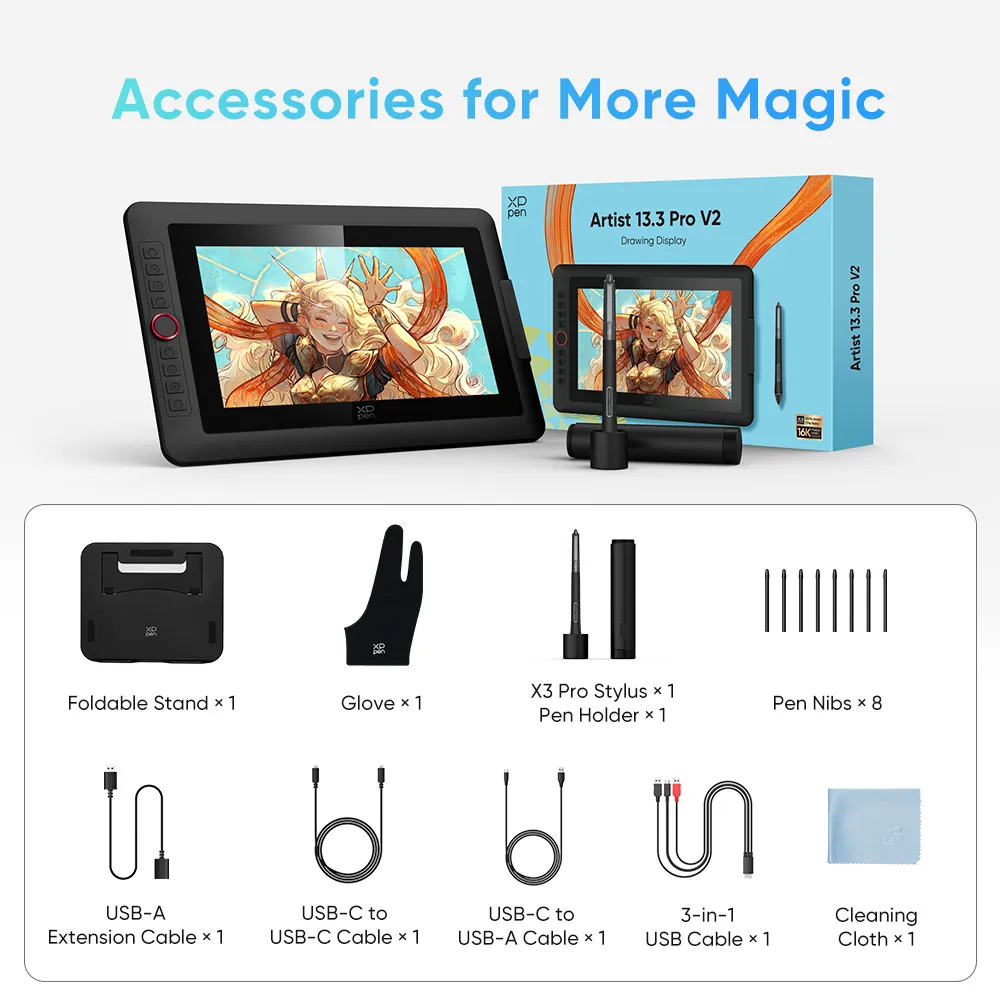
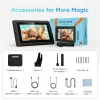
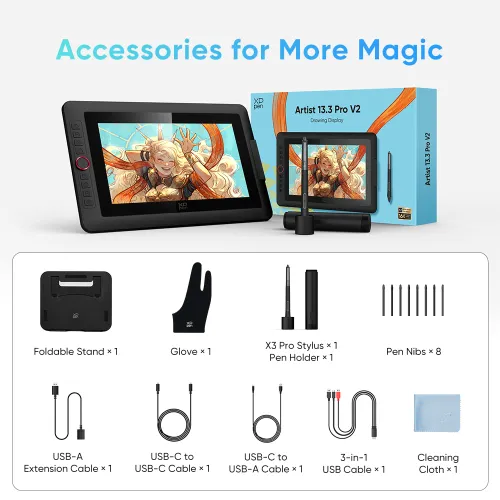
Accessories for More Magic
Portable and Foldable Stand
Prevent shaking or sliding and relieve eye fatigue and hand stiffness.

Pen Holder
Store and protect your stylus and pen nibs.

Full-featured USB-C Cable
No need for adapter, connect directly to your computer.

Comfort and Efficient for Both Hands
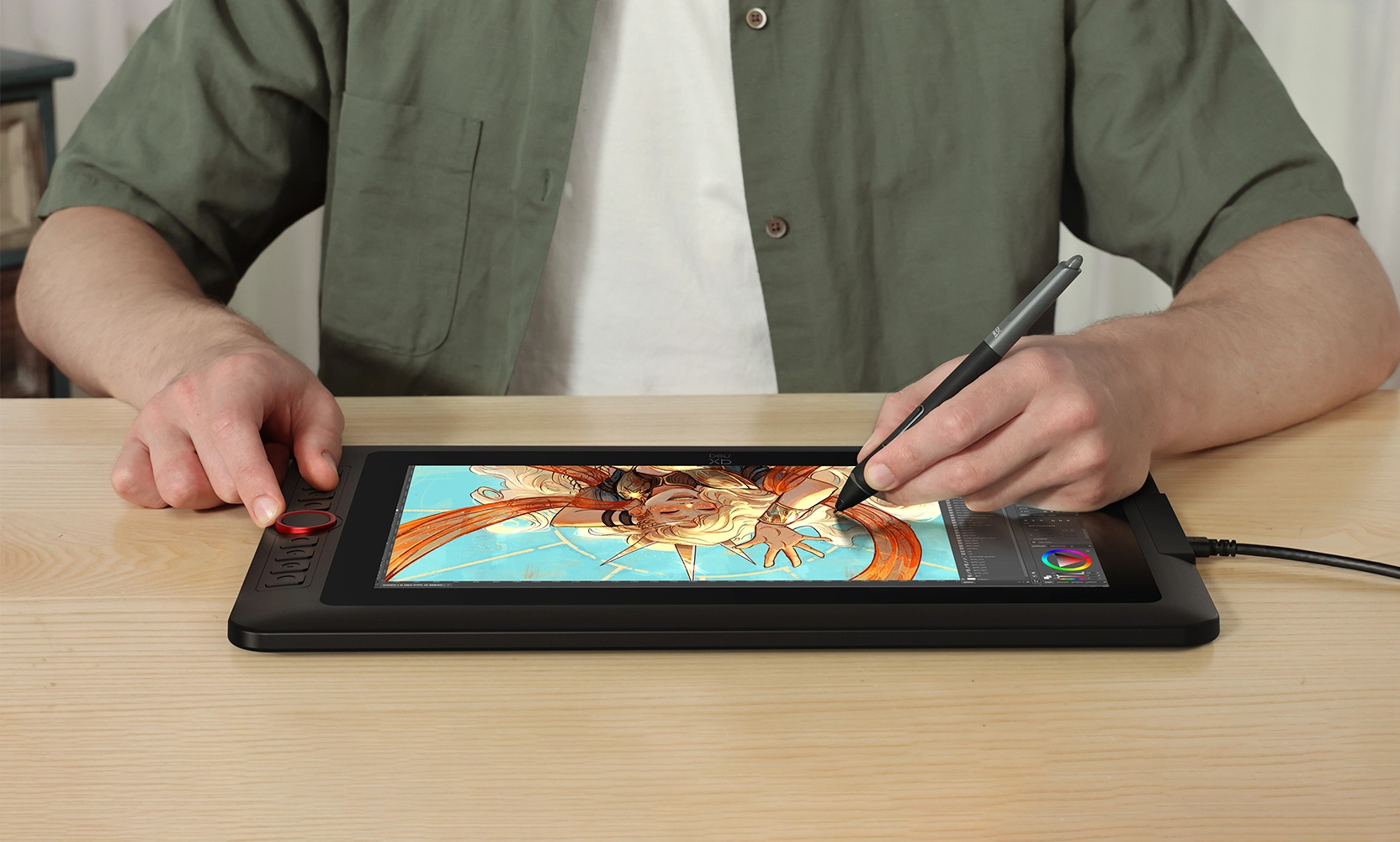
Don't worry if you are a left-hander. You can flip the drawing display through driver settings and set different shortcut keys to adapt to your dominant hand.
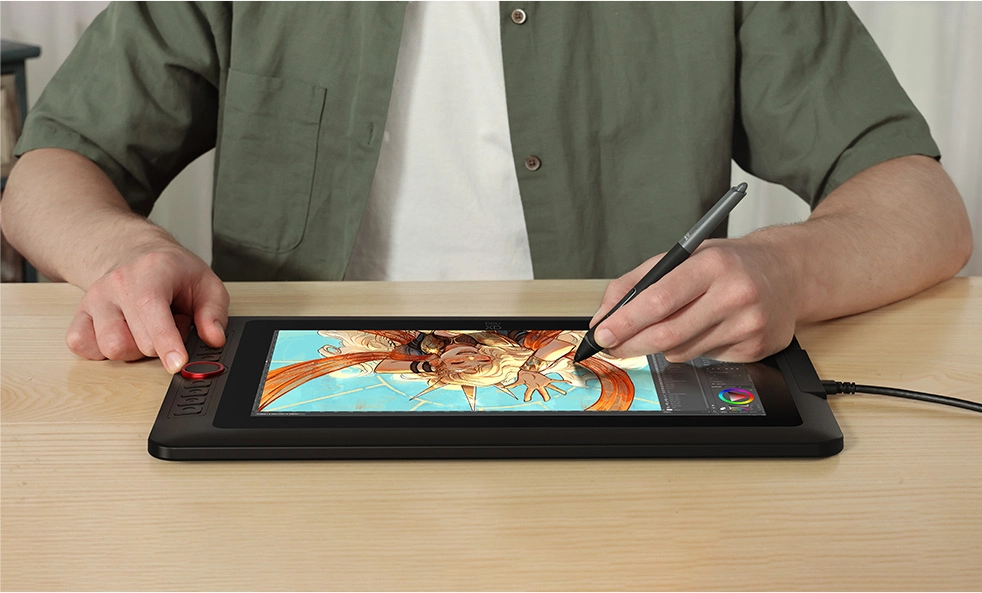
One Display, Infinite Possibilities
The Artist 13.3 Pro V2 is designed to meet the varied requirements of professionals and hobbyists. Its performance is focused on delivering an engaging creative experience for a wide range of artistic forms.
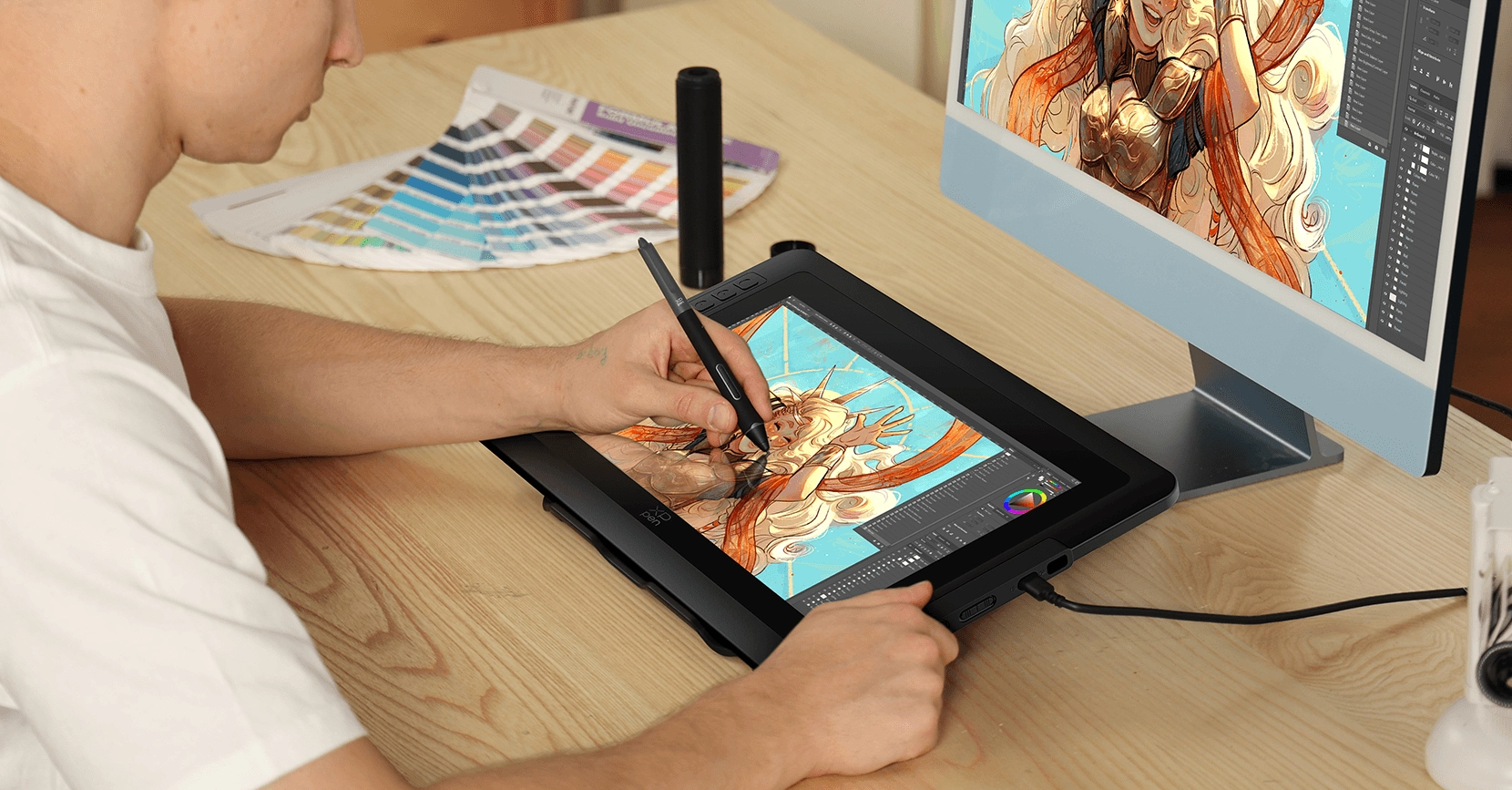

Illustration Creation
Thanks to the upgraded stylus, it delivers delicate and smooth strokes, making drawing feel natural and effortless.


Animation Creation
Excellent color performance that aligns with the concept designer's attention to colors and intricate details.


Photography and Photo Retouching
Relive every wonderful moment with your stylus and imagination.


3D Design
The Red Dial quick keys and eight shortcut keys significantly enhance the efficiency of 3D modeling in architectural design, enabling the seamless presentation of intricate details.


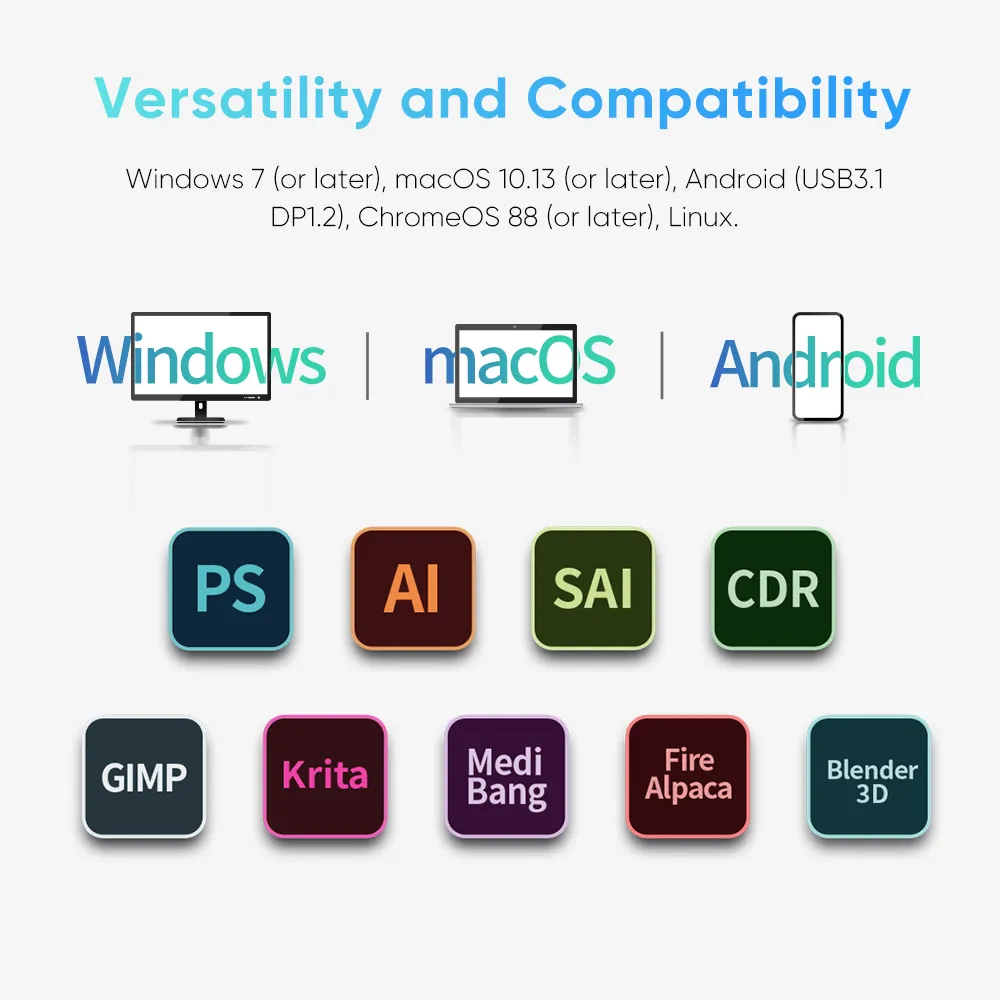
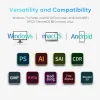
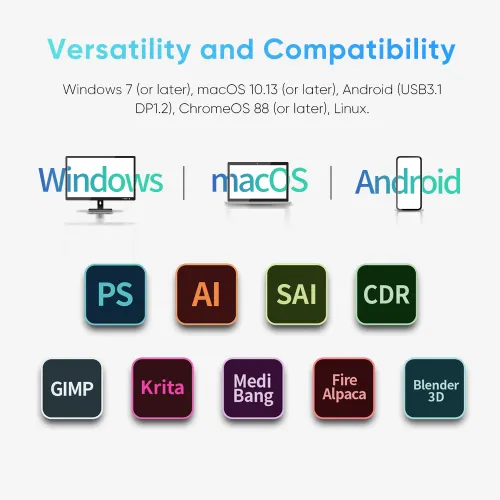
Versatility and Compatibility
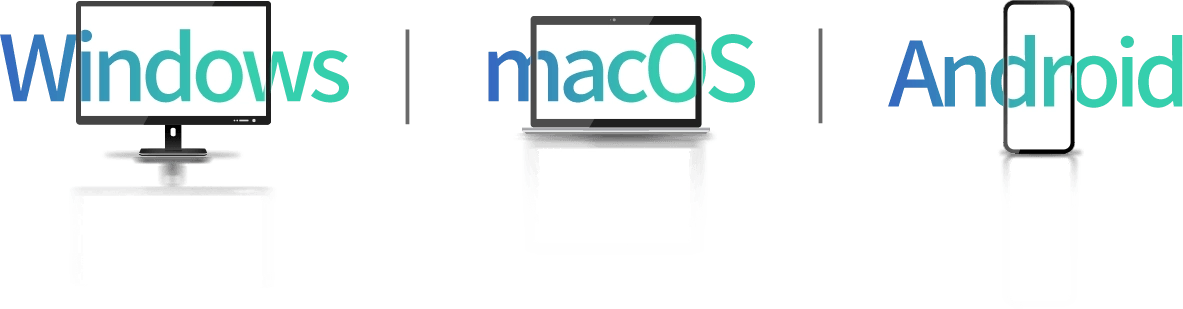
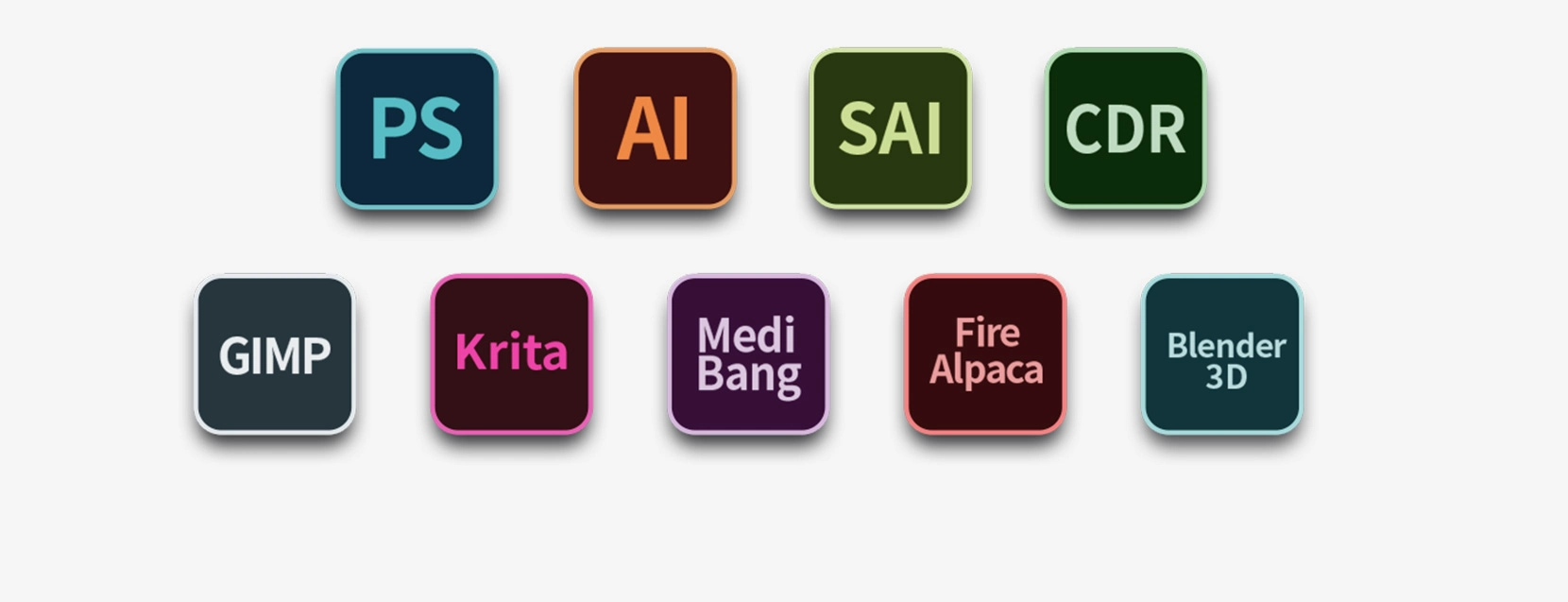
Supports Windows 7 (or later), Android (USB3.1 DP1.2), ChromeOS 88 (or later), Linux, and macOS X 10.13 (or later). Compatible with popular digital art software such as Adobe Photoshop, Illustrator, SAI, CDR, GIMP, Krita, Medibang, Fire Alpaca, Blender 3D and more.
Package Includes
Drawing Display*1
X3 Pro Stylus*1
Pen Holder*1
Pen Nibs*8
Foldable Stand*1
USB-C to USB-C Cable*1
USB-C to USB-A Cable*1
USB-A Extension Cable*1
Glove*1
Cleaning Cloth*1
3-in-1 Cable*1
Specifications
| Linux OS | Version | Package Format | Supported Software |
| Arch | Arch Linux2019.12.01(64-bit) | .deb, .sh | GIMP, Krita |
| Centos | Centos7.0(64-bit) | .rpm, .sh | GIMP |
| Centos8(64-bit) | .rpm, .sh | GIMP, Krita | |
| Debian | debian-9.5.0-amd64-netinst(64-bit) | .deb, .sh | GIMP, Krita |
| elementary OS | elementary OS 5.0(64-bit) | .deb, .sh | GIMP, Krita |
| ezgo Linux | ezgo14(64-bit) | .deb, .sh | GIMP, Krita |
| Fedora | Fedora32(64-bit) | .rpm, .sh | GIMP, Krita |
| Mageia | Mageia-7.1(64-bit) | .rpm, .sh | GIMP, Krita |
| Manjaro | manjaro-xfce-20.1.2-201019(64-bit) | .deb, .sh | GIMP |
| Mint | linuxmint-18.2-cinnamon-64bit | .deb, .sh | GIMP, Krita |
| OpenSUSE | openSUSE-Tumbleweed(64-bit) | .rpm, .sh | GIMP, Krita |
| Pop!_OS | pop-os_19.10(64-bit) | .deb, .sh | GIMP, Krita |
| Red Hat | Red Hat7(64-bit) | .rpm, .sh | GIMP |
| Ubuntu | Ubuntu14.04(64-bit) | .deb, .sh | GIMP, Krita |
| Ubuntu16.04(64-bit) | .deb, .sh | GIMP, Krita | |
| Ubuntu17.04(64-bit) | .deb, .sh | GIMP, Krita | |
| Ubuntu18.04(64-bit) | .deb, .sh | GIMP, Krita | |
| Ubuntu19.04(64-bit) | .deb, .sh | GIMP, Krita | |
| Ubuntu20.04(64-bit) | .deb, .sh | GIMP, Krita |
| Function | Krita 4.3.0 | Gimp 2.10.20 | Inkscape 0.92 |
| Pen Pressure Sensitivity | |||
| Tilt | |||
| Mouse Function | |||
| Eraser Button (Stylus:PH01, P06) | |||
| Switch between Pen and Eraser Modes | |||
| *If you have any further queries, please do not hesitate to contact us at service@xp-pen.com. | |||
Linux OS
Arch
Version
Arch Linux2019.12.01(64-bit)
Package Format
.deb, .sh
Supported Software
GIMP, Krita
Centos
Version
Centos7.0(64-bit)
Centos8(64-bit)
Centos8(64-bit)
Package Format
.rpm, .sh
.rpm, .sh
.rpm, .sh
Supported Software
GIMP
GIMP, Krita
GIMP, Krita
Debian
Version
debian-9.5.0-amd64-netinst(64-bit)
Package Format
.deb, .sh
Supported Software
GIMP, Krita
elementary OS
Version
elementary OS 5.0(64-bit)
Package Format
.deb, .sh
Supported Software
GIMP, Krita
ezgo Linux
Version
ezgo14(64-bit)
Package Format
.deb, .sh
Supported Software
GIMP, Krita
Fedora
Version
Fedora32(64-bit)
Package Format
.rpm, .sh
Supported Software
GIMP, Krita
Mageia
Version
Mageia-7.1(64-bit)
Package Format
.rpm, .sh
Supported Software
GIMP, Krita
Manjaro
Version
manjaro-xfce-20.1.2-201019(64-bit)
Package Format
.deb, .sh
Supported Software
GIMP
Mint
Version
linuxmint-18.2-cinnamon-64bit
Package Format
.deb, .sh
Supported Software
GIMP, Krita
OpenSUSE
Version
openSUSE-Tumbleweed(64-bit)
Package Format
.rpm, .sh
Supported Software
GIMP, Krita
Pop!_OS
Version
pop-os_19.10(64-bit)
Package Format
.deb, .sh
Supported Software
GIMP, Krita
Red Hat
Version
Red Hat7(64-bit)
Package Format
.rpm, .sh
Supported Software
GIMP
Ubuntu
Version
Ubuntu14.04(64-bit)
Ubuntu16.04(64-bit)
Ubuntu17.04(64-bit)
Ubuntu18.04(64-bit)
Ubuntu19.04(64-bit)
Ubuntu20.04(64-bit)
Ubuntu16.04(64-bit)
Ubuntu17.04(64-bit)
Ubuntu18.04(64-bit)
Ubuntu19.04(64-bit)
Ubuntu20.04(64-bit)
Package Format
.deb, .sh
.deb, .sh
.deb, .sh
.deb, .sh
.deb, .sh
.deb, .sh
.deb, .sh
.deb, .sh
.deb, .sh
.deb, .sh
.deb, .sh
Supported Software
GIMP, Krita
GIMP, Krita
GIMP, Krita
GIMP, Krita
GIMP, Krita
GIMP, Krita
GIMP, Krita
GIMP, Krita
GIMP, Krita
GIMP, Krita
GIMP, Krita
Function
Pen Pressure Sensitivity
Krita 4.3.0
Gimp 2.10.20
Inkscape 0.92
Tilt
Krita 4.3.0
Gimp 2.10.20
Inkscape 0.92
Mouse Function
Krita 4.3.0
Gimp 2.10.20
Inkscape 0.92
Eraser Button(Stylus:PH01, P06)
Krita 4.3.0
Gimp 2.10.20
Inkscape 0.92
Switch between Penand Eraser Modes
Krita 4.3.0
Gimp 2.10.20
Inkscape 0.92
*If you have any further queries, please do not hesitate to contact us at service@xp-pen.com.
| List of compatible Android devices | |
| HUAWEI Mate 10 | HUAWEI Mate 10 Pro |
| HUAWEI Mate 20 | HUAWEI Mate 20 Pro |
| HUAWEI Mate 20 X | HUAWEI Mate 30 Pro |
| HUAWEI Mate 40 | HUAWEI Mate 40 pro |
| HUAWEI Mate 30E Pro 5G | HUAWEI P20 |
| HUAWEI P20 Pro | HUAWEI P30 |
| HUAWEI P30 Pro | HUAWEI P40 |
| HUAWEI P40 Pro | HUAWEI P40 Pro+ |
| HUAWEI Mate 50 | HUAWEI Mate 50 Pro |
| HUAWEI Mate 40E | HUAWEI Mate 40 Pro+ |
| HUAWEI P50 Pro | HUAWEI P50 |
| HUAWEI P50E | HUAWEI Mate X2 |
| HUAWEI Mate Xs2 | HUAWEI Mate 50E |
| HUAWEI Mate 40E Pro | HUAWEI Mate 40 RS |
| HUAWEI P50 Pocket | Honor Note10 |
| Honor V20 | Honor 30pro+ |
| Honor Magic4 | Honor Magic4 Pro |
| Samsung Galaxy A90 5G | Samsung Galaxy Note9 |
| Samsung Galaxy Note10 | Samsung Galaxy Note10+ 5G |
| Samsung Galaxy S8 | Samsung Galaxy S8+ |
| Samsung Galaxy S9 | Samsung Galaxy S9+ |
| Samsung Galaxy S10 | Samsung Galaxy S10+ |
| Samsung Galaxy S10e | Samsung Galaxy S20 |
| Samsung Galaxy S20+ | Samsung Galaxy S20 Ultra |
| Samsung Galaxy S20 FE 5G | Samsung Galaxy S21 |
| Samsung Galaxy S21 FE | Samsung Galaxy S21 ultra |
| Samsung Galaxy S22 | Samsung Galaxy S22 Ultra |
| Samsung Galaxy Note20 | Samsung Galaxy Note20 Ultra |
| Samsung Galaxy Tab S7 | Samsung Galaxy Tab S7 FE |
| Samsung Galaxy Tab S5e | Samsung Galaxy S21+ |
| Samsung Galaxy S22+ | Samsung Galaxy S23 |
| Samsung Galaxy S23+ | Samsung Galaxy S23 Ultra |
| Samsung Galaxy Z Fold4 | Samsung W23 |
| Samsung W22 | Samsung W21 |
| Samsung W20 | Samsung Galaxy Tab S8 |
| Samsung Galaxy Tab S8+ | Samsung Galaxy Tab S8 Ultra |
| Samsung Galaxy Tab S7+ | Samsung Galaxy Tab S6 |
| Samsung Galaxy Tab S6 Lite | |
4.7


3 temel alınarak
67%(2)

33%(1)
0(0)
0(0)
0(0)
Luka
Nov 05 ,2022 PM 19:30 Artist 13.3 Pro V2
LOVE IT
I couldn't be happier with it. This is my first screen tablet ever and I'm glad I went for XP-Pen. The tablet is just so fun and comfy to draw with and is overall a REAAAALLY good choice. Also, XP-Pen was also really helpful with the order, they have great customer service and I thank them for it
İşe yarar(2)+1
XFANS3z2vp9zt
Nov 22 ,2023 PM 14:48 Artist 13.3 Pro V2
Worth the Money and the Wait!
So this was going to be my first drawing monitor/display so i was kinda picky but not that picky because i didn't had that much of a budget but after recieving the tablet and trying for now i guess 5 days, its really worth its money, firstly the packaging was handleled perfectly and the customer support was always helpful, i had my case and the screen protectors shipped from china and they helped all the way through, only negative thing i can say is that i would prefered the case and the screen protectors would ship at the same time, but still i got everything packaged perfectly.
İşe yarar(2)+1
XFANSccq3queq
Oct 24 ,2023 PM 16:33 Artist 13.3 Pro V2
Good
Very good product but didn’t get any invoice
İşe yarar(4)+1
XFANS1ozayjp1
Sep 01 ,2025 AM 04:57 Artist 13.3 Pro V2
Hello, I recently purchased a tablet from your website. Will the invoice paper be included in the package with the shipment?
Cevap vermek0
XFANSx0altnlw
Sep 03 ,2024 PM 20:21 Artist 13.3 Pro V2
Ürün fiyatı 12899 TL görünüyordu. Satın alınca kredi kartımdan 13398 TL çekildi.
Nedenini açıklar mısınız?
Fazla çekilen miktarın iadesini istiyorum.
Cevap vermek0
XFANSx0altnlw
Sep 03 ,2024 PM 20:20 Artist 13.3 Pro V2
Ürün fiyatı 12899 TL görünüyordu. Satın alınca kredi kartımdan 13398 TL çekildi.
Nedenini açıklar mısınız?
Fazla çekilen miktarın iadesini istiyorum.
Cevap vermek0
XFANSjubag7uo
Aug 25 ,2023 AM 05:19 Artist 13.3 Pro V2
merhaba. macbook pro ile mobil olarak kullanmak istiyorum. sadece type-c ile güç verebilir miyim yoksa sürekli prize mi takmak zorundayım ve 2. nesil 13 ile farkları neler?
Cevap vermek0
XFANS237k278b
Apr 13 ,2023 PM 17:07 Artist 13.3 Pro V2
It shows as Shipping from Turkey Locally does that mean I don't need to pay tax additional to this price?
Cevap vermek1
Official mall
Jul 19 ,2023 PM 16:19
Dear Customer,
Thank you for your question.
If you are going to purchase the product which labeled \"ship from Turkey warehouse, tax-free\" it means you only required to pay the listed price , we will do free shipping from Turkey warehouse local and there will no extra taxes to be charged.
Hope it is helpful to you.
Best Regards
Zoe
Bu incelemeyi yanıtla
XFANS6o5pkxpp
Mar 20 ,2023 PM 23:00 Artist 13.3 Pro V2
Gümrük dahil tüm ücretler fiyata dahil midir? Ve taksit seçeneği var mı?
Cevap vermek1
Official mall
Jul 19 ,2023 PM 16:28
Dear Customer,
Thank you for your question.
If you are going to purchase the product which labeled \"ship from Turkey warehouse, tax-free\" it means you only required to pay the listed price , we will do free shipping from Turkey warehouse local and there will no extra taxes to be charged.
And now we don\'t support istallment payment.
Hope it is helpful to you.
Best Regards
Zoe
Bu incelemeyi yanıtla
XFANSlq10nh5l
Dec 25 ,2022 AM 01:10 Artist 13.3 Pro V2
Can I connect it to my phone? Or only PC?
Cevap vermek1
Official mall
Jul 19 ,2023 PM 16:47
Hi,
Artist 13.3pro can not to connect to a phone, only compatible with Windows 7 (or later),Mac OS X 10.10 (or later),Chrome OS 88 (or later),Linux.
Best Regards
Zoe
Bu incelemeyi yanıtla
XFANSlkbsshib
Apr 15 ,2022 AM 07:11 Artist 13.3 Pro V2
Does the Xp pen 13.3 pen display support touch on it's display? will I be able to use my fingers to control the screen or does it only recognize the pen
Cevap vermek1
Official mall
Apr 15 ,2022 PM 16:59
Dear Customer,
Thank you for your questions.
Artist 13.3pro currently does not support touch function, but Artist pro 16TP support and with 4K resolution.
Here is the link for your reference: https://store.xppen.com.tr/buy/12.html
Best Regards
XPPen
Bu incelemeyi yanıtla